
Discover Kimi Chat, the intelligent assistant with unlimited memory power. Effortlessly remember, retrieve, and respond for a smarter, streamlined experience.
Explore a specific workflow
Explore audio recording tools through the product profiles below. Audio tools handle tasks such as transcription, speech synthesis, sound generation and editing. Distinguish converting existing audio from creating a new recording.
Compare recording length, file types, language support and speaker handling. For voice generation, check pronunciation controls and permission to use any reference voice.
Listen for mispronounced names, unnatural pauses, clipped words and noise. For transcripts, compare the text with the recording and correct speaker labels.
Discover Kimi Chat, the intelligent assistant with unlimited memory power. Effortlessly remember, retrieve, and respond for a smarter, streamlined experience.

Capture and save past audio, screen, and mic recordings effortlessly with Backtrack, the Mac menu bar recorder. Perfect for meetings, calls, webinars, and more.

Apowersoft: Free Multimedia & Online Business Solutions. Record, enrich, convert, and deliver content across computers, web, and mobile.

xDesk: Organize data, protect with Face ID, record and annotate audio, scan to searchable PDFs, annotate photos, and create custom items. Boost productivity!
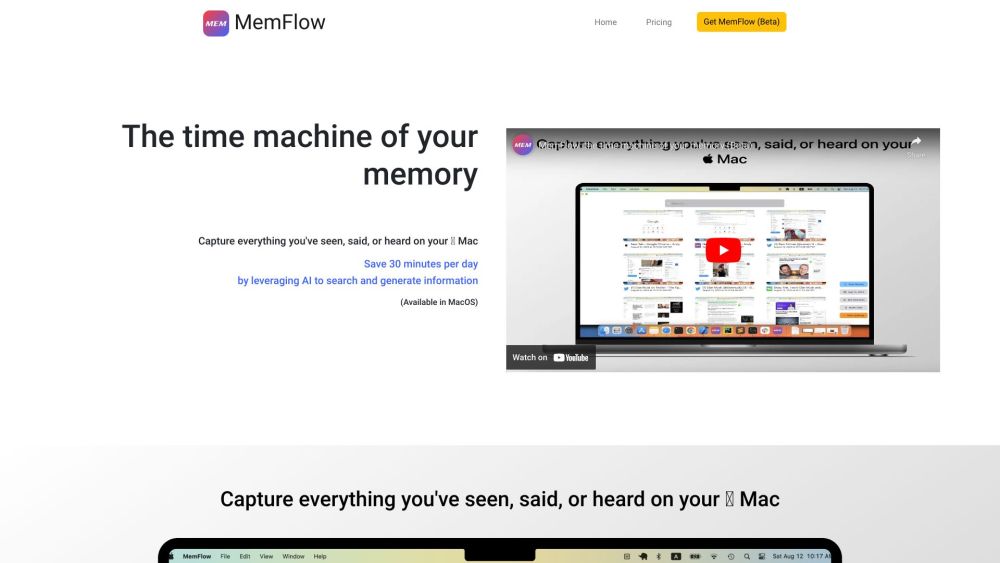
Capture and recall every moment on your Mac effortlessly. MemFlow: Automated screenshots and sound recordings, searchable by semantics. Never miss a memory!
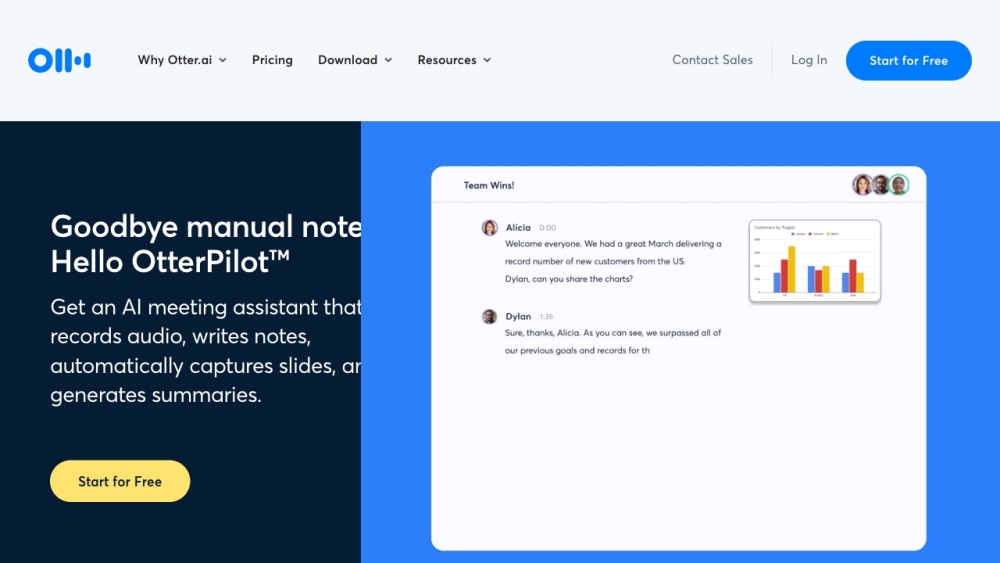
Otter.ai is an AI-powered platform that provides automatic meeting notes with real-time transcription, recorded audio, automated slide capture, and meeting summaries. It helps improve productivity and collaboration in meetings by providing a comprehensive record of discussions and enabling easy access to key information.

Transform your audio content with Adobe Podcast: AI-powered recording, transcription, editing, and sharing for crisp, clear, and high-quality results.

Wave: AI Note Taker - Transcribes & summarizes audio/calls in any language. Capture critical info effortlessly, anytime, anywhere with this essential iOS app.

Wavve AI: record, transcribe, summarize, and convert audio to text. Your all-in-one solution for effortless content generation and voice note conversion!
FAQ
Practical answers to help you take the next step.
Audio tools handle tasks such as transcription, speech synthesis, sound generation and editing. Distinguish converting existing audio from creating a new recording.
Compare recording length, file types, language support and speaker handling. For voice generation, check pronunciation controls and permission to use any reference voice.
Listen for mispronounced names, unnatural pauses, clipped words and noise. For transcripts, compare the text with the recording and correct speaker labels.
Use a short recording with names, numbers and more than one speaker, or a script with difficult pronunciation. Review the exported audio or transcript in full.
Discover Kimi Chat, the intelligent assistant with unlimited memory power. Effortlessly remember, retrieve, and respond for a smarter, streamlined experience.
Read about Kimi ChatCapture and save past audio, screen, and mic recordings effortlessly with Backtrack, the Mac menu bar recorder. Perfect for meetings, calls, webinars, and more.
Read about BacktrackApowersoft: Free Multimedia & Online Business Solutions. Record, enrich, convert, and deliver content across computers, web, and mobile.
Read about ApowersoftxDesk: Organize data, protect with Face ID, record and annotate audio, scan to searchable PDFs, annotate photos, and create custom items. Boost productivity!
Read about xDeskCapture and recall every moment on your Mac effortlessly. MemFlow: Automated screenshots and sound recordings, searchable by semantics. Never miss a memory!
Read about MemFlowOtter.ai is an AI-powered platform that provides automatic meeting notes with real-time transcription, recorded audio, automated slide capture, and meeting summaries. It helps improve productivity and collaboration in meetings by providing a comprehensive record of discussions and enabling easy access to key information.
Read about Otter.ai