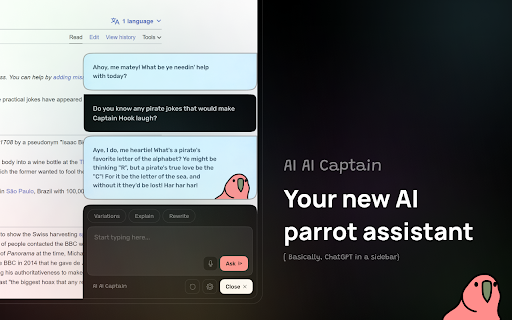
AI Cap’n - Chrome Extension: Your ChatGPT-powered AI assistant for browsing. Boost productivity, answer questions, and enhance online experience seamlessly!
Explore a specific workflow
Explore api key tools through the product profiles below. Coding tools assist with tasks such as generation, explanation, review and debugging. Match the product to your language, repository and review process.
Compare repository access, context limits, supported languages and tool permissions. Check whether the assistant can read relevant files and run your existing checks.
Review the diff, run tests and inspect error handling and dependency changes. Generated code should meet the same review standard as a human contribution.
AI Cap’n - Chrome Extension: Your ChatGPT-powered AI assistant for browsing. Boost productivity, answer questions, and enhance online experience seamlessly!
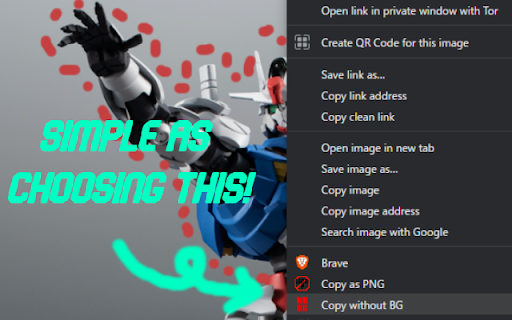
Remove.bg Background Remover: Instantly remove backgrounds with this Chrome extension. Easy, fast, and accurate—perfect for creating professional images in seconds!

Elevate your customer interactions with Ghostly—customizable chatbots integrated with your API key for personalized, automated engagement.
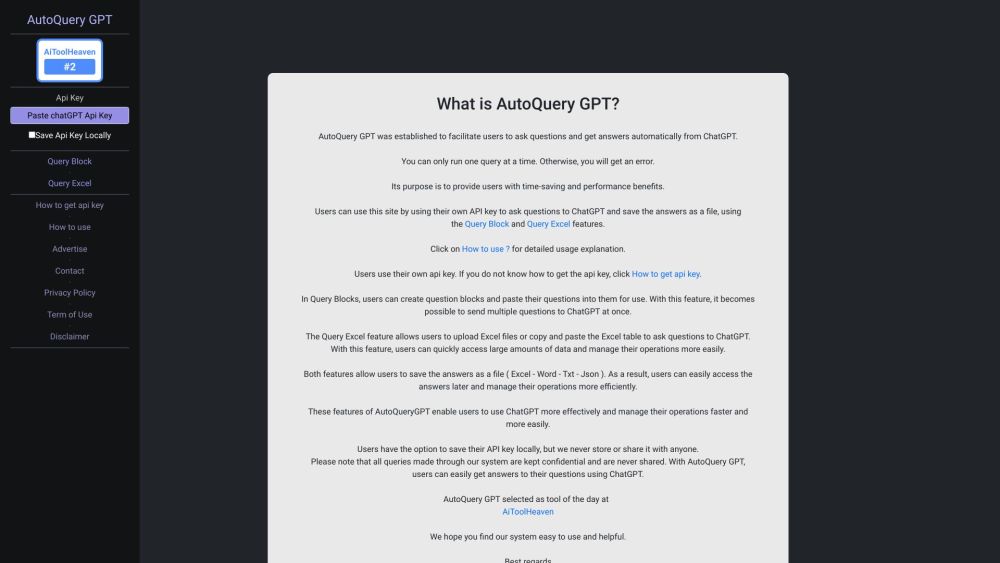
AutoQuery GPT: Automate Q&A with ChatGPT. Streamline inquiries and get instant, accurate answers with our powerful AI-driven platform.
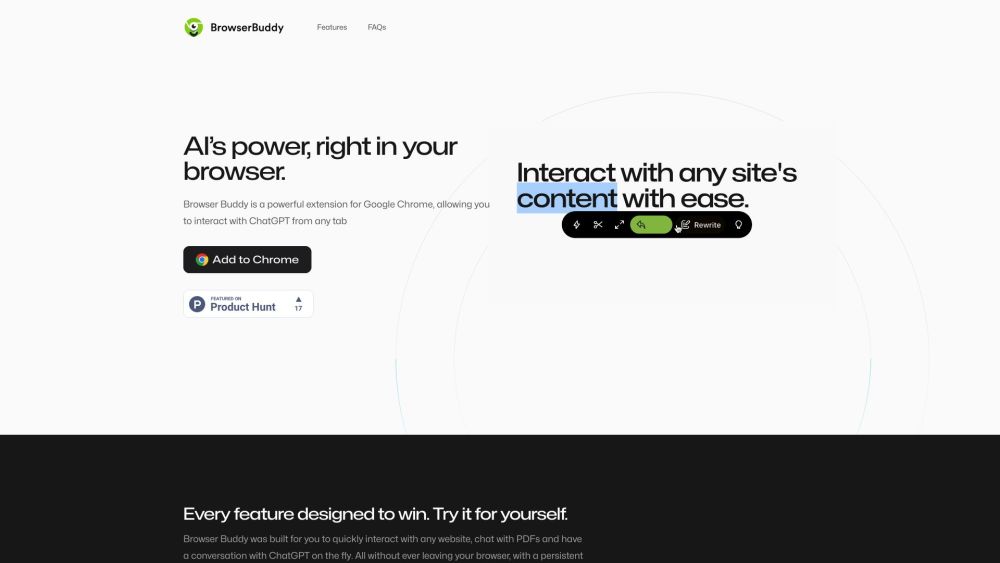
Browser Buddy: ChatGPT Extension for Productive and Private Browsing. Boost productivity with ChatGPT in a side panel. Privacy assured—chat history stays local.
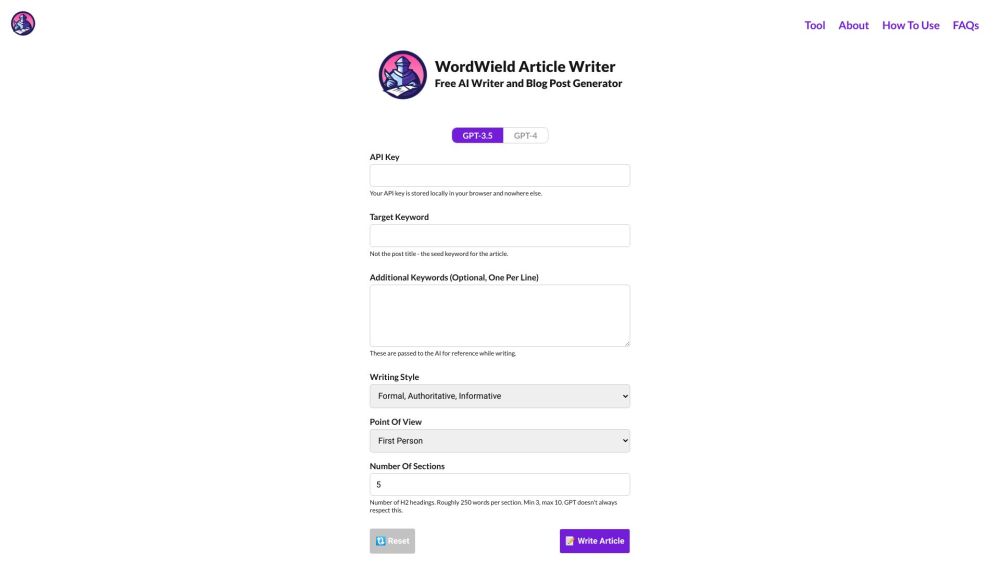
Unlock the power of AI with WordWield: Your free, limitless article & blog post writer. No subscriptions, just your API key.
FAQ
Practical answers to help you take the next step.
Coding tools assist with tasks such as generation, explanation, review and debugging. Match the product to your language, repository and review process.
Compare repository access, context limits, supported languages and tool permissions. Check whether the assistant can read relevant files and run your existing checks.
Review the diff, run tests and inspect error handling and dependency changes. Generated code should meet the same review standard as a human contribution.
Choose a small reproducible bug with an existing failing check. Measure whether the tool fixes the cause, preserves behavior and produces a reviewable change.
AI Cap’n - Chrome Extension: Your ChatGPT-powered AI assistant for browsing. Boost productivity, answer questions, and enhance online experience seamlessly!
Read about AI Cap’n - Chrome ExtensionRemove.bg Background Remover: Instantly remove backgrounds with this Chrome extension. Easy, fast, and accurate—perfect for creating professional images in seconds!
Read about Remove.bg Background RemoverElevate your customer interactions with Ghostly—customizable chatbots integrated with your API key for personalized, automated engagement.
Read about Ghostly ChatbotsAutoQuery GPT: Automate Q&A with ChatGPT. Streamline inquiries and get instant, accurate answers with our powerful AI-driven platform.
Read about AutoQuery GPTBrowser Buddy: ChatGPT Extension for Productive and Private Browsing. Boost productivity with ChatGPT in a side panel. Privacy assured—chat history stays local.
Read about Browser BuddyUnlock the power of AI with WordWield: Your free, limitless article & blog post writer. No subscriptions, just your API key.
Read about WordWield