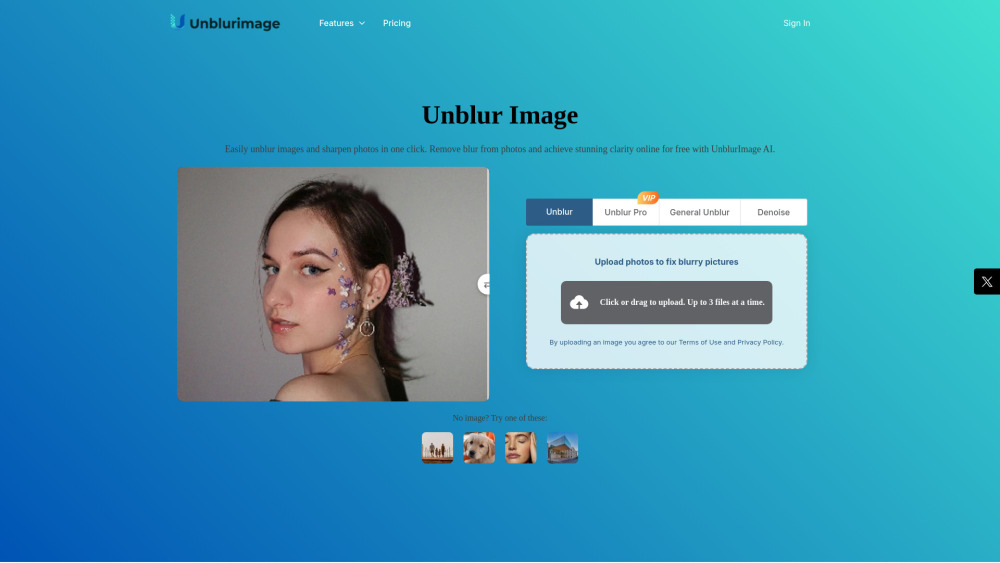
Unblurimage AI: Instantly unblur, sharpen, upscale & enhance images online—powered by AI. Fast, free, no install!
Explore a specific workflow
Explore ai image enhancer tools through the product profiles below. Visual AI tools cover image generation, photo editing, enhancement and design tasks. Choose between creating a new image and modifying an existing asset before comparing products.
Look for text prompts, image references, masks or sketches as appropriate. Compare composition control, supported upload types and the ability to revise a selected area.
Inspect text, hands, edges, reflections and repeated objects at full size. Check that important product or brand details survive editing.
Unblurimage AI: Instantly unblur, sharpen, upscale & enhance images online—powered by AI. Fast, free, no install!

Expand images in any direction with our insMind AI Image Expander. extend images and backgrounds while maintaining context, ensuring they fit any platform without stretching or losing quality.

Effortlessly enhance image quality with Upscales.ai. Upscale images online with precision and ease—perfect for all your visual needs.

Transform your photos effortlessly with insMind: Free AI-Powered Photo Editor. Remove BGs, enhance images, expand, and create with AI magic—all in one tool!

Enhance your photos, images, & anime to 4K with Nightmare AI! Free online upscaler using Real-ESRGAN tech for crystal-clear quality.

Aurk: Transform your images with AI precision. Upscale & enhance every pixel for crystal-clear, breathtaking details. Experience perfection with Aurk.
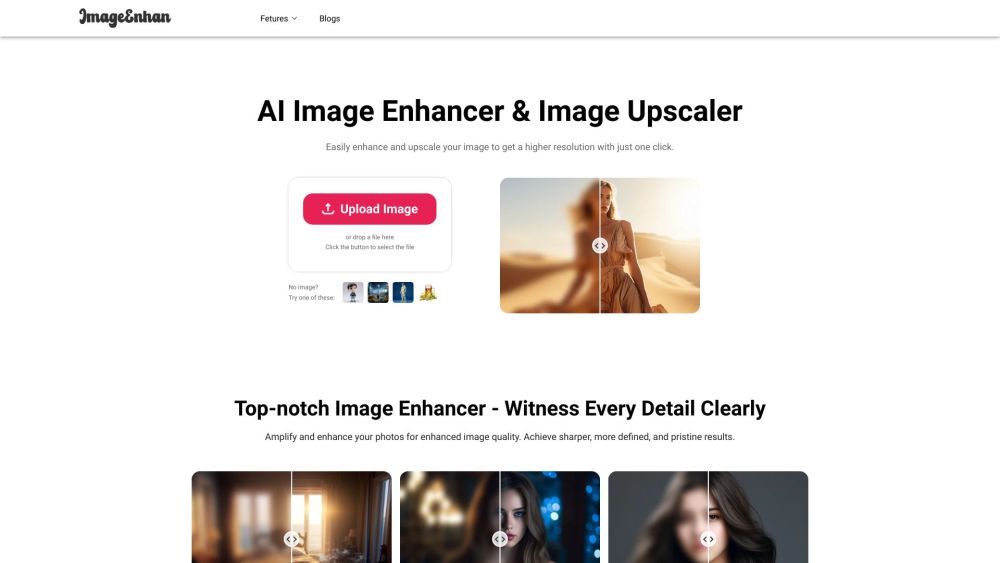
AI Image Enhancer: Upscale low-res images to 4K and enhance clarity instantly with AI technology. Elevate your photos today!

Create captivating visuals with Image AI Generator, the AI tool for diverse, image creation. Unleash your creativity with ease!
FAQ
Practical answers to help you take the next step.
Visual AI tools cover image generation, photo editing, enhancement and design tasks. Choose between creating a new image and modifying an existing asset before comparing products.
Look for text prompts, image references, masks or sketches as appropriate. Compare composition control, supported upload types and the ability to revise a selected area.
Inspect text, hands, edges, reflections and repeated objects at full size. Check that important product or brand details survive editing.
Prepare a brief with a subject, composition, lighting and required output size. Test a first generation and a targeted revision to see how much control you retain.
Unblurimage AI: Instantly unblur, sharpen, upscale & enhance images online—powered by AI. Fast, free, no install!
Read about Unblurimage AIExpand images in any direction with our insMind AI Image Expander. extend images and backgrounds while maintaining context, ensuring they fit any platform without stretching or losing quality.
Read about **insMind AI Image ExpanderEffortlessly enhance image quality with Upscales.ai. Upscale images online with precision and ease—perfect for all your visual needs.
Read about Upscales.aiTransform your photos effortlessly with insMind: Free AI-Powered Photo Editor. Remove BGs, enhance images, expand, and create with AI magic—all in one tool!
Read about insMindEnhance your photos, images, & anime to 4K with Nightmare AI! Free online upscaler using Real-ESRGAN tech for crystal-clear quality.
Read about Nightmare AIAurk: Transform your images with AI precision. Upscale & enhance every pixel for crystal-clear, breathtaking details. Experience perfection with Aurk.
Read about Aurk