
Tailor your resume for any job with ease.
Explore a specific workflow
Explore automated editing tools through the product profiles below. The collection groups applications around a shared task. Product scope can overlap, so compare the specific workflow each tool describes rather than the category name alone.
Identify the files, text or account connections your task needs. Confirm that the product accepts those inputs and offers controls for reviewing its work.
Test one representative task and inspect the result for accuracy and completeness. Record where manual corrections or extra tools are needed.
Tailor your resume for any job with ease.

Please provide the product name and any specific information or features about the product that should be highlighted in the description.

Create viral YouTube Shorts in minutes with Slick. Turn any video into engaging, share-worthy content effortlessly. Perfect for creators on the go!

FireCut AI: Your Adobe Premiere Pro co-pilot. Automate cuts, remove repeats, add captions, and detect chapters—streamline edits and boost creativity!

Capture every detail effortlessly with FocuSee: Auto-Enhanced Screen Recording with Zoom and Tracking. Perfect videos, no manual editing needed!
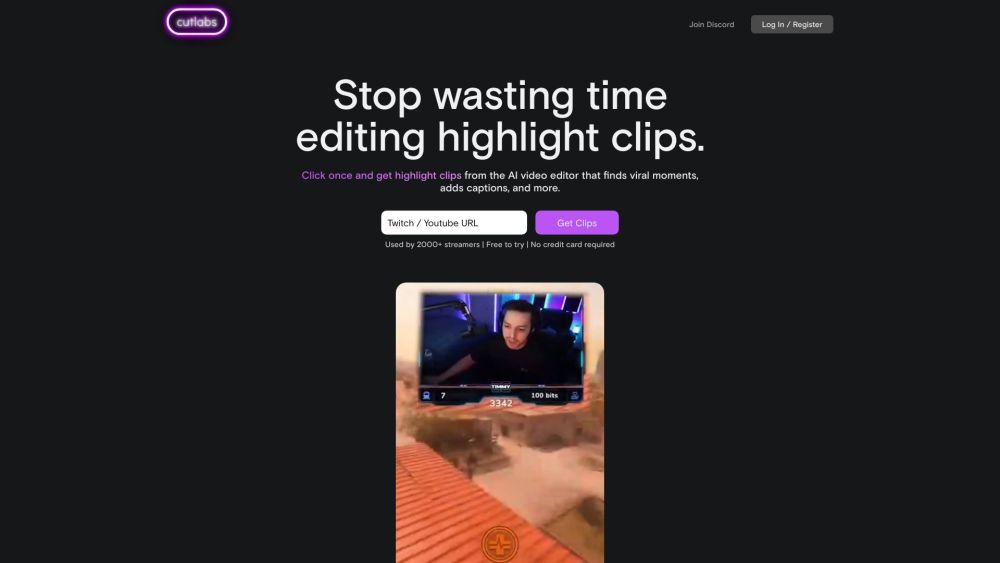
cutlabs is an AI video editor that helps streamers make highlight clips. Drop a VOD link and get post-ready clips in 30 minutes or less - even if your stream is 8 hours long. Powered by state-of-the-art video AI model (not just a wrapper).

Exemplary.ai: Effortless AI transcription, editing, and translation in 120+ languages. Transform audio and video into accurate, editable text instantly.
FAQ
Practical answers to help you take the next step.
The collection groups applications around a shared task. Product scope can overlap, so compare the specific workflow each tool describes rather than the category name alone.
Identify the files, text or account connections your task needs. Confirm that the product accepts those inputs and offers controls for reviewing its work.
Test one representative task and inspect the result for accuracy and completeness. Record where manual corrections or extra tools are needed.
Choose one task with a clear success condition. Keep the input consistent, record the time spent reviewing and compare the complete workflow cost.
Tailor your resume for any job with ease.
Read about Adapt My CVPlease provide the product name and any specific information or features about the product that should be highlighted in the description.
Read about UltraClean MopCreate viral YouTube Shorts in minutes with Slick. Turn any video into engaging, share-worthy content effortlessly. Perfect for creators on the go!
Read about SlickFireCut AI: Your Adobe Premiere Pro co-pilot. Automate cuts, remove repeats, add captions, and detect chapters—streamline edits and boost creativity!
Read about FireCut AICapture every detail effortlessly with FocuSee: Auto-Enhanced Screen Recording with Zoom and Tracking. Perfect videos, no manual editing needed!
Read about FocuSeecutlabs is an AI video editor that helps streamers make highlight clips. Drop a VOD link and get post-ready clips in 30 minutes or less - even if your stream is 8 hours long. Powered by state-of-the-art video AI model (not just a wrapper).
Read about Cutlabs