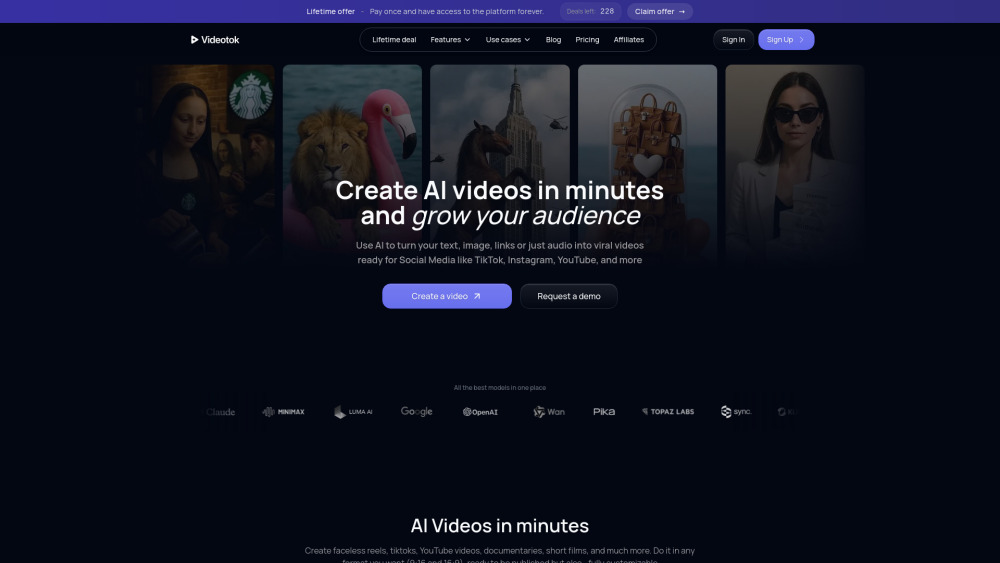
Videotok: AI-powered video generator for creators & brands—turn images, voiceovers & animations into pro videos in minutes. 🚀
AI tools by category
Explore ai youtube video maker tools through the product profiles below. These tools help create, edit or repurpose moving images. Text-to-video, image animation and video editing solve different tasks, so start with the source material you already have.
Compare text prompts, reference frames, source footage and audio support. Check duration, aspect ratio and whether the tool lets you keep a subject consistent between shots.
Watch the entire clip for motion errors, distorted objects, changing identities, lip-sync problems and abrupt transitions. Inspect the downloaded file as well as the preview.
Videotok: AI-powered video generator for creators & brands—turn images, voiceovers & animations into pro videos in minutes. 🚀
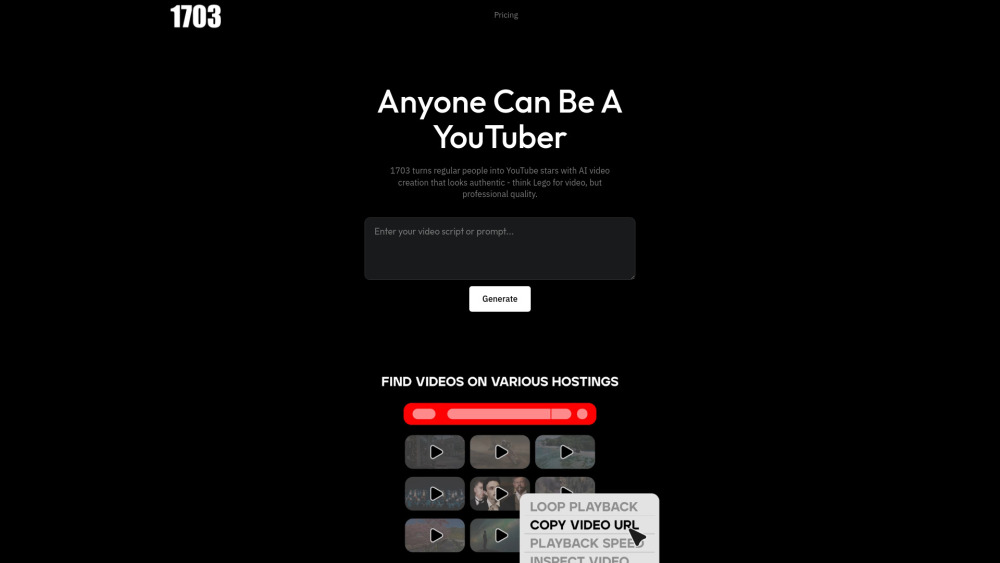
1703 Media: AI-powered YouTube video creation—turn ideas into pro-quality videos in minutes. No editing skills needed.

UnificAlly: Affordable AI APIs for integration—powerful, plug-and-play AI tools, no budget or complexity barriers. Your gateway to intelligent automation.

Viddo-Veo3: The world’s cheapest AI video generator—powerful Veo3 tech, unbeatable price. Create videos in seconds!

Morphic AI Studio: Generate images, videos, ads & in-game assets—all in one powerful AI studio. Create faster, smarter, limitless.
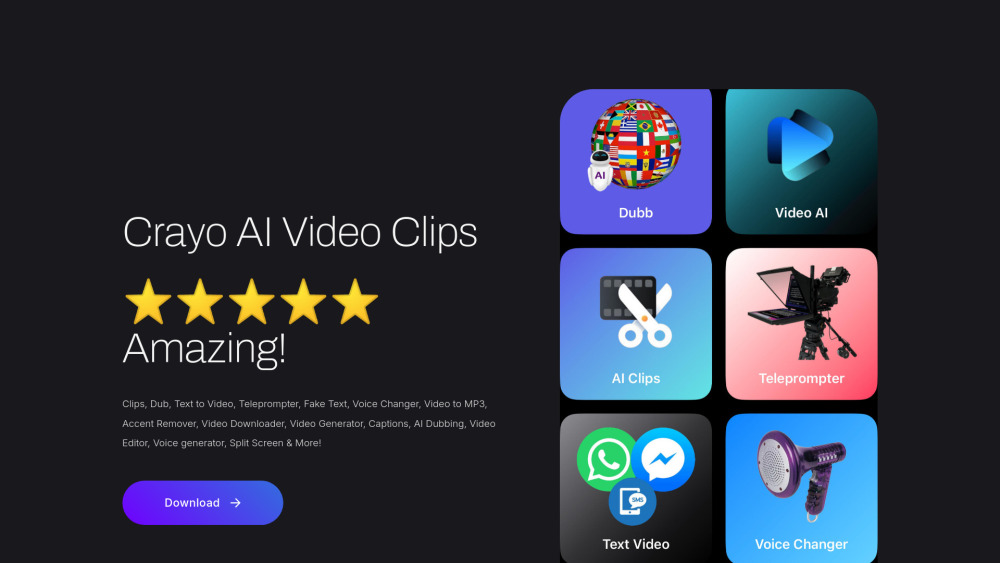
Crayo AI Video Clips Generator: Create viral-ready videos in seconds—smart dubbing, editing & AI-powered virality. 🚀
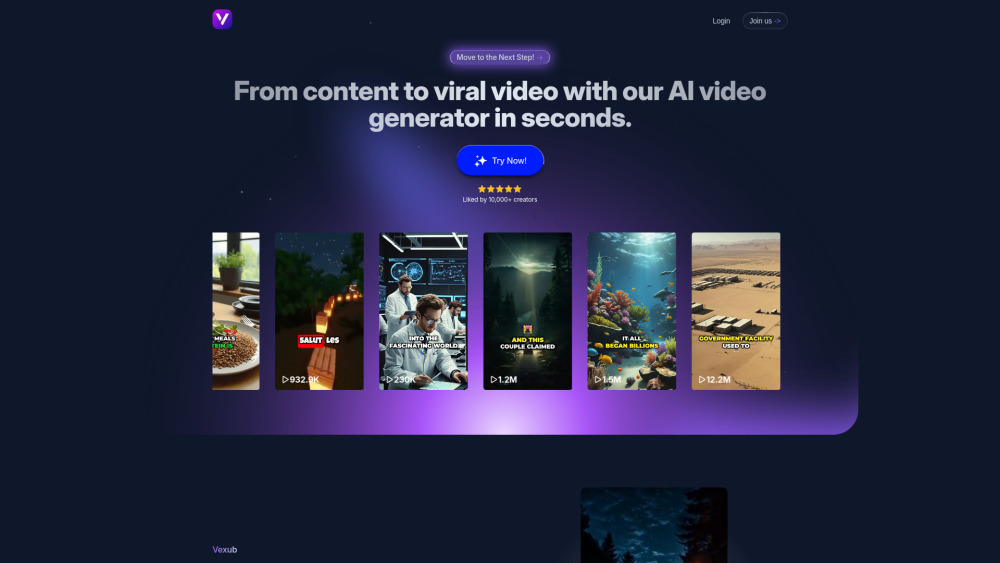
Vexub: Turn text, audio & more into AI videos—fast, easy, and professional. Create in seconds!
FAQ
Practical answers to help you take the next step.
These tools help create, edit or repurpose moving images. Text-to-video, image animation and video editing solve different tasks, so start with the source material you already have.
Compare text prompts, reference frames, source footage and audio support. Check duration, aspect ratio and whether the tool lets you keep a subject consistent between shots.
Watch the entire clip for motion errors, distorted objects, changing identities, lip-sync problems and abrupt transitions. Inspect the downloaded file as well as the preview.
Use a short shot with one subject and one camera movement. Keep the prompt and duration constant, then compare usable seconds and the number of regenerations.
Videotok: AI-powered video generator for creators & brands—turn images, voiceovers & animations into pro videos in minutes. 🚀
Read about Videotok1703 Media: AI-powered YouTube video creation—turn ideas into pro-quality videos in minutes. No editing skills needed.
Read about 1703 MediaUnificAlly: Affordable AI APIs for integration—powerful, plug-and-play AI tools, no budget or complexity barriers. Your gateway to intelligent automation.
Read about UnificAllyViddo-Veo3: The world’s cheapest AI video generator—powerful Veo3 tech, unbeatable price. Create videos in seconds!
Read about Viddo-Veo3 AI Video GeneratorMorphic AI Studio: Generate images, videos, ads & in-game assets—all in one powerful AI studio. Create faster, smarter, limitless.
Read about Morphic AI StudioCrayo AI Video Clips Generator: Create viral-ready videos in seconds—smart dubbing, editing & AI-powered virality. 🚀
Read about Crayo AI Video Clips Generator