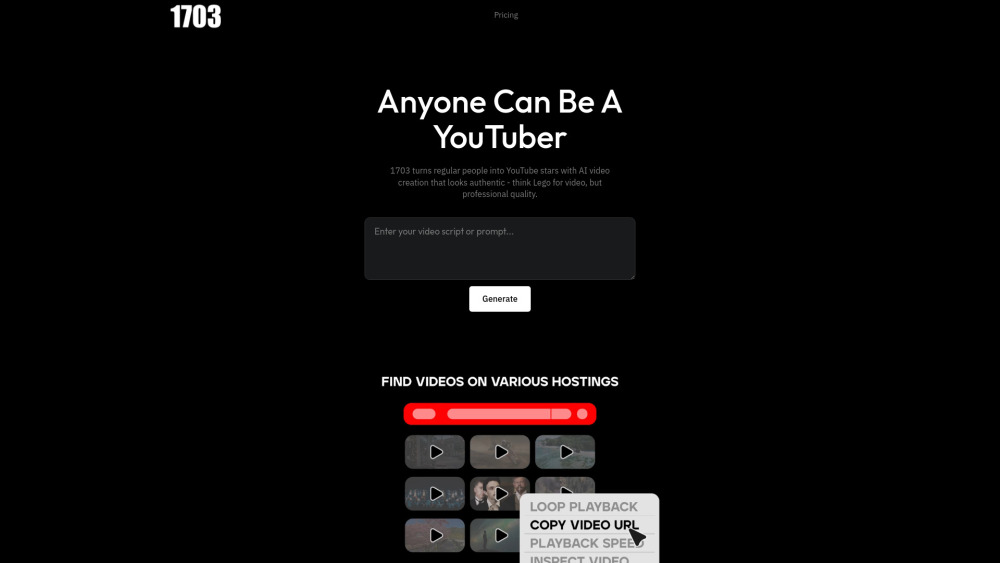
Introducing 1703 Media: AI YouTube Video Creation—Pro Videos in Minutes
1703 Media redefines YouTube content creation by turning rough ideas, unedited footage, or simple text prompts into polished, audience-ready videos—fast. Built for creators who value authenticity over artificiality, its proprietary AI engine edits intelligently, selects real-world b-roll (never synthetic avatars), syncs pacing to viewer retention patterns, and delivers narration that sounds genuinely human—not robotic. No editing suite, no mic setup, no learning curve: just your voice, vision, or video—and minutes later, a publish-ready YouTube asset.
How It Works: From Idea to Upload in Under 5 Minutes
Launch your next video in three effortless steps: (1) Input your source—whether it’s a raw phone clip, a competitor’s high-performing YouTube link, or even a bullet-point script; (2) Let 1703 Media’s AI analyze, structure, enhance, and narrate—automatically inserting contextually relevant real footage, dynamic transitions, precise timing, and auto-synced captions; (3) Review, tweak with one-click refinements, and hit “Publish to YouTube” directly from the dashboard. Every output meets YouTube’s quality benchmarks—no re-encoding, no manual exports.
Why Creators Choose 1703 Media
Script-to-video, clip-to-channel, or remix-from-YouTube—instantly
Authentic visuals only: licensed, real-world footage (zero AI-generated faces or stock clichés)
Natural-sounding AI voiceovers—or seamless integration of your own recorded audio
Smart editing suite: adaptive pacing, emotion-aware transitions, and retention-optimized cuts
Your private media vault: auto-extract clips, scenes, and B-roll from any uploaded video
Community-powered library: ethically sourced, royalty-free footage shared by fellow creators
Built-in Fair Use compliance tools—timestamped sourcing, attribution overlays, and usage analytics
One-click YouTube publishing with thumbnail + title + description optimization
Who Benefits Most?
Faceless channel founders scaling authority without on-camera presence
Established creators repurposing legacy content into trending formats (Shorts, Community posts, carousels)
Teams accelerating output—from weekly batches to daily drops—without hiring editors
Small businesses and solopreneurs producing premium video marketing—on a startup budget
Educators, coaches, and thought leaders building evergreen video libraries from live sessions or notes
Your Questions—Answered
-
What happens after my free trial ends?
-
Can I cancel my subscription anytime?
-
What’s the difference between the Basic and Plus plans?
-
Do I need a credit card to start my free trial?
-
What happens if I reach my plan limits?
-
Get Support & Resolve Issues Fast
Reach our responsive team anytime: visit the official Support Center for live chat, knowledge base articles, refund requests, and priority troubleshooting.
-
About 1703 Media
Founded by ex-YouTube product engineers and digital media veterans, 1703, Inc. is headquartered in Austin, TX. Our mission: democratize professional video creation—without compromising authenticity, ethics, or creative control.
-
Follow Us on YouTube
Subscribe for tutorials, workflow hacks, and behind-the-scenes AI insights: youtube.com/user/company