
Fotol AI: All-in-one AI platform for lightning-fast image & video processing, enhancement, and professional editing—no expertise needed.
AI tools by category
Explore ai inpainting tools through the product profiles below. The collection groups applications around a shared task. Product scope can overlap, so compare the specific workflow each tool describes rather than the category name alone.
Identify the files, text or account connections your task needs. Confirm that the product accepts those inputs and offers controls for reviewing its work.
Test one representative task and inspect the result for accuracy and completeness. Record where manual corrections or extra tools are needed.
Fotol AI: All-in-one AI platform for lightning-fast image & video processing, enhancement, and professional editing—no expertise needed.
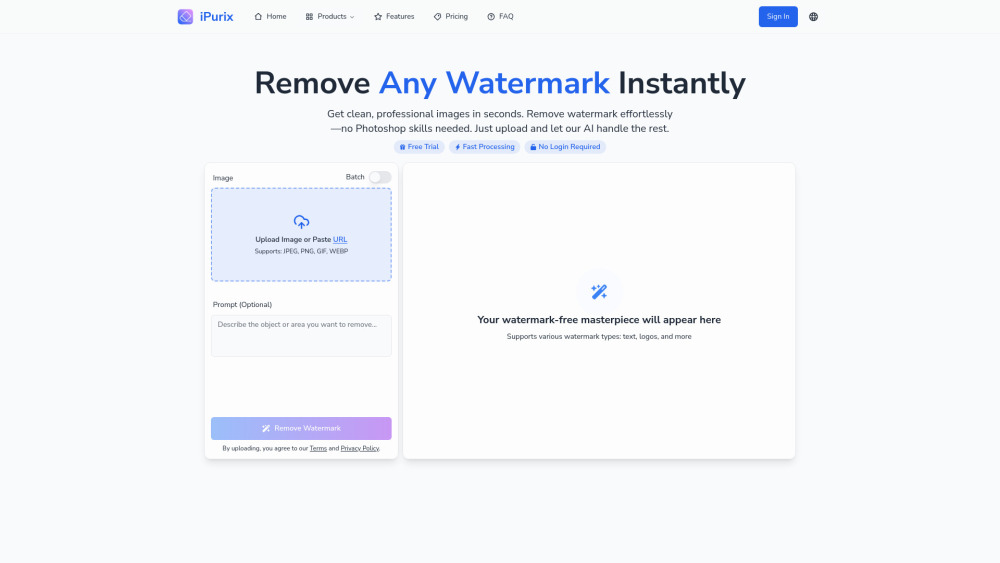
iPurix: AI-powered watermark remover—erase logos & text from images in seconds. Fast, precise, no skills needed. Try it now!
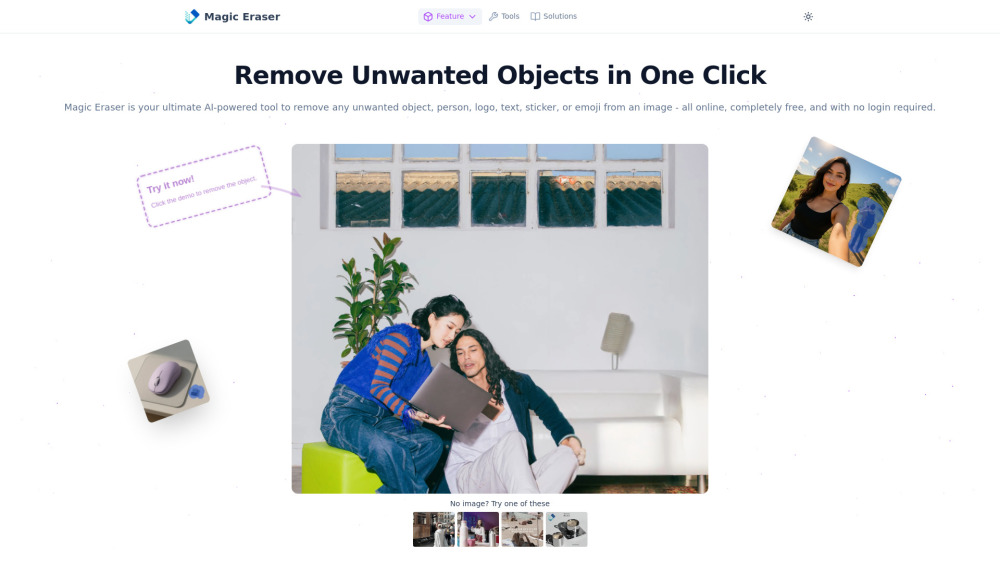
Magic Eraser: AI-powered photo editor—remove unwanted objects instantly. Free, no login, no hassle. Perfect edits in seconds! 🚀

BestPhotoAI: Your personal AI photo studio—enhance natural features & generate pro-quality headshots, portraits & social media images in seconds.
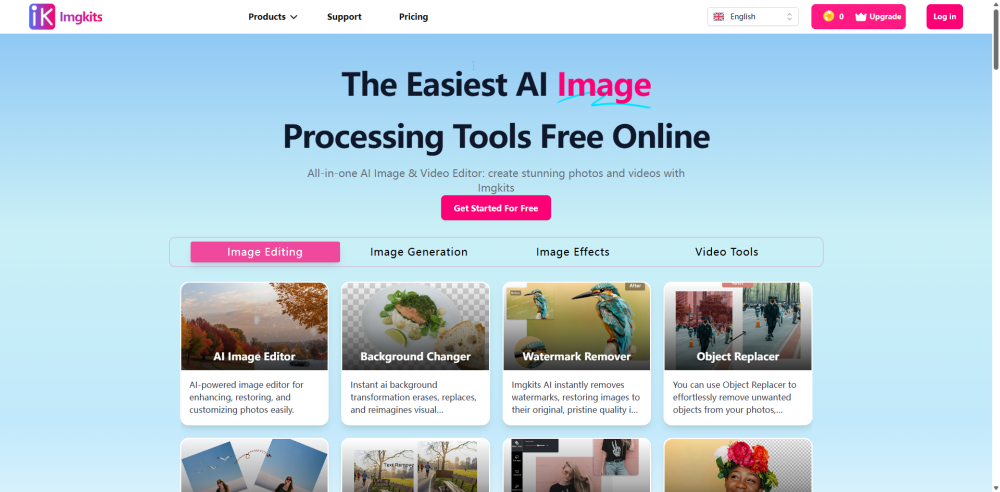
Imgkits: All-in-one AI image & video editor—enhance, generate, and transform photos & videos instantly. results, zero learning curve.
FAQ
Practical answers to help you take the next step.
The collection groups applications around a shared task. Product scope can overlap, so compare the specific workflow each tool describes rather than the category name alone.
Identify the files, text or account connections your task needs. Confirm that the product accepts those inputs and offers controls for reviewing its work.
Test one representative task and inspect the result for accuracy and completeness. Record where manual corrections or extra tools are needed.
Choose one task with a clear success condition. Keep the input consistent, record the time spent reviewing and compare the complete workflow cost.
Fotol AI: All-in-one AI platform for lightning-fast image & video processing, enhancement, and professional editing—no expertise needed.
Read about Fotol AIiPurix: AI-powered watermark remover—erase logos & text from images in seconds. Fast, precise, no skills needed. Try it now!
Read about iPurixMagic Eraser: AI-powered photo editor—remove unwanted objects instantly. Free, no login, no hassle. Perfect edits in seconds! 🚀
Read about Magic EraserBestPhotoAI: Your personal AI photo studio—enhance natural features & generate pro-quality headshots, portraits & social media images in seconds.
Read about BestPhotoAIImgkits: All-in-one AI image & video editor—enhance, generate, and transform photos & videos instantly. results, zero learning curve.
Read about ImgkitsCheck export formats, integrations and whether you can keep using your work outside the service. Test a real export before committing to a longer plan.