Table of contents
BestPhotoAI: AI Photo Studio—Enhance Features, Generate Pro Headshots
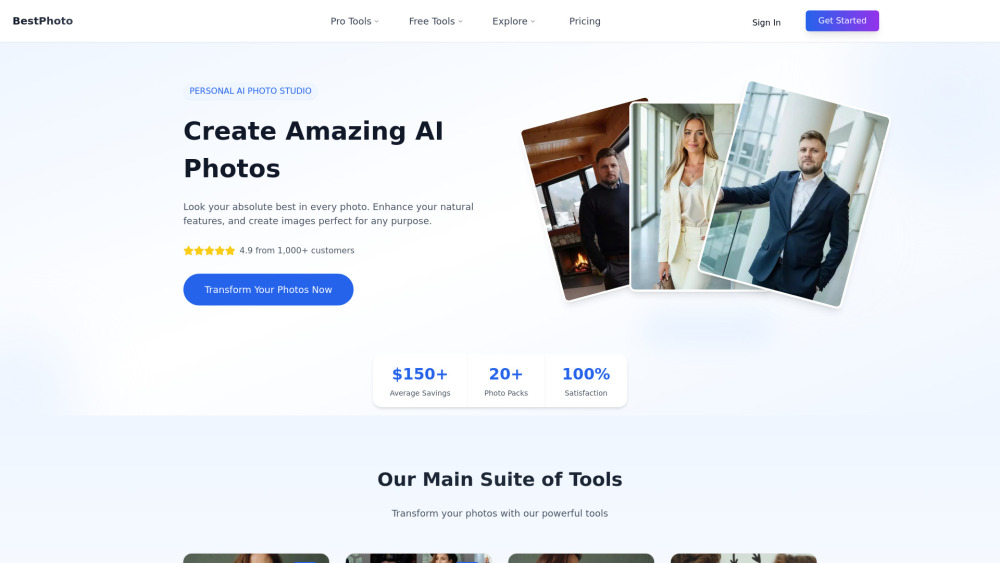
BestPhotoAI: Your personal AI photo studio—enhance natural features & generate pro-quality headshots, portraits & social media images in seconds.
Directory : Text to Image, AI Photo Enhancer, AI Photo Restoration, AI Background Remover, Image to Image, AI Face Swap Generator, AI Image Generator, AI Realistic Image Generator, AI Watermark Remover, AI Image Upscaler, Object Remover AI, AI Inpainting, AI Headshot Generator
What Is BestPhotoAI?
BestPhotoAI is an intelligent photo studio built for creators, professionals, and everyday users who demand studio-quality results — without the studio. At its core lies a proprietary AI training engine that learns *your* unique facial features, lighting preferences, and expression patterns from just a handful of photos. The result? Highly personalized, photorealistic image packs — especially powerful for generating polished, consistent professional headshots tailored to corporate, creative, or social contexts. Beyond headshot generation, BestPhotoAI delivers an all-in-one editing suite powered by natural language. Its AI Image Editor unlocks eight precision modes — including Object Removal, Style Transfer, Background Reimagining, Garment Swapping, and Concept-to-Image Refinement — turning descriptive prompts into pixel-perfect edits in seconds. Complementing this are over 50 instant-access tools — from one-click background erasure and vintage photo restoration to dynamic hair recoloring and cinematic video filters — most available free, no login required.
How to Use BestPhotoAI
For Professional Headshots & Custom Photo Packs:
• Choose your preferred headshot style (e.g., “Boardroom Executive,” “Tech Founder,” “Creative Director”) from our curated gallery.
• Upload 10–14 clear, well-lit, front-facing photos showing varied expressions and angles.
• Let BestPhotoAI train your personal model — then generate 20+ high-fidelity, on-brand headshots in ~45 minutes.
For Instant Edits & Creative Exploration:
• Upload any image — portrait, product shot, or candid.
• Select an AI mode (e.g., “Remove Distractions”) or pick a free tool (e.g., “Blur Background,” “Colorize Old Photo”).
• Type a concise instruction (“Make her wear a navy blazer,” “Turn this into a sunset beach scene”) — or apply presets with zero input.
• Download your enhanced image in seconds — no watermarks, no waiting.
BestPhotoAI’s Core Features
Personal AI Studio: Train a private, reusable model on your likeness — optimized for consistency across headshots, avatars, and branded visuals.
Pro Headshot Engine: Generate diverse, context-aware headshots — from LinkedIn-ready portraits to investor pitch deck assets — all in one batch.
Themed Visual Packs: Create cohesive sets for specific platforms or personas — Tinder, Instagram Creator, Keynote Speaker, Fantasy Character, and more.
Prompt-Powered Image Editor: Transform images intuitively using plain-language commands across 8 intelligent editing modes.
Text-to-Image Studio: Generate original, high-resolution images from scratch — ideal for concept mockups, marketing visuals, or artistic exploration.
AI Video Animator: Bring still portraits to life with subtle, natural motion — perfect for profile videos or interactive web assets.
Smart Face Swap: Seamlessly swap faces across photos with realistic lighting, texture, and expression matching.
50+ Zero-Login Tools: Access powerful utilities instantly — background removal, skin tone correction, noise reduction, anime filters, and more — all free to try.
Real-World Use Cases for BestPhotoAI
Elevate your professional presence: Craft compelling, consistent headshots for LinkedIn, company websites, email signatures, and press kits.
Stand out on dating apps: Generate authentic, engaging profile photos that reflect your personality — not just your best angle.
Boost social media impact: Produce eye-catching, on-trend visuals for Instagram, TikTok, or X — fast and on-brand.
Revive family history: Restore faded, torn, or low-res photos — enhance clarity, remove stains, and add lifelike color.
Streamline content creation: Remove photobombers, replace cluttered backgrounds, or modernize outdated office imagery in seconds.
Experiment risk-free: Try new hairstyles, makeup looks, glasses, or formalwear virtually — before committing in real life.
Accelerate marketing workflows: Generate product mockups, ad banners, and campaign assets without hiring photographers or designers.
Unlock creative storytelling: Transform self-portraits into steampunk avatars, anime versions, oil-painting renditions, or surreal dreamscapes.
Frequently Asked Questions
-
How do credits work on BestPhotoAI?
-
Do I own the images I create? Can I use them commercially?
-
Is there a free plan or trial available?
-
What makes BestPhotoAI headshots look so realistic and consistent?
-
BestPhotoAI Support & Contact
For assistance, refunds, or technical support: visit our Contact Us page.
-
About BestPhotoAI
BestPhotoAI Company name: TyY Technologies Inc.
BestPhotoAI Company address: San Francisco, CA, USA
Learn more about our mission and team on the About Us page.
-
BestPhotoAI Login
BestPhotoAI Login Link: Sign in to your account
-
BestPhotoAI Sign Up
BestPhotoAI Sign up Link: Start your free experience now
FAQ from BestPhotoAI
What is BestPhotoAI?
BestPhotoAI is a next-generation AI photo studio engineered to deliver professional-grade visual results through intelligent personalization. Its signature capability is training custom AI models on your photos — enabling highly accurate, repeatable headshots and stylized portraits. Combined with a versatile prompt-based editor and 50+ instant tools, it bridges the gap between amateur convenience and pro-level output — all in one platform.
How to use BestPhotoAI?
For Headshots: Pick a style → upload 10–14 reference photos → wait ~45 minutes → download 20+ consistent, high-res headshots.
For Editing: Upload → choose mode/tool → describe or click → download in seconds. No learning curve — just results.
How do the credits work?
Credits power advanced features: AI model training, high-res headshot batches, and premium generator outputs. Each action has a transparent credit cost. Subscribers receive monthly credit allowances — unused credits roll over for 30 days. Free tools consume zero credits.
Can I use created images for commercial projects?
Yes. All paid plans (Starter, Hobby, Pro) grant full commercial rights — you retain ownership and may use generated images in ads, websites, print materials, SaaS dashboards, and client deliverables without restriction.
Can I try BestPhotoAI for free?
Absolutely. Over 50 essential tools — including background remover, photo enhancer, colorizer, and basic AI editor modes — are fully functional without signup or payment. No trial period — just instant access.
How to generate beautiful, realistic images?
For optimal headshots: Use well-lit, front-facing, expression-diverse photos (avoid hats/glasses in most shots). For AI editing: Be specific but concise — e.g., “Replace background with soft bokeh studio lighting” works better than “make it nice.” High-quality inputs + precise prompts = stunning outputs.