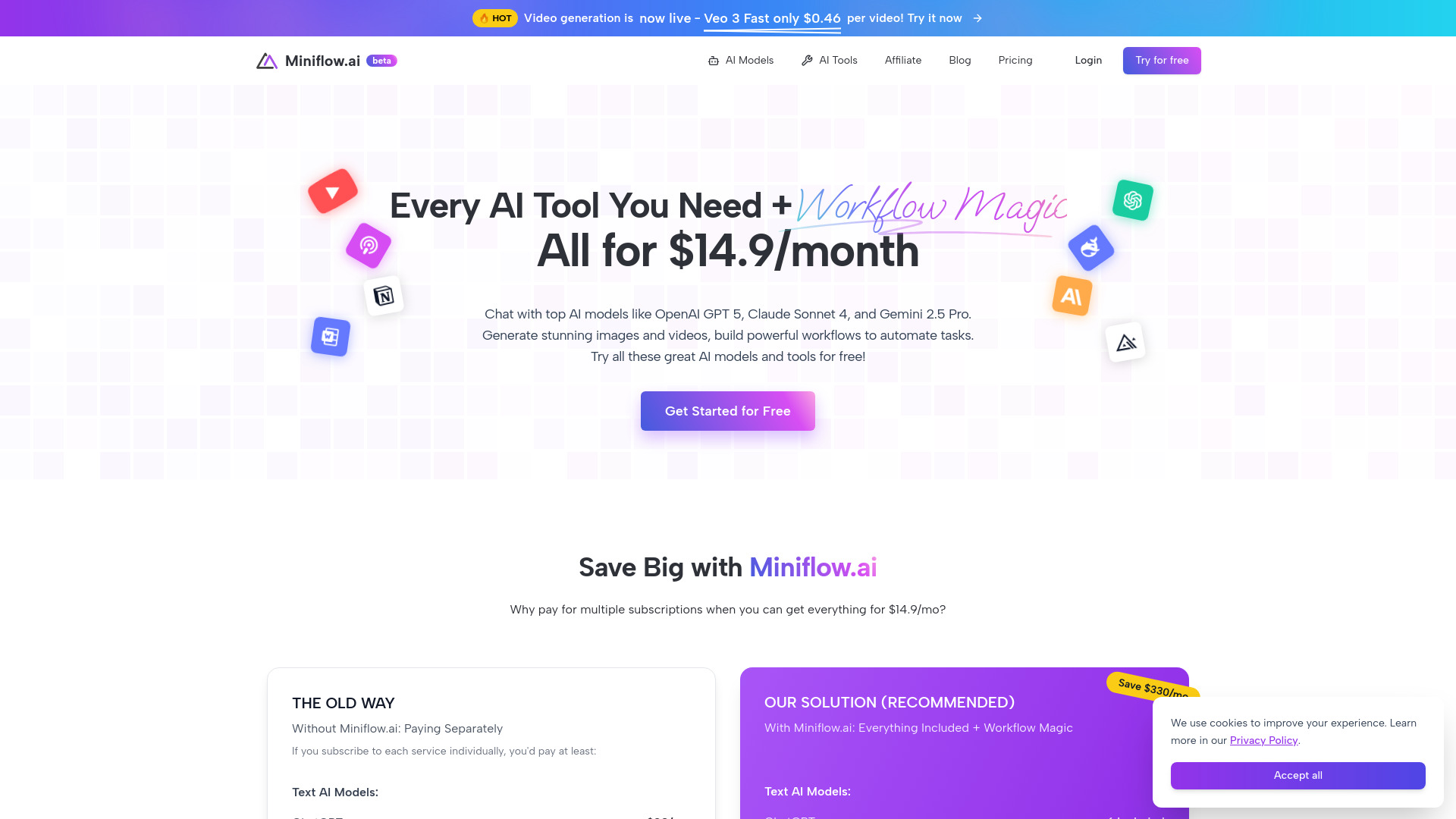
Miniflow.ai: 200+ AI tools for text, image, video & audio. Build powerful workflows with drag-and-drop automation
Explore a specific workflow
Explore visual builder tools through the product profiles below. The collection groups applications around a shared task. Product scope can overlap, so compare the specific workflow each tool describes rather than the category name alone.
Identify the files, text or account connections your task needs. Confirm that the product accepts those inputs and offers controls for reviewing its work.
Test one representative task and inspect the result for accuracy and completeness. Record where manual corrections or extra tools are needed.
Miniflow.ai: 200+ AI tools for text, image, video & audio. Build powerful workflows with drag-and-drop automation

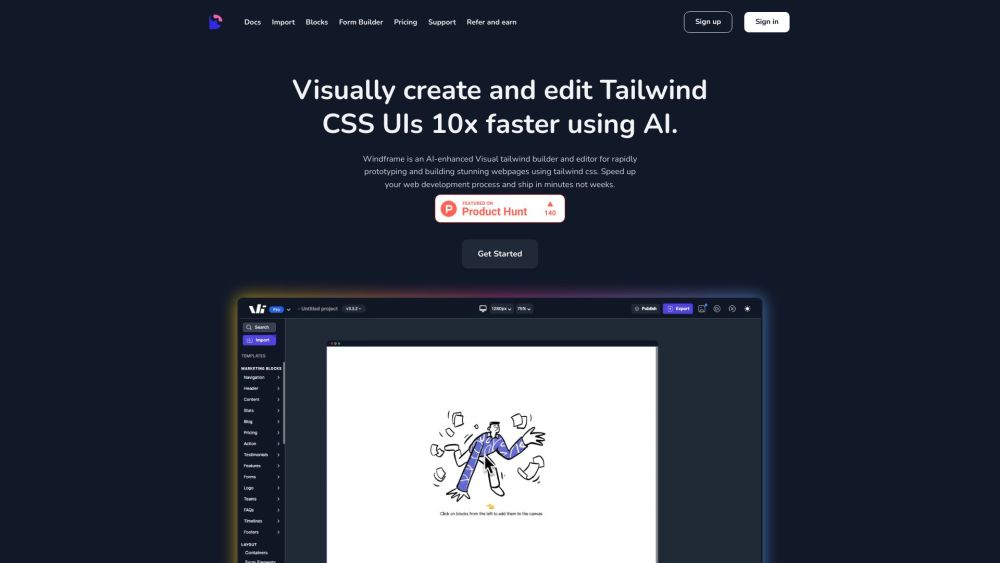
All-in-one online IDE for coding and hosting websites
Discover ultimate comfort and style with our all-season hoodie. Crafted from premium, eco-friendly materials, it’s perfect for every adventure. Shop now!

Goptimise: The no-code AI-powered backend builder for scalable, efficient development. Discover use cases, pricing, reviews, core features, and top alternatives.

FloatChat is an AI chatbot software designed for businesses to enhance customer experience and streamline communication. It allows businesses to have human-like discussions with customers, providing prompt and accurate responses to inquiries.

BuildShip: Create custom AI assistants effortlessly with no-code visuals. Innovate, personalize, and streamline tasks with ease. Start building today!
FAQ
Practical answers to help you take the next step.
The collection groups applications around a shared task. Product scope can overlap, so compare the specific workflow each tool describes rather than the category name alone.
Identify the files, text or account connections your task needs. Confirm that the product accepts those inputs and offers controls for reviewing its work.
Test one representative task and inspect the result for accuracy and completeness. Record where manual corrections or extra tools are needed.
Choose one task with a clear success condition. Keep the input consistent, record the time spent reviewing and compare the complete workflow cost.
Miniflow.ai: 200+ AI tools for text, image, video & audio. Build powerful workflows with drag-and-drop automation
Read about Miniflow.aiAll-in-one online IDE for coding and hosting websites
Read about **Editor.doDiscover ultimate comfort and style with our all-season hoodie. Crafted from premium, eco-friendly materials, it’s perfect for every adventure. Shop now!
Read about Eco-Friendly Bamboo ToothbrushGoptimise: The no-code AI-powered backend builder for scalable, efficient development. Discover use cases, pricing, reviews, core features, and top alternatives.
Read about GoptimiseFloatChat is an AI chatbot software designed for businesses to enhance customer experience and streamline communication. It allows businesses to have human-like discussions with customers, providing prompt and accurate responses to inquiries.
Read about FloatChatBuildShip: Create custom AI assistants effortlessly with no-code visuals. Innovate, personalize, and streamline tasks with ease. Start building today!
Read about BuildShip