What is Miniflow.ai?
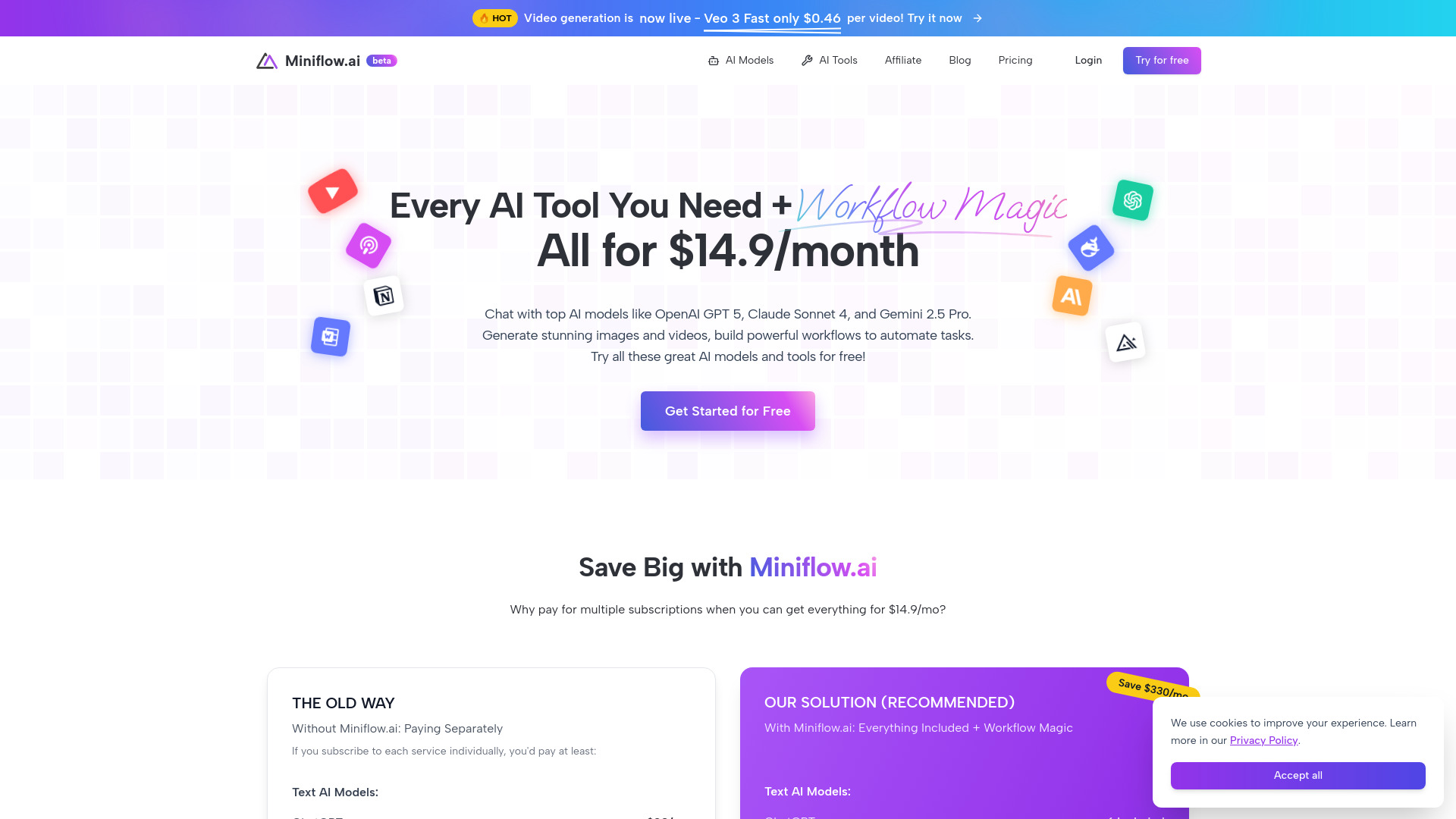
Miniflow.ai is an all-in-one artificial intelligence workspace designed to make advanced AI easier to access and use. The platform brings together more than 200 AI tools and connects users with popular models such as GPT-4o, Claude, Gemini, and DeepSeek from one convenient dashboard. Instead of switching between separate services for writing, image creation, video production, research, or audio tasks, users can manage a wide range of projects within the same environment. Miniflow.ai also offers a visual workflow system, allowing users to connect AI functions through drag-and-drop actions without needing to write code. With free access options available, it provides an accessible way to explore AI productivity and automation on aitop-tools.com.
How to Use Miniflow.ai
Getting started with Miniflow.ai is straightforward. After opening the platform, users can browse its collection of more than 200 AI tools or begin a conversation with one of the supported AI models. Tools are organized around practical tasks, including content writing, image editing, video generation, data processing, research, and other creative or business needs. This unified setup makes it easier to choose the right capability without opening several different applications.
The platform's main advantage is its visual workflow builder. Users can select AI nodes, place them on a canvas, and connect them in a sequence using drag-and-drop controls. For example, a workflow might receive a written prompt, generate an image, improve its resolution, and prepare the result for publication. More than 30 available nodes can be combined to create processes for content planning, research summaries, marketing materials, or multimedia projects. People with more advanced requirements can also explore API access to connect Miniflow.ai functionality with websites, internal tools, and custom applications.
Key Features of Miniflow.ai
- More Than 200 AI Tools: Access a broad selection of AI utilities from one account, covering writing, image generation, video creation, audio processing, research, editing, and productivity tasks.
- Drag-and-Drop Workflow Design: Build automated processes visually by arranging and connecting AI nodes. Users can create repeatable task sequences without learning a programming language.
- Multiple Leading AI Models: Work with well-known models such as GPT-4o, Claude, Gemini, and DeepSeek through a central platform, making it easier to compare approaches and select a suitable model.
- Multi-Format Content Creation: Produce and refine text, images, video, and audio in one workspace. This is useful for creators and teams that regularly work across several media formats.
- Free Entry Options: New users can explore Miniflow.ai through available free or introductory access options before deciding how extensively they need the platform.
- Automation Without Coding: Turn repeated manual steps into visual workflows. The no-code interface helps beginners create useful automations while giving experienced users room to design more advanced pipelines.
- API Connectivity: Developers can use available API capabilities to bring AI-powered functions into their own products, websites, or business systems.
Why Choose Miniflow.ai?
Miniflow.ai is appealing to users who want a wider AI toolkit without maintaining a collection of disconnected subscriptions. Its centralized workspace makes it possible to move from an initial idea to a finished result using several AI capabilities in the same project. A marketer might draft campaign copy, generate supporting visuals, resize those assets, and prepare variations for different channels. A researcher could gather information, organize notes, and produce a structured summary through a connected workflow.
The drag-and-drop approach also lowers the barrier to AI automation. Users do not need to understand APIs, scripts, or complex integrations before building a useful process. At the same time, Miniflow.ai offers enough flexibility for professional users who need repeatable workflows, model selection, or connections with existing applications. The combination of broad tool access, visual automation, and free ways to begin makes the platform suitable for freelancers, students, small businesses, creative teams, and larger organizations evaluating AI solutions.
Use Cases and Applications
Miniflow.ai can support many everyday and professional workflows. A content team could create a pipeline that turns a topic brief into an article outline, a draft, social media posts, and image concepts. Businesses can use AI tools to summarize meeting notes, classify customer feedback, prepare email responses, or organize internal documents. Researchers may combine search and text-generation tools to collect information from multiple sources and convert it into easier-to-review notes.
Creative users can generate visuals from descriptions, remove unwanted backgrounds, enhance image quality, and develop video concepts from written prompts. A small online store could use the platform to create product descriptions, promotional graphics, and short advertising videos. Developers can connect selected Miniflow.ai capabilities to their own services, while educators and students can use the platform for brainstorming, study materials, translation, and presentation preparation. Since workflows are assembled visually, many of these processes can be adjusted as project requirements change.