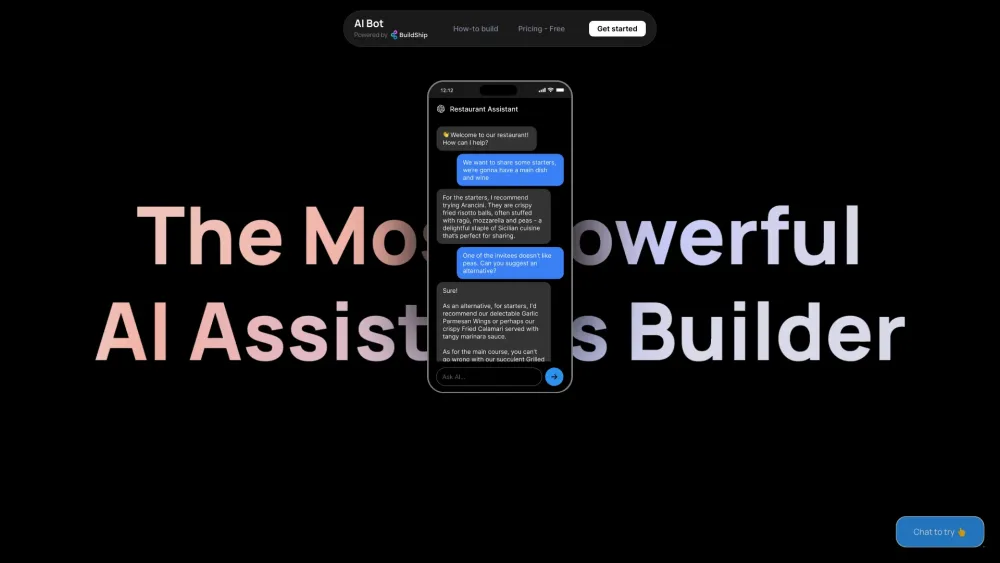
What is BuildShip?
BuildShip enables you to design custom AI assistants using intuitive, no-code visual tools.
How to use BuildShip?
Begin by selecting a template from the library, insert your API key, integrate necessary tools and databases, and then deploy your assistant as an API or embed it on your website with an HTML widget.
Core Features of BuildShip
Integrate with tools and databases
Create action nodes with AI
No-code function execution
Embed chat widgets on any site
Develop various bot types
Use Cases for BuildShip
City Guide - Get recommendations for city activities
AI Assistant Integration - Link your OpenAI Assistant with BuildShip
Document Access Assistant - Retrieve uploaded documents
Google Sheets Chatbot - Respond using Google Sheets data
Data Analysis Assistant - Hire a virtual data analyst
Database Chatbot - Provide customer recommendations based on database entries
Quiz Bot - Interact with a history tutor to generate quizzes
Website Q&A Bot - Scrape websites and answer related questions
Email Assistant - Manage contacts and send emails
BuildShip Support & Contact Information
For customer service, email: [email protected]
BuildShip Pricing
Find pricing details here: https://www.aibot.how/pricing
BuildShip LinkedIn
Connect on LinkedIn: https://www.linkedin.com/company/buildship
BuildShip Twitter
Follow us on Twitter: https://buildship.com/twitter