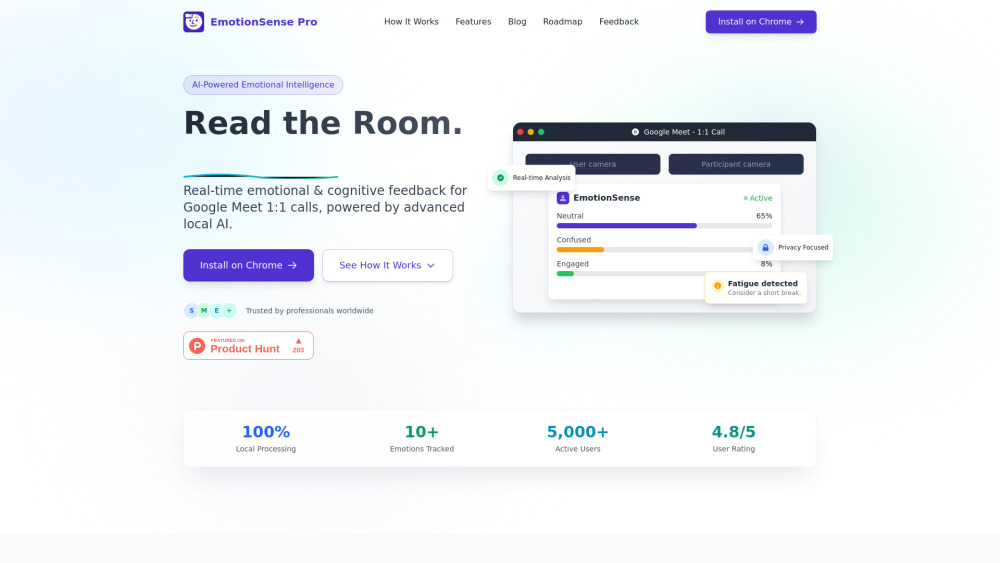
EmotionSense Pro: AI Chrome extension that analyzes real-time emotions & cognition during Google Meet calls—smarter, more empathetic meetings.
Explore a specific workflow
Explore video conferencing tools through the product profiles below. These tools help create, edit or repurpose moving images. Text-to-video, image animation and video editing solve different tasks, so start with the source material you already have.
Compare text prompts, reference frames, source footage and audio support. Check duration, aspect ratio and whether the tool lets you keep a subject consistent between shots.
Watch the entire clip for motion errors, distorted objects, changing identities, lip-sync problems and abrupt transitions. Inspect the downloaded file as well as the preview.
EmotionSense Pro: AI Chrome extension that analyzes real-time emotions & cognition during Google Meet calls—smarter, more empathetic meetings.
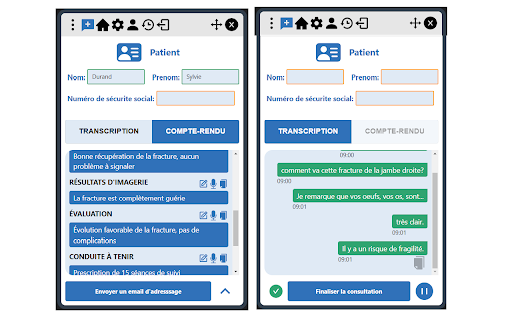
Summarize medical consultations quickly with PraxyConsultation Chrome Extension. Save time, boost accuracy, and streamline your workflow with ease!
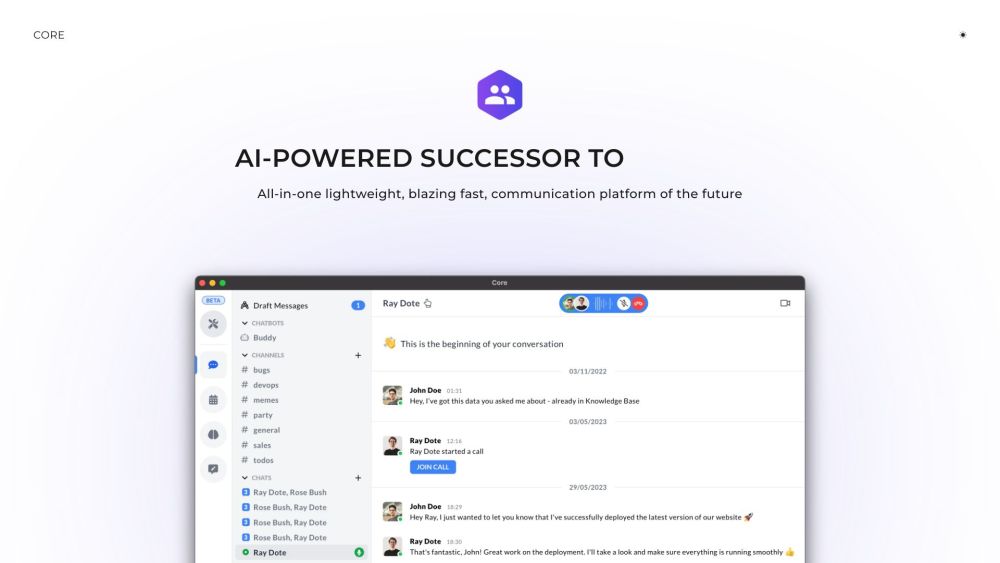
Core is an efficient AI-powered communication platform for small teams with streamlined features.
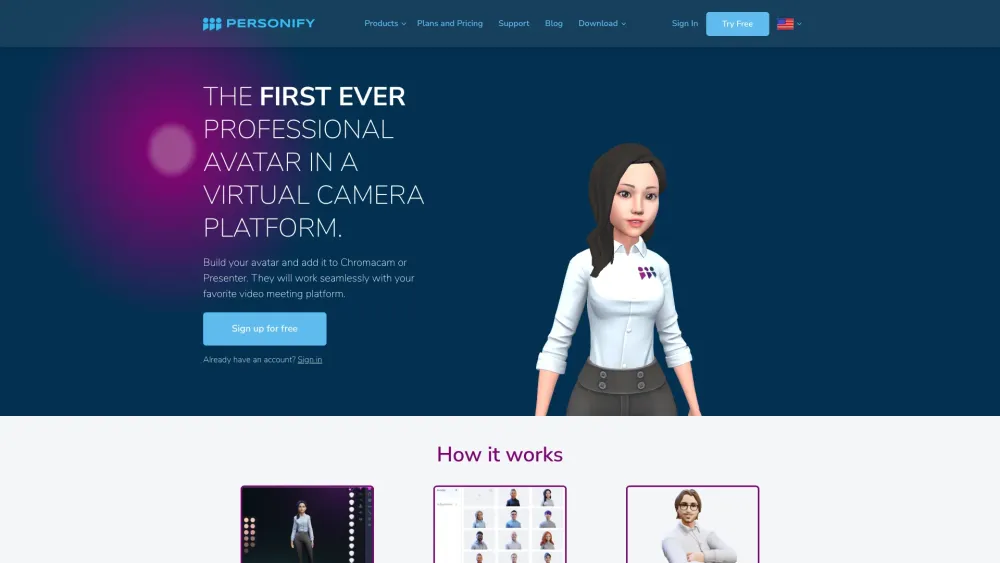
Meet Personify: The first professional avatar in a virtual camera platform. Elevate your online presence with a and dynamic digital persona.
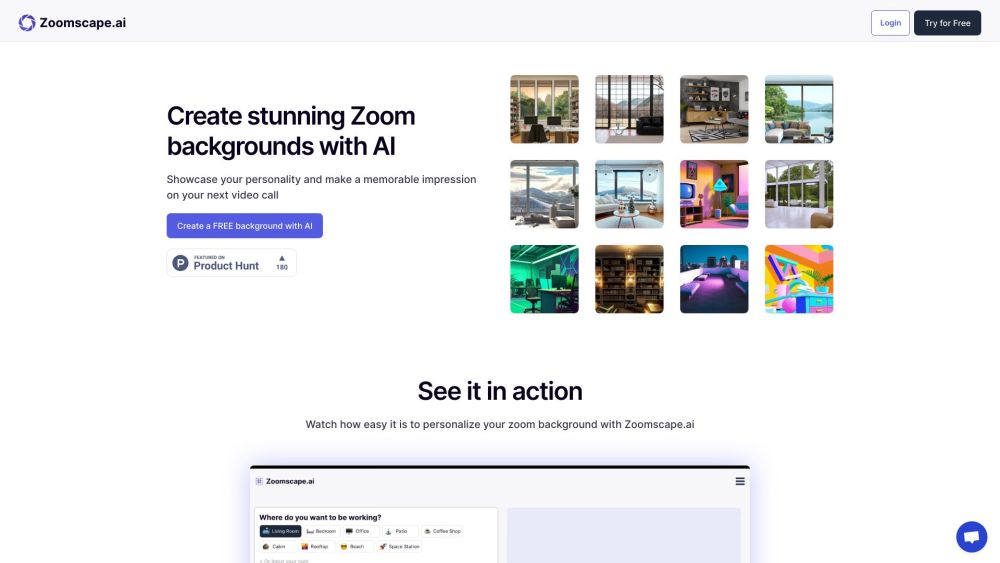
Create Zoom backgrounds effortlessly with ZoomScape.ai. Use AI to design personalized, professional backdrops for every meeting.
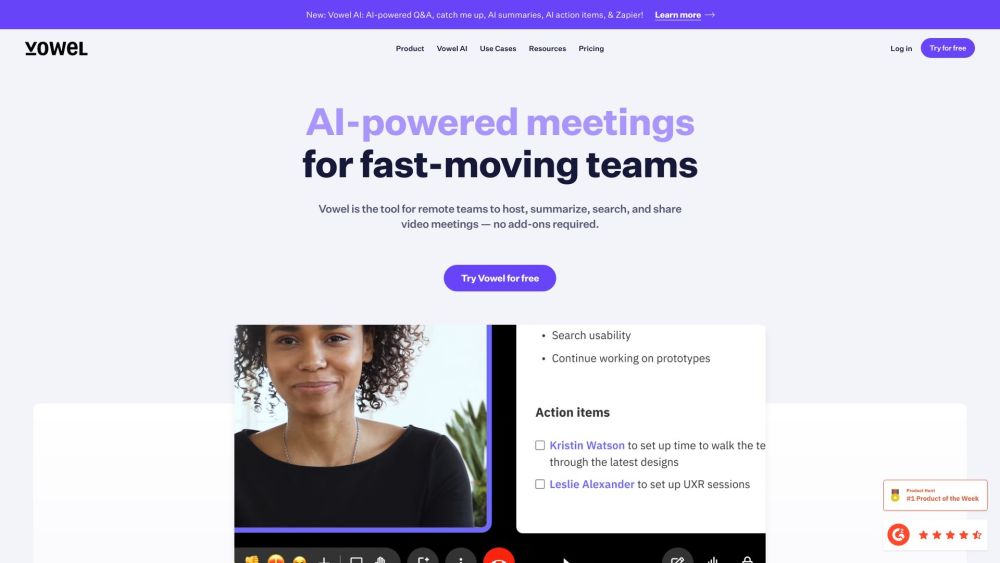
Boost your meetings with Vowel: AI video conferencing, recording, live transcripts, and universal search. Transform discussions into shareable, searchable knowledge!
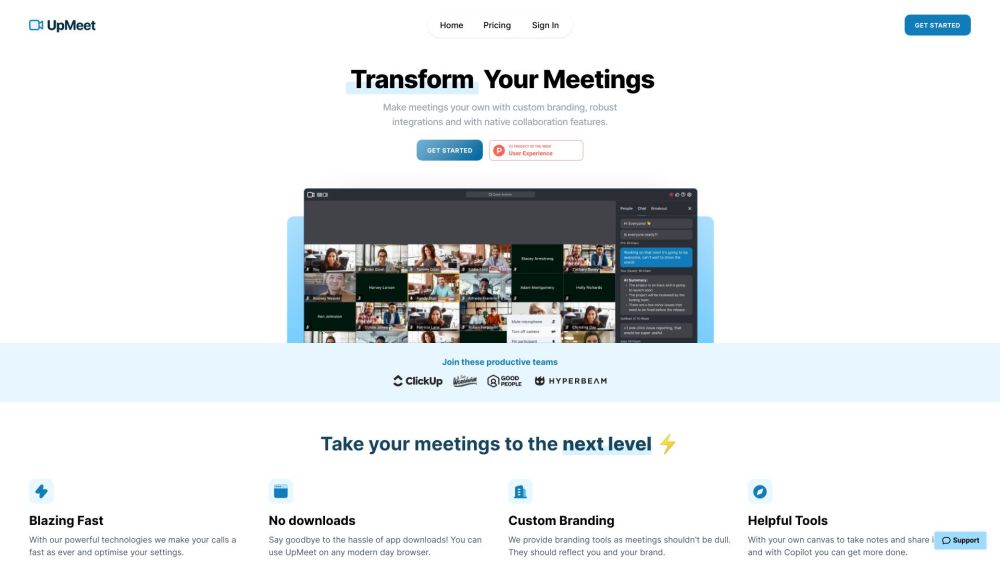
UpMeet: Elevate your meetings with custom branding, integrations, and collaboration tools for enhanced productivity and enjoyment.
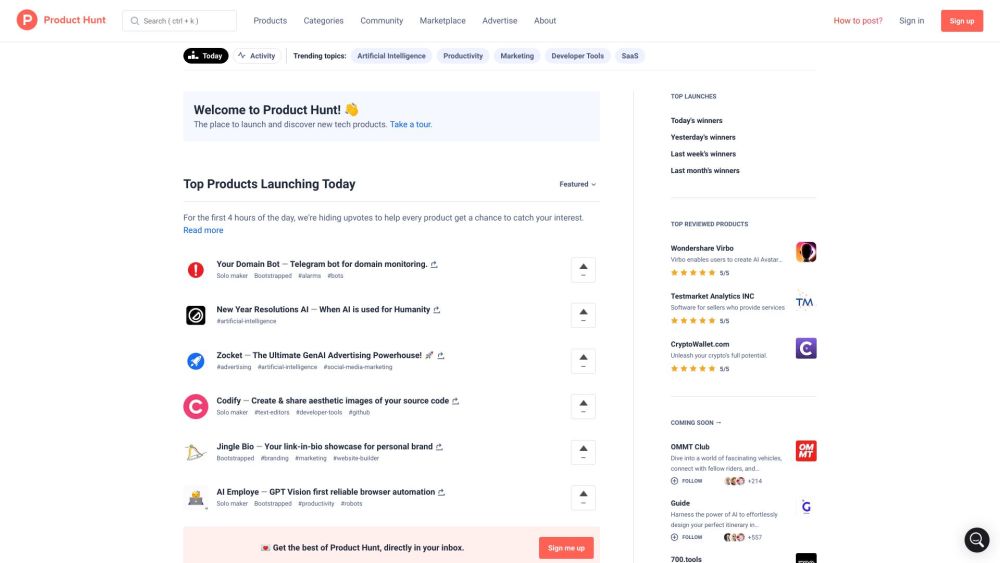
Discover top new tech and mobile apps daily with Product Hunt. Stay ahead with the latest innovations everyone is buzzing about!
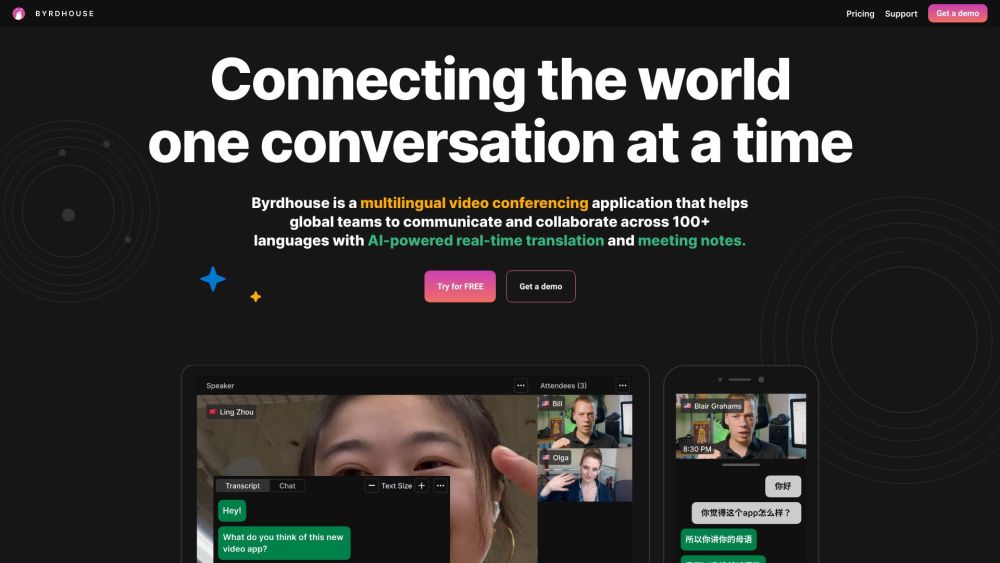
Byrdhouse: AI-Powered Video Conferencing with Real-Time Translation. communicate and collaborate in different languages. Elevate your meetings today!
FAQ
Practical answers to help you take the next step.
These tools help create, edit or repurpose moving images. Text-to-video, image animation and video editing solve different tasks, so start with the source material you already have.
Compare text prompts, reference frames, source footage and audio support. Check duration, aspect ratio and whether the tool lets you keep a subject consistent between shots.
Watch the entire clip for motion errors, distorted objects, changing identities, lip-sync problems and abrupt transitions. Inspect the downloaded file as well as the preview.
Use a short shot with one subject and one camera movement. Keep the prompt and duration constant, then compare usable seconds and the number of regenerations.
EmotionSense Pro: AI Chrome extension that analyzes real-time emotions & cognition during Google Meet calls—smarter, more empathetic meetings.
Read about EmotionSense ProSummarize medical consultations quickly with PraxyConsultation Chrome Extension. Save time, boost accuracy, and streamline your workflow with ease!
Read about PraxyConsultation - Chrome ExtensionCore is an efficient AI-powered communication platform for small teams with streamlined features.
Read about CoreMeet Personify: The first professional avatar in a virtual camera platform. Elevate your online presence with a and dynamic digital persona.
Read about PersonifyCreate Zoom backgrounds effortlessly with ZoomScape.ai. Use AI to design personalized, professional backdrops for every meeting.
Read about ZoomScape.aiBoost your meetings with Vowel: AI video conferencing, recording, live transcripts, and universal search. Transform discussions into shareable, searchable knowledge!
Read about Vowel