
Transform your meetings with Otter.ai's Chrome Extension! Capture AI-generated notes and collaborate live for seamless, efficient teamwork.
Explore a specific workflow
Explore transcription tool through the product profiles below. Audio tools handle tasks such as transcription, speech synthesis, sound generation and editing. Distinguish converting existing audio from creating a new recording.
Compare recording length, file types, language support and speaker handling. For voice generation, check pronunciation controls and permission to use any reference voice.
Listen for mispronounced names, unnatural pauses, clipped words and noise. For transcripts, compare the text with the recording and correct speaker labels.
Transform your meetings with Otter.ai's Chrome Extension! Capture AI-generated notes and collaborate live for seamless, efficient teamwork.
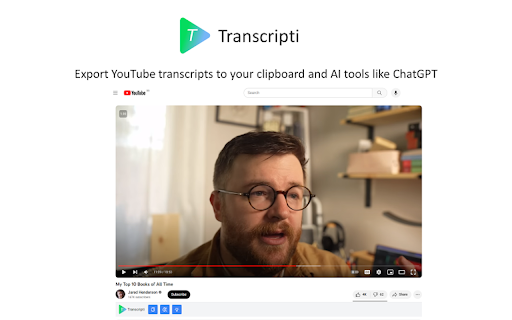
Unlock productivity with Transcripti! Effortlessly transcribe YouTube videos and boost your workflow. Perfect for students, professionals, and content creators!

Transcribe Live: Instantly convert audio to text for meetings, lectures, podcasts, and more. Get fast, accurate transcriptions and summaries.

Deepgram: Free AI-Powered Transcription Tool. Convert audio, conversations, and YouTube videos into text effortlessly with advanced AI technology.

Tactiq: Real-Time Transcription & AI-Generated Summaries Tool for Google Meet, Zoom, and MS Teams. Over 300,000 downloads. #1 live transcript solution!
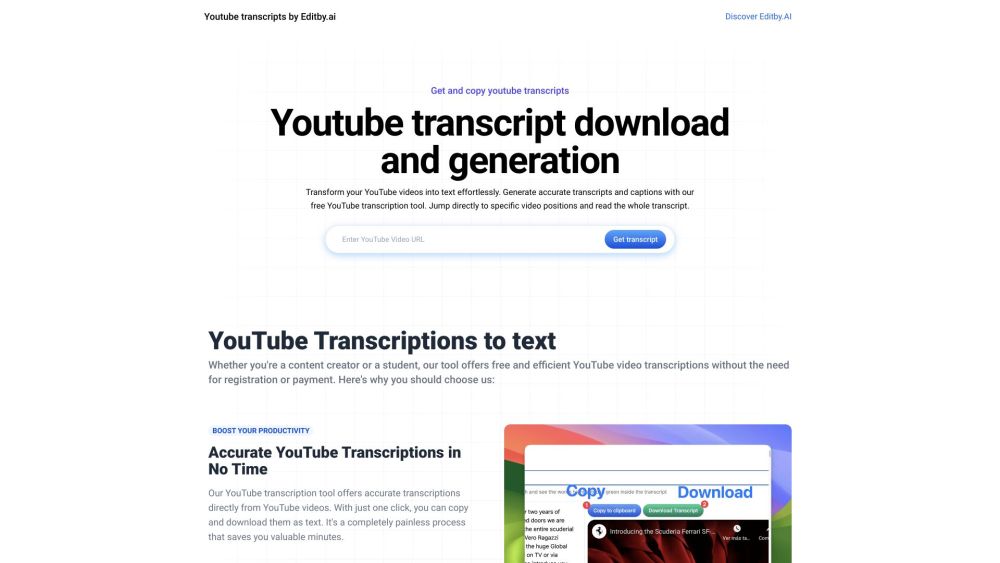
Generate accurate transcripts for YouTube videos with our free YouTube Transcription Tool. Perfect for content creators, students, and SEO professionals!

ScriptMe is a transcription and subtitling service that offers fast and accurate transcriptions of audio and video content. It uses artificial intelligence technology to transcribe files in over 30 languages and provides a user-friendly editing page to make any necessary changes. With ScriptMe, users can also convert transcriptions into subtitles, customize them, and export them in various formats. The platform is trusted by thousands of users, including media companies, governments, universities, and individuals.
FAQ
Practical answers to help you take the next step.
Audio tools handle tasks such as transcription, speech synthesis, sound generation and editing. Distinguish converting existing audio from creating a new recording.
Compare recording length, file types, language support and speaker handling. For voice generation, check pronunciation controls and permission to use any reference voice.
Listen for mispronounced names, unnatural pauses, clipped words and noise. For transcripts, compare the text with the recording and correct speaker labels.
Use a short recording with names, numbers and more than one speaker, or a script with difficult pronunciation. Review the exported audio or transcript in full.
Transform your meetings with Otter.ai's Chrome Extension! Capture AI-generated notes and collaborate live for seamless, efficient teamwork.
Read about Otter.ai - Chrome ExtensionUnlock productivity with Transcripti! Effortlessly transcribe YouTube videos and boost your workflow. Perfect for students, professionals, and content creators!
Read about Transcripti - Chrome ExtensionTranscribe Live: Instantly convert audio to text for meetings, lectures, podcasts, and more. Get fast, accurate transcriptions and summaries.
Read about Transcribe LiveDeepgram: Free AI-Powered Transcription Tool. Convert audio, conversations, and YouTube videos into text effortlessly with advanced AI technology.
Read about DeepgramTactiq: Real-Time Transcription & AI-Generated Summaries Tool for Google Meet, Zoom, and MS Teams. Over 300,000 downloads. #1 live transcript solution!
Read about TactiqGenerate accurate transcripts for YouTube videos with our free YouTube Transcription Tool. Perfect for content creators, students, and SEO professionals!
Read about YouTube Transcription Tool