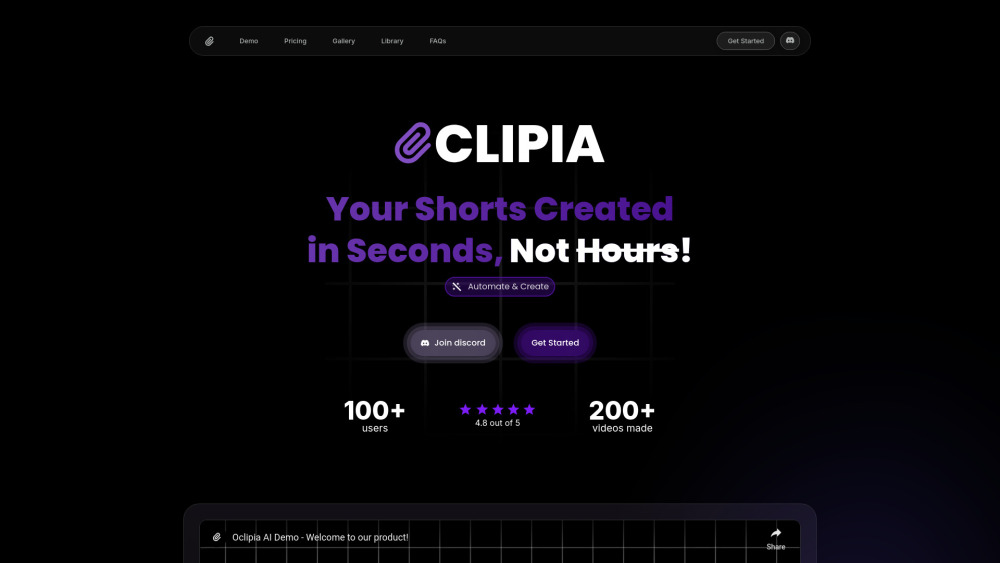
Oclipia AI: Automate niche video content creation—powerful features, transparent pricing, real user reviews & top alternatives. Try it today!
Explore a specific workflow
Explore tiktok videos tools through the product profiles below. These tools help create, edit or repurpose moving images. Text-to-video, image animation and video editing solve different tasks, so start with the source material you already have.
Compare text prompts, reference frames, source footage and audio support. Check duration, aspect ratio and whether the tool lets you keep a subject consistent between shots.
Watch the entire clip for motion errors, distorted objects, changing identities, lip-sync problems and abrupt transitions. Inspect the downloaded file as well as the preview.
Oclipia AI: Automate niche video content creation—powerful features, transparent pricing, real user reviews & top alternatives. Try it today!

AI Video Generator for monetizable videos

Create viral videos effortlessly with MukuAI: the ultimate AI tool for fast, easy, and captivating content creation that gets noticed.
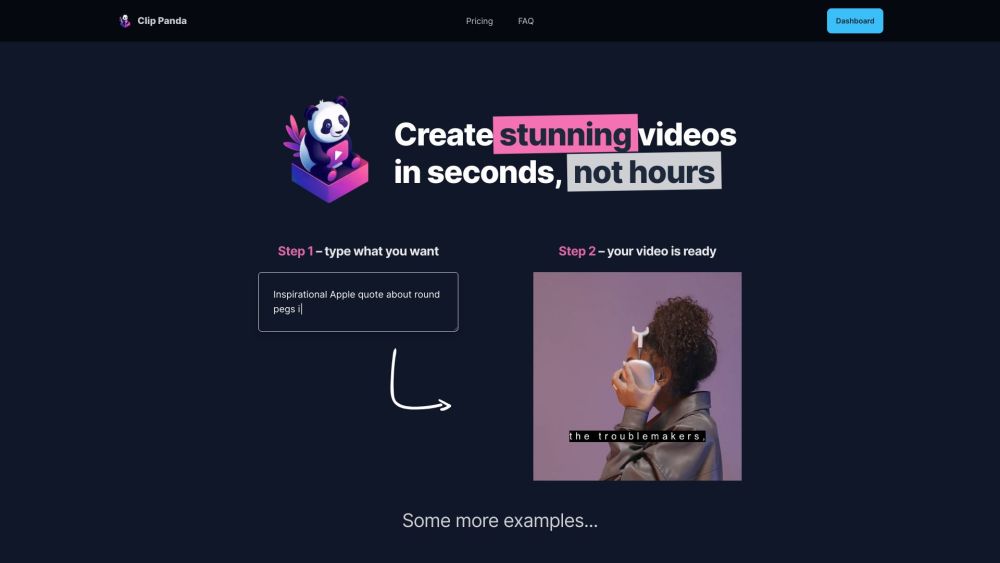
Create TikTok & Instagram videos in seconds with Clip Panda—your go-to tool for effortless, professional editing. Perfect for creators on the go!
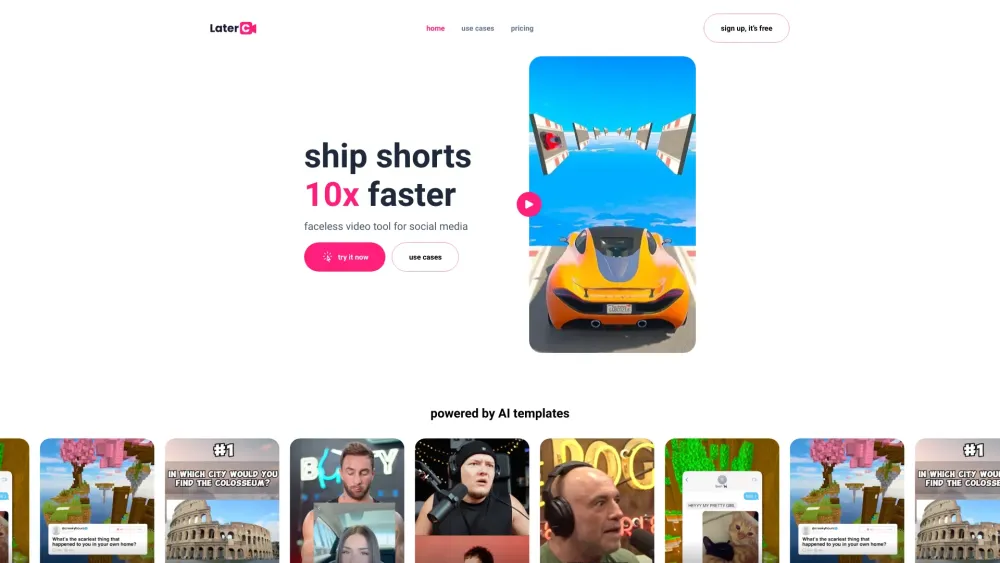
Create short-form videos 10x faster with Latercut's AI-powered tool. Perfect for social media, it's your ultimate partner in video creation.
FAQ
Practical answers to help you take the next step.
These tools help create, edit or repurpose moving images. Text-to-video, image animation and video editing solve different tasks, so start with the source material you already have.
Compare text prompts, reference frames, source footage and audio support. Check duration, aspect ratio and whether the tool lets you keep a subject consistent between shots.
Watch the entire clip for motion errors, distorted objects, changing identities, lip-sync problems and abrupt transitions. Inspect the downloaded file as well as the preview.
Use a short shot with one subject and one camera movement. Keep the prompt and duration constant, then compare usable seconds and the number of regenerations.
Oclipia AI: Automate niche video content creation—powerful features, transparent pricing, real user reviews & top alternatives. Try it today!
Read about Oclipia AIAI Video Generator for monetizable videos
Read about Trendvideo AICreate viral videos effortlessly with MukuAI: the ultimate AI tool for fast, easy, and captivating content creation that gets noticed.
Read about MukuAICreate TikTok & Instagram videos in seconds with Clip Panda—your go-to tool for effortless, professional editing. Perfect for creators on the go!
Read about Clip PandaCreate short-form videos 10x faster with Latercut's AI-powered tool. Perfect for social media, it's your ultimate partner in video creation.
Read about LatercutCheck export resolution, frame rate, aspect ratio, audio tracks and watermark rules. A good preview is not a substitute for an export that fits your publishing channel.