OCR Markdown AI converts scanned PDFs & images to editable Markdown—text, tables, math & LaTeX—90–99% accurate
Explore a specific workflow
Explore text recognition tools through the product profiles below. Writing and content tools help draft, revise or condense text. Drafting new material, checking language and summarizing a source require different review steps.
Compare support for source documents, style instructions, outlines and length limits. Check whether citations link to real material rather than merely looking like references.
Verify names, dates, quotations and factual claims against the original sources. Edit tone, remove repetition and make sure the text answers the intended reader’s question.
OCR Markdown AI converts scanned PDFs & images to editable Markdown—text, tables, math & LaTeX—90–99% accurate
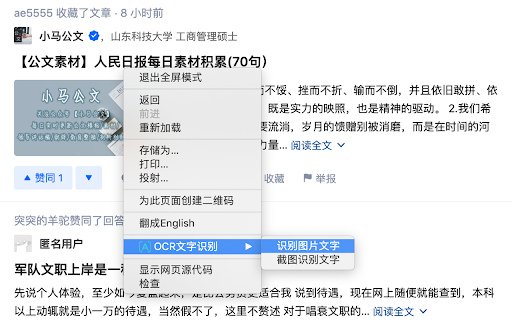
Easily recognize text in images and screenshots with the Text Recognition Tool Chrome Extension. Boost productivity with text extraction!

Google Lens - Chrome Extension: Instantly search images, videos, and text directly from your browser. Discover insights fast with this powerful search tool!

Imagga is an image recognition API that provides solutions for image tagging, categorization, visual search, and content moderation.
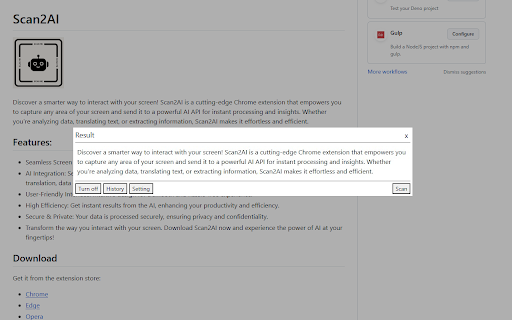
Capture screens with ease using Scan2AI Chrome Extension. Enhance your screenshots instantly with powerful AI processing. Snap, process, and share!

Boost productivity with SnapGPT: the ultimate app for instant text recognition and quick answers. Simplify tasks and get more done, faster!

Ogt.ai: Transform any media type with advanced Conversational AI solutions, boosting engagement and automating interactions effortlessly.

TextScan AI: Instantly convert text from images and enjoy AI-powered messaging, all for free! Download now for text-to-image conversion and smart chatting.

TextScan AI: Convert image text and chat with AI—all for free! Experience text extraction and smart AI messaging in one powerful app.
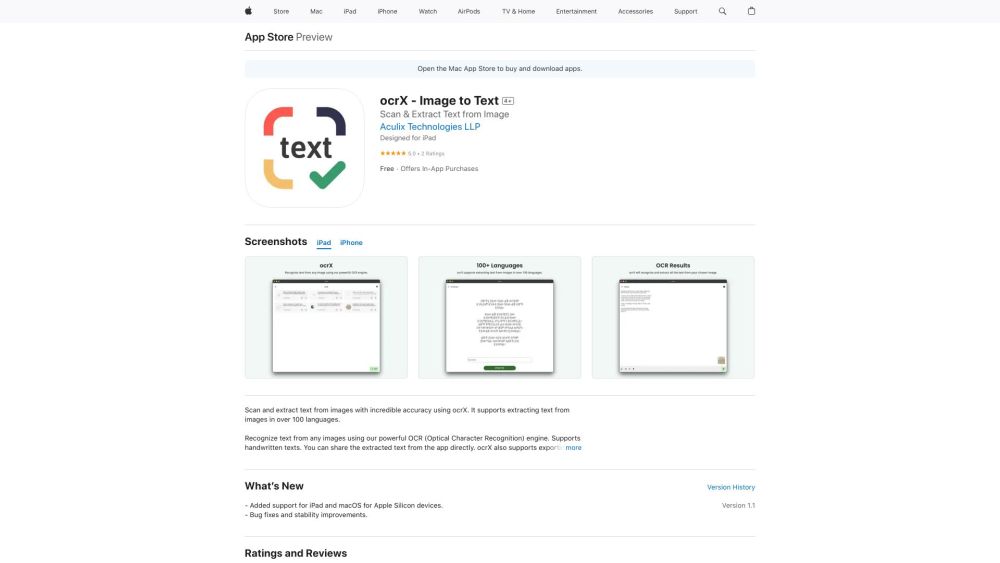
ocrX - Image to Text: Effortlessly scan and extract text from images on your iPhone, iPad, and Mac. Fast, accurate, and reliable text recognition.

Convert images to text effortlessly with Image to Text Website. Quick, accurate, and user-friendly. Turn your images into editable text in seconds!

Intics: Expedite document processing and instantly transform data into actionable insights. Elevate efficiency and decision-making with ease.

OCR Magic: Scan, convert, and edit text from any image or document with advanced multilingual support. Turn pictures into searchable digital text instantly!

TranslateImage: Recognize, translate, and edit text in images while preserving original fonts, colors, and positions. Perfect for seamless, high-quality translations.
FAQ
Practical answers to help you take the next step.
Writing and content tools help draft, revise or condense text. Drafting new material, checking language and summarizing a source require different review steps.
Compare support for source documents, style instructions, outlines and length limits. Check whether citations link to real material rather than merely looking like references.
Verify names, dates, quotations and factual claims against the original sources. Edit tone, remove repetition and make sure the text answers the intended reader’s question.
Use a real brief and a short source document. Compare factual accuracy, structure and editing time rather than accepting the longest or most confident draft.
OCR Markdown AI converts scanned PDFs & images to editable Markdown—text, tables, math & LaTeX—90–99% accurate
Read about OCR Markdown - AI-Powered PDF to Markdown ConverterEasily recognize text in images and screenshots with the Text Recognition Tool Chrome Extension. Boost productivity with text extraction!
Read about Text Recognition ToolGoogle Lens - Chrome Extension: Instantly search images, videos, and text directly from your browser. Discover insights fast with this powerful search tool!
Read about Google Lens - Chrome ExtensionImagga is an image recognition API that provides solutions for image tagging, categorization, visual search, and content moderation.
Read about ImaggaCapture screens with ease using Scan2AI Chrome Extension. Enhance your screenshots instantly with powerful AI processing. Snap, process, and share!
Read about Scan2AIBoost productivity with SnapGPT: the ultimate app for instant text recognition and quick answers. Simplify tasks and get more done, faster!
Read about SnapGPT