AI Product Description Generator

TranslateImage

TranslateImage: Recognize, translate, and edit text in images while preserving original fonts, colors, and positions. Perfect for seamless, high-quality translations.

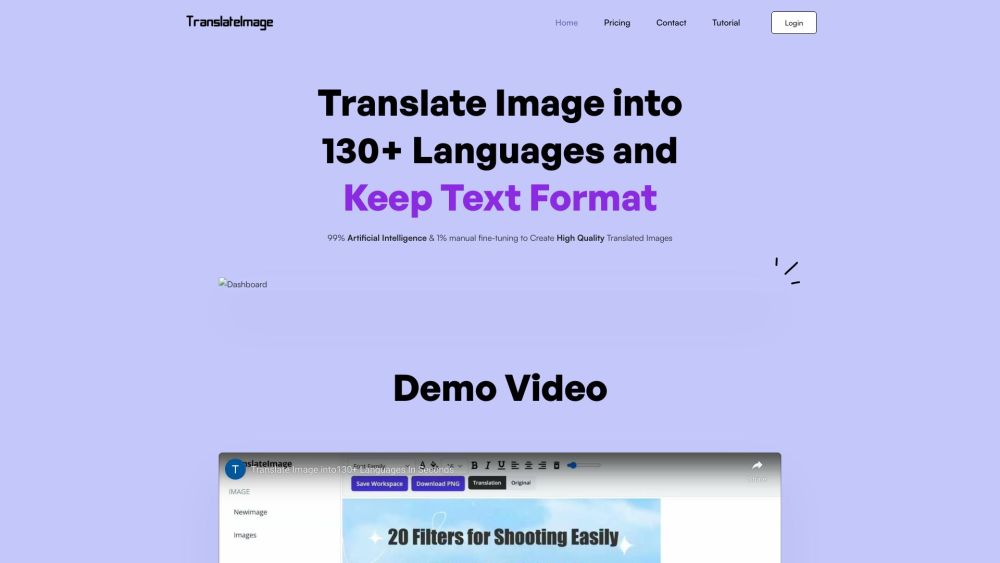
TranslateImage website preview

TranslateImage Website screenshot

What is TranslateImage?

TranslateImage is an advanced tool designed to translate text within images while preserving the original layout. It uses cutting-edge technology to detect text, clean the background, and insert the translated text seamlessly. The platform ensures that the original formatting, including font, color, and position, is maintained. An integrated editor allows for precise adjustments.

How to use TranslateImage?

To utilize TranslateImage, upload an image and choose the desired target language. The system will automatically recognize the text, clean the background, and insert the translated text. Users can further refine the formatting using the built-in editor to ensure it meets their needs.

TranslateImage's Core Features

Text Auto Recognition

Smooth Background Inpainting

Accurate Translation

Preserve Original Text Format

TranslateImage's Use Cases

Translate images for global audiences

Adapt advertisements and product images

Translate documents containing embedded text

Product source: TranslateImage official website. Check the provider for current plans, limits and availability.

FAQ

TranslateImage questions and answers

Product context and practical checks for evaluating TranslateImage.

What is TranslateImage used for?

TranslateImage: Recognize, translate, and edit text in images while preserving original fonts, colors, and positions. Perfect for seamless, high-quality translations.

How do I get started with TranslateImage?

To utilize TranslateImage, upload an image and choose the desired target language. The system will automatically recognize the text, clean the background, and insert the translated text. Users can further refine the formatting using the built-in editor to ensure it meets their needs.

Which capabilities are described for TranslateImage?

Text Auto RecognitionSmooth Background InpaintingAccurate TranslationPreserve Original Text Format

What projects can I evaluate TranslateImage for?

Translate images for global audiencesAdapt advertisements and product imagesTranslate documents containing embedded text Support & Contact Information For support, visit the contact us page(https://www.translateimages.com/contact) About TranslateImage Company Name: TranslateImage User Login Access your account at: https://www.translateimages.com/signin Pricing Information View pricing details at: https://www.translateimages.com/pricing Follow Us on Twitter Stay updated by following: https://twitter.com/ImagesTran91476

What should I compare before choosing a TranslateImage plan?

View pricing details at: https://www.translateimages.com/pricing Confirm current prices and allowances on the provider’s website before purchasing.

What inputs should I prepare for a TranslateImage trial?

Look for text prompts, image references, masks or sketches as appropriate. Compare composition control, supported upload types and the ability to revise a selected area.

How can I check the quality of a TranslateImage result?

Inspect text, hands, edges, reflections and repeated objects at full size. Check that important product or brand details survive editing.

Which export options should I check in TranslateImage?

Compare pixel dimensions, transparency, file formats and any enlargement options. Confirm that the downloaded result works in your design or publishing software.

What is a practical way to test TranslateImage against alternatives?

Prepare a brief with a subject, composition, lighting and required output size. Test a first generation and a targeted revision to see how much control you retain.

Where is the official TranslateImage website?

The website linked from this profile is https://www.translateimages.com. Use the provider’s own documentation, account area and support channels to confirm current product details.

Visit TranslateImage