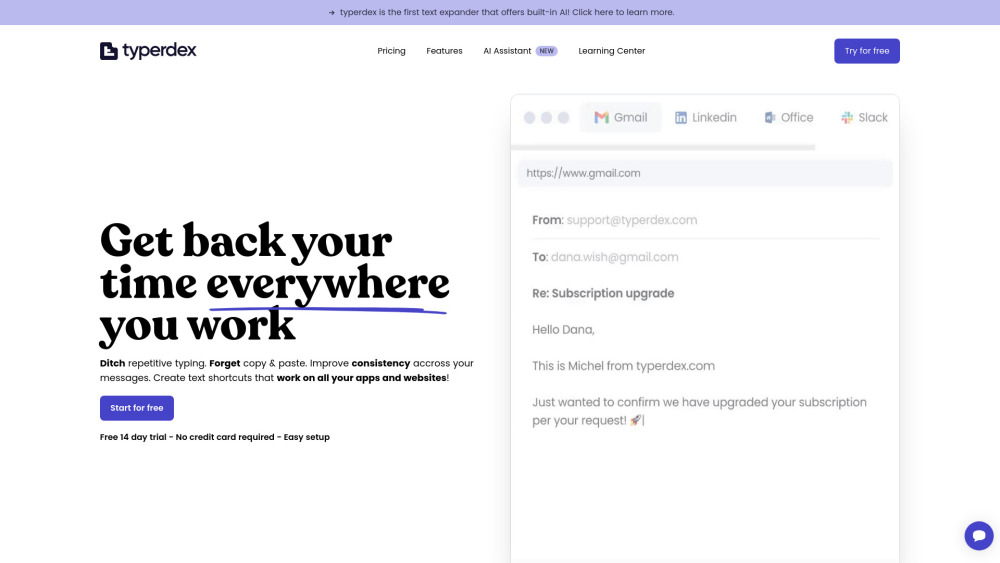
Typerdex boosts productivity with smart canned responses & text expansion—type less, accomplish more. Perfect for emails, chats, and forms!
Explore a specific workflow
Explore shortcuts tools through the product profiles below. The collection groups applications around a shared task. Product scope can overlap, so compare the specific workflow each tool describes rather than the category name alone.
Identify the files, text or account connections your task needs. Confirm that the product accepts those inputs and offers controls for reviewing its work.
Test one representative task and inspect the result for accuracy and completeness. Record where manual corrections or extra tools are needed.
Typerdex boosts productivity with smart canned responses & text expansion—type less, accomplish more. Perfect for emails, chats, and forms!
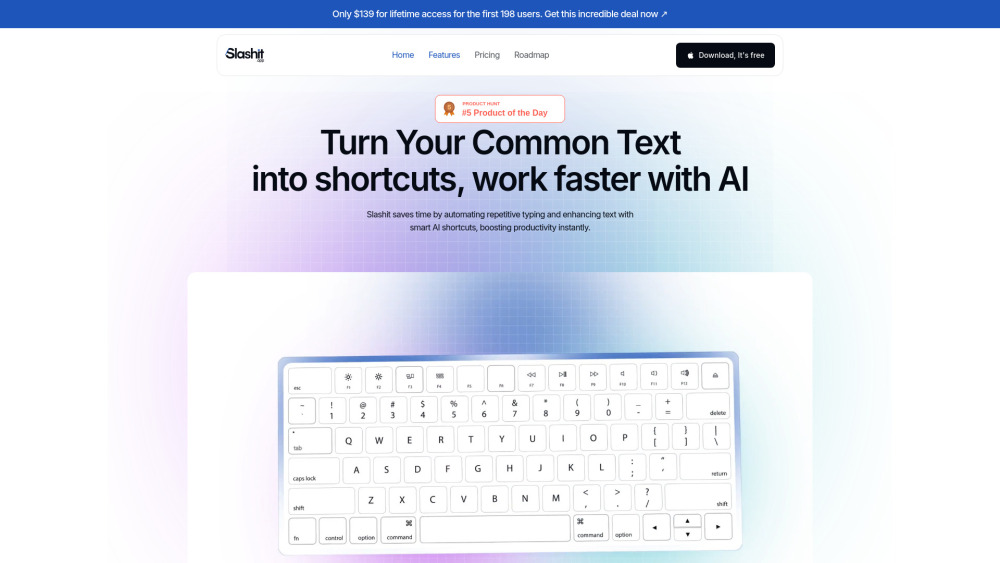
Slashit App: AI-powered text automation for faster replies & smarter productivity—cut response time, boost efficiency.
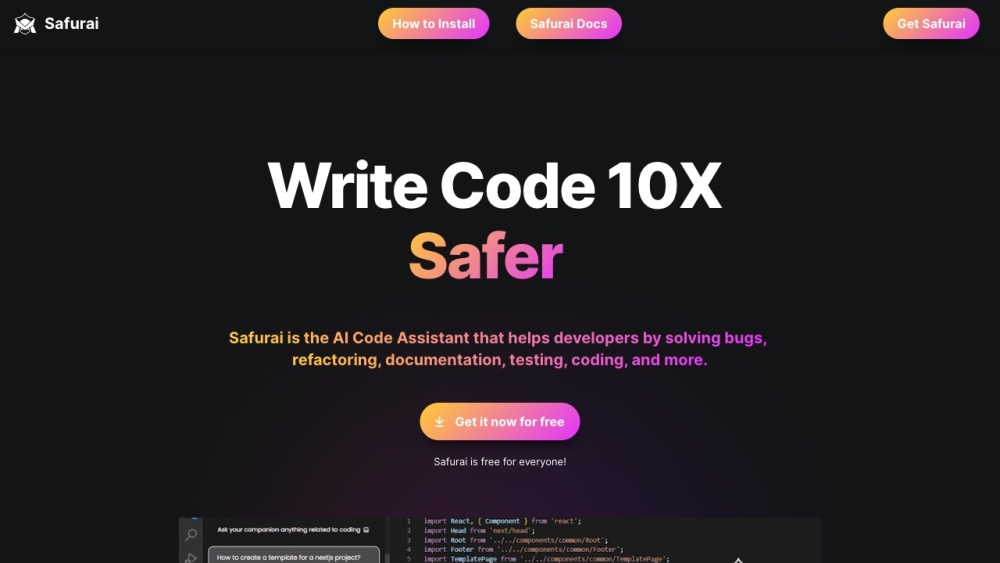
Safurai is an AI Code Assistant designed to supercharge developers' productivity. It supports all programming languages and is completely free for Visual Studio Code. Safurai saves time by assisting in changing, optimizing, and searching code.
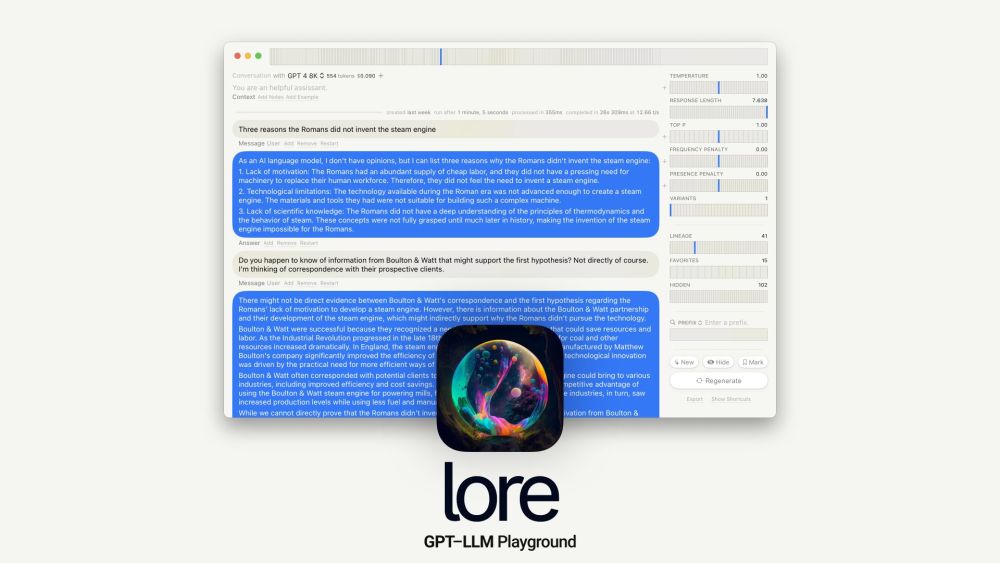
Revolutionize your cooking with the SmartChef Pro – precise temperature control, versatile modes, and easy-to-clean design. Cook smarter, eat better!

Unlock creativity with ShortcutsGPT: 7000+ expertly crafted ChatGPT prompts at your fingertips. Elevate your conversations instantly!
FAQ
Practical answers to help you take the next step.
The collection groups applications around a shared task. Product scope can overlap, so compare the specific workflow each tool describes rather than the category name alone.
Identify the files, text or account connections your task needs. Confirm that the product accepts those inputs and offers controls for reviewing its work.
Test one representative task and inspect the result for accuracy and completeness. Record where manual corrections or extra tools are needed.
Choose one task with a clear success condition. Keep the input consistent, record the time spent reviewing and compare the complete workflow cost.
Typerdex boosts productivity with smart canned responses & text expansion—type less, accomplish more. Perfect for emails, chats, and forms!
Read about TyperdexSlashit App: AI-powered text automation for faster replies & smarter productivity—cut response time, boost efficiency.
Read about Slashit AppSafurai is an AI Code Assistant designed to supercharge developers' productivity. It supports all programming languages and is completely free for Visual Studio Code. Safurai saves time by assisting in changing, optimizing, and searching code.
Read about SafuraiRevolutionize your cooking with the SmartChef Pro – precise temperature control, versatile modes, and easy-to-clean design. Cook smarter, eat better!
Read about EcoBoost Coffee MakerUnlock creativity with ShortcutsGPT: 7000+ expertly crafted ChatGPT prompts at your fingertips. Elevate your conversations instantly!
Read about ShortcutsGPTCheck export formats, integrations and whether you can keep using your work outside the service. Test a real export before committing to a longer plan.