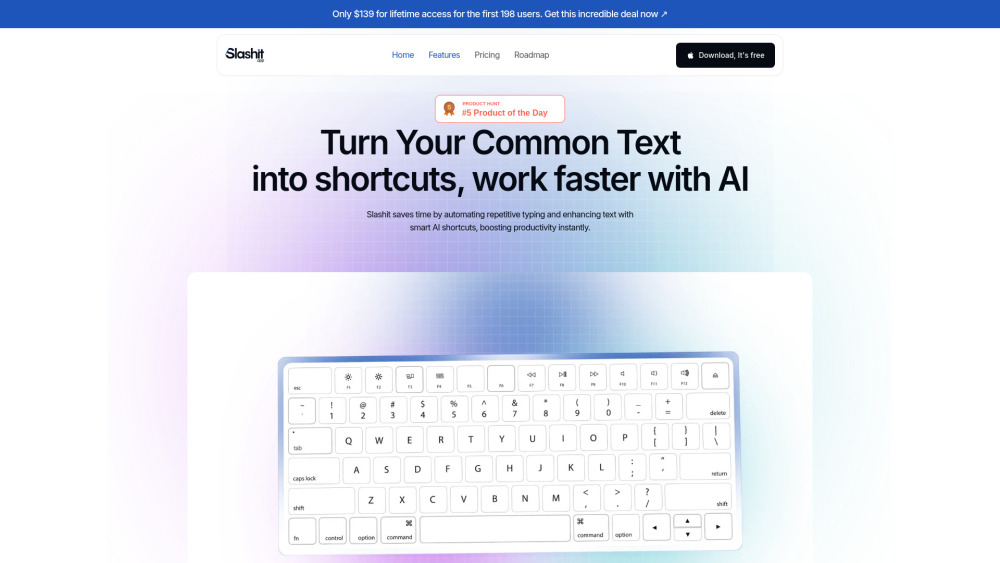
Introducing Slashit App: Faster Replies, Text Automation, Smarter Productivity
Slashit App redefines how professionals write, respond, and collaborate—turning minutes of typing into seconds of intent. Built for speed without sacrificing intelligence, it empowers support agents, sales reps, developers, writers, and remote teams to automate routine communication while preserving authenticity and nuance. At its core, Slashit merges intuitive text expansion with adaptive AI logic—so every reply feels personal, every template evolves with context, and every keystroke delivers measurable efficiency gains.
How Slashit Works—Effortlessly
With Slashit, automation begins where your workflow does—not in complex setups, but in real time. Define custom slash commands (e.g., /greeting or /followup) that expand into rich, context-aware responses. Insert dynamic fields like {customer_name}, conditional logic like {{if urgent}}Escalate immediately{{else}}Respond within 24h{{/if}}, and even trigger AI refinements on-the-fly—like summarizing long emails or adjusting tone from formal to friendly. No coding, no API keys—just intelligent text, activated instantly across any app, browser, or platform.
Why Slashit Stands Out
Intelligent Dynamic Templates — Beyond Static Snippets
One-Click Text Snippets — Fast, Flexible, Focused
AI Command Engine — Multi-Agent Logic, Not Just Autocomplete
Shared Template Library — Sync & Scale Team Knowledge
Real-Time Productivity Dashboard — Track Time Saved, Reps Reduced, Output Gained
Smart Content Hub — Organize by Projects, Clients, or Use Cases with Tags & Folders
Zero-Knowledge Encryption — Your templates, your data, your control
Truly Universal — Works everywhere: Slack, Gmail, Notion, CRM tools, docs, terminals—even password fields (opt-in)
Adaptive UI — Seamless light/dark mode that follows your OS or preference
Where Slashit Makes an Immediate Impact
Cut response time in customer support by up to 68%—without templated monotony.
Eliminate copy-paste fatigue for sales teams crafting personalized outreach at scale.
Accelerate onboarding workflows with auto-generated, role-specific welcome sequences.
Draft proposals, contracts, and reports in seconds—not hours—using smart, editable templates.
Supercharge solo creators, consultants, and solopreneurs who juggle writing across 10+ platforms daily.
Replace fragmented tools (TextExpander, Zapier snippets, ChatGPT copypasta) with one unified, secure layer.
Enable cross-functional alignment—marketing shares campaign replies, engineering shares error explanations, all in one trusted vault.
Slashit App: Quick Answers, Thoughtfully Delivered
-
What exactly is Slashit App?
-
How does Slashit deliver faster replies *and* smarter ones?
-
Is my sensitive client or internal data protected?
-
Do I need to install plugins or configure integrations?
-
What’s included in the free plan—and what unlocks with Pro?
-
Get Support, Fast
Our team is here to help—whether you’re optimizing your first template or scaling enterprise-wide deployment. Reach us at: [email protected]. For full resources, visit our Contact & Support Hub.
-
Meet the Team Behind Slashit
Slashit App is developed and maintained by Panze LLC—a privacy-first productivity studio focused on human-centered automation.
-
Stay Connected
Follow our journey, product updates, and workflow tips:
Facebook: facebook.com/slashitofficial
LinkedIn: linkedin.com/company/slashitapp
X (Twitter): x.com/SlashitApp
Instagram: instagram.com/slashitapp