
Cartoonize yourself and convert your photo and picture into cartoon effect in one click, directly online and for free.
Explore a specific workflow
Explore photo to cartoon tools through the product profiles below. Visual AI tools cover image generation, photo editing, enhancement and design tasks. Choose between creating a new image and modifying an existing asset before comparing products.
Look for text prompts, image references, masks or sketches as appropriate. Compare composition control, supported upload types and the ability to revise a selected area.
Inspect text, hands, edges, reflections and repeated objects at full size. Check that important product or brand details survive editing.
Cartoonize yourself and convert your photo and picture into cartoon effect in one click, directly online and for free.

Transform your photos into 2D and 3D cartoon avatars with ImagetoCartoon. Bring your imagination to life with this powerful cartoon character maker!

Transform your photos into captivating cartoons and anime-style art with AiSnap, the AI-powered app for stunning, creative photo edits.
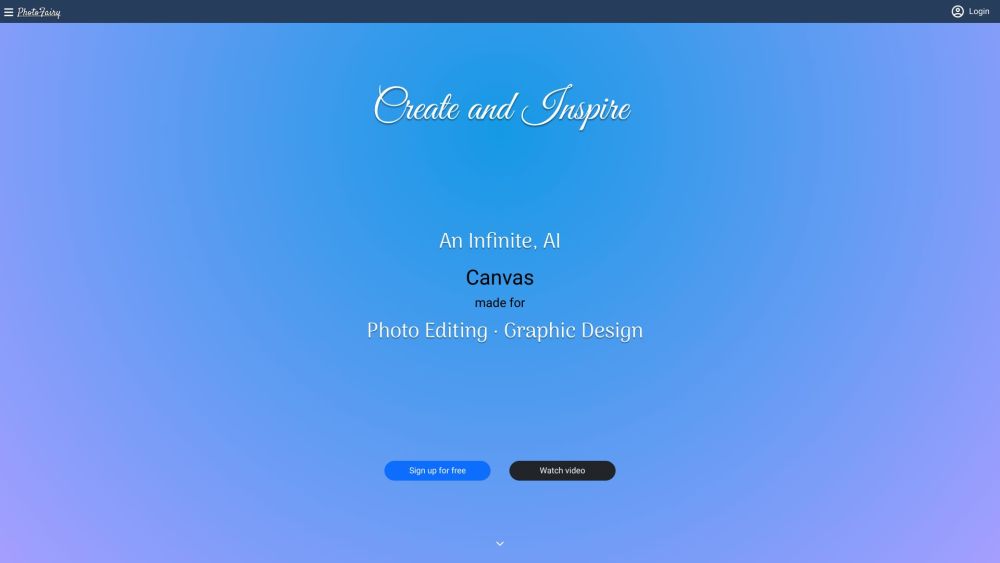
Unleash your creativity with PhotoFairy: an AI-powered, user-friendly online editor for photo edits and graphic designs. Infinite possibilities await!

Transform your text or photos into fun cartoons with AI Cartoon Generator, the user-friendly tool powered by advanced artificial intelligence!
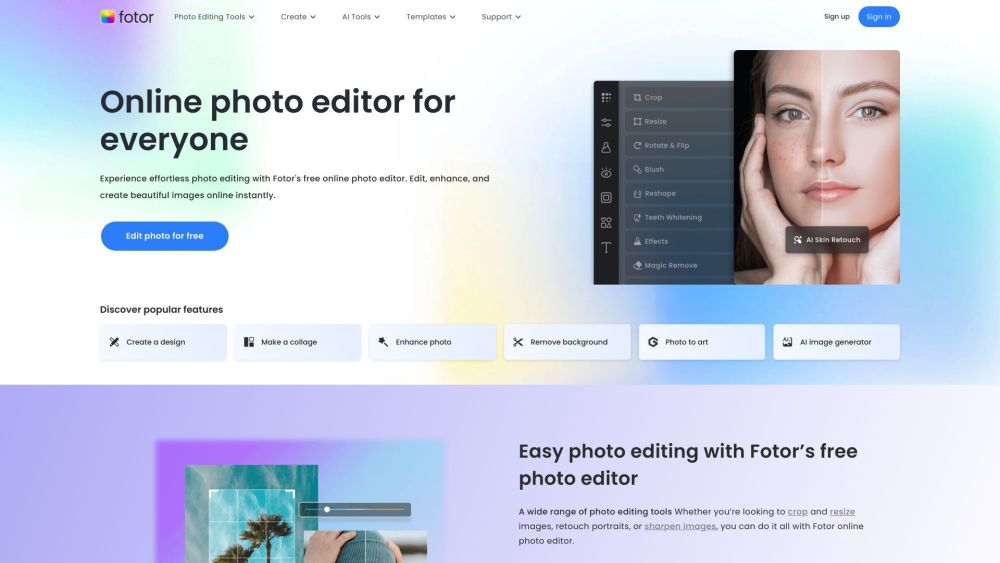
Photo editing made easy with Fotor's free online photo editor. Edit, crop, resize, add effects & text, create collages & more.
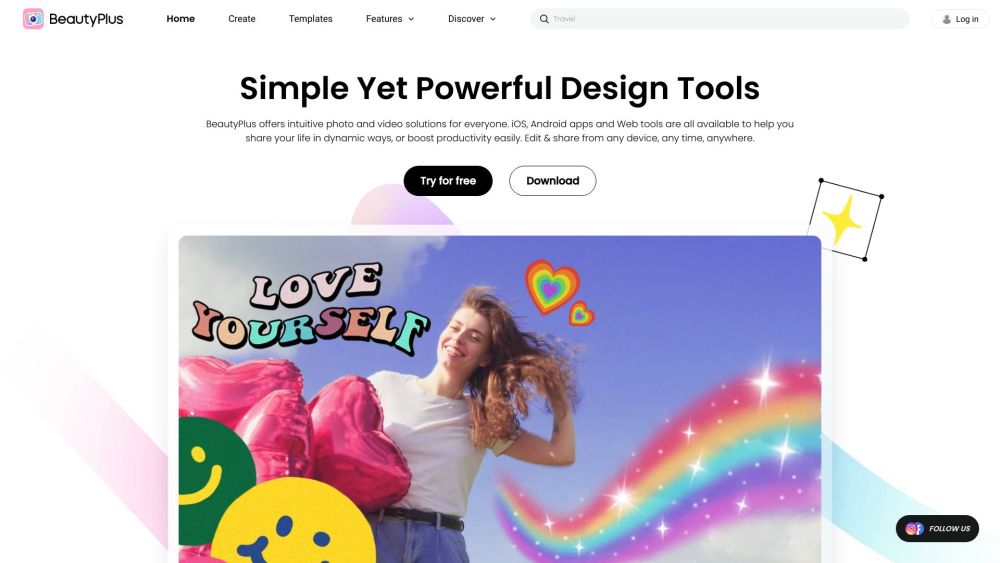
Enhance your photos and videos effortlessly with BeautyPlus! Our intuitive design tools and free content make sharing dynamic moments a breeze.
FAQ
Practical answers to help you take the next step.
Visual AI tools cover image generation, photo editing, enhancement and design tasks. Choose between creating a new image and modifying an existing asset before comparing products.
Look for text prompts, image references, masks or sketches as appropriate. Compare composition control, supported upload types and the ability to revise a selected area.
Inspect text, hands, edges, reflections and repeated objects at full size. Check that important product or brand details survive editing.
Prepare a brief with a subject, composition, lighting and required output size. Test a first generation and a targeted revision to see how much control you retain.
Cartoonize yourself and convert your photo and picture into cartoon effect in one click, directly online and for free.
Read about Cartoon YourselfTransform your photos into 2D and 3D cartoon avatars with ImagetoCartoon. Bring your imagination to life with this powerful cartoon character maker!
Read about ImagetoCartoonTransform your photos into captivating cartoons and anime-style art with AiSnap, the AI-powered app for stunning, creative photo edits.
Read about AiSnapUnleash your creativity with PhotoFairy: an AI-powered, user-friendly online editor for photo edits and graphic designs. Infinite possibilities await!
Read about PhotoFairyTransform your text or photos into fun cartoons with AI Cartoon Generator, the user-friendly tool powered by advanced artificial intelligence!
Read about AI Cartoon GeneratorPhoto editing made easy with Fotor's free online photo editor. Edit, crop, resize, add effects & text, create collages & more.
Read about Fotor