Text to Image

PhotoFairy

Unleash your creativity with PhotoFairy: an AI-powered, user-friendly online editor for photo edits and graphic designs. Infinite possibilities await!

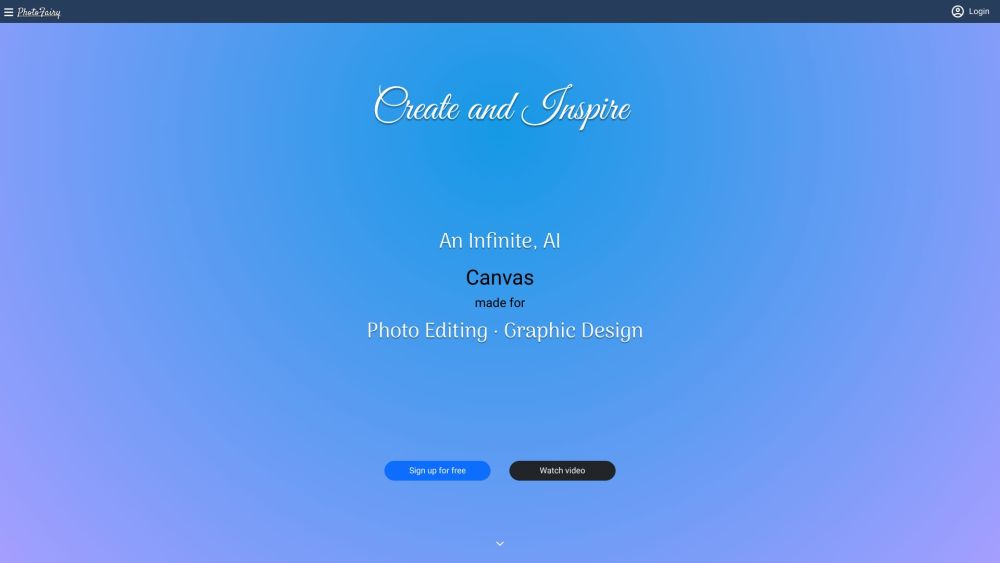
PhotoFairy website preview

PhotoFairy Website screenshot

Discover PhotoFairy

PhotoFairy is an innovative online photo editor and graphic design tool that leverages AI technology to provide a limitless creative canvas. Its user-friendly interface and advanced tools empower users to explore their creativity in photo editing and design.

Getting Started with PhotoFairy

Using PhotoFairy is straightforward and user-friendly. Sign up for a free account to access an expansive canvas for your photo and graphic design projects. Utilize a variety of tools, such as object cutout, background removal, face beautification, and cartoon conversion to elevate your images.

Key Features of PhotoFairy

Unlimited canvas for creative freedom

AI-driven tools for enhanced editing

Cutout and background removal options

Advanced object removal and inpainting

Face beautification and cartoon transformations

Sketch drawing and style variations

Applications of PhotoFairy

Refining images with object cutout and background removal

Eliminating unwanted elements from photos

Enhancing photos with generative AI and style options

Beautifying portraits and experimenting with hairstyles

Creating cartoon versions of photographs

Converting sketches into detailed artworks

Designing graphics using basic shapes and compositions

Planning landscaping projects and crafting infographics

Developing screen mockups and visual presentations

Adding 3D effects and perspectives to images

  • PhotoFairy Company

    PhotoFairy is committed to redefining the way users interact with photo editing and graphic design through cutting-edge AI technology.

    Learn more about PhotoFairy on our about page.

  • PhotoFairy Login

    Access your PhotoFairy account here: Login

  • PhotoFairy Sign up

    Create a new PhotoFairy account here: Sign up

  • PhotoFairy Pricing

    Explore our pricing options: Pricing

  • PhotoFairy YouTube

    Watch tutorials and updates on our YouTube channel: PhotoFairy YouTube

  • PhotoFairy Twitter

    Follow us on Twitter for the latest news: PhotoFairy Twitter

  • PhotoFairy Instagram

    Check out our Instagram for creative inspiration: PhotoFairy Instagram

Product source: PhotoFairy official website. Check the provider for current plans, limits and availability.

FAQ

PhotoFairy questions and answers

Product context and practical checks for evaluating PhotoFairy.

What is PhotoFairy used for?

Unleash your creativity with PhotoFairy: an AI-powered, user-friendly online editor for photo edits and graphic designs. Infinite possibilities await!

How do I get started with PhotoFairy?

Using PhotoFairy is straightforward and user-friendly. Sign up for a free account to access an expansive canvas for your photo and graphic design projects. Utilize a variety of tools, such as object cutout, background removal, face beautification, and cartoon conversion to elevate your images.

Which capabilities are described for PhotoFairy?

Unlimited canvas for creative freedomAI-driven tools for enhanced editingCutout and background removal optionsAdvanced object removal and inpaintingFace beautification and cartoon transformationsSketch drawing and style variations

What projects can I evaluate PhotoFairy for?

Refining images with object cutout and background removalEliminating unwanted elements from photosEnhancing photos with generative AI and style optionsBeautifying portraits and experimenting with hairstylesCreating cartoon versions of photographsConverting sketches into detailed artworksDesigning graphics using basic shapes and compositionsPlanning landscaping projects and crafting infographicsDeveloping screen mockups and visual presentationsAdding 3D effects and perspectives to images PhotoFairy Company PhotoFairy is committed to redefining the way users interact with photo editing and graphic design through cutting-edge AI technology. Learn more about PhotoFairy on our about page. PhotoFairy Login Access your PhotoFairy account here: Login PhotoFairy Sign up Create a new PhotoFairy account here: Sign up PhotoFairy Pricing Explore our pricing options: Pricing PhotoFairy YouTube Watch tutorials and updates on our YouTube channel: PhotoFairy YouTube PhotoFairy Twitter Follow us on Twitter for the latest news: PhotoFairy Twitter PhotoFairy Instagram Check out our Instagram for creative inspiration: PhotoFairy Instagram

What should I compare before choosing a PhotoFairy plan?

Explore our pricing options: Pricing Confirm current prices and allowances on the provider’s website before purchasing.

What inputs should I prepare for a PhotoFairy trial?

Look for text prompts, image references, masks or sketches as appropriate. Compare composition control, supported upload types and the ability to revise a selected area.

How can I check the quality of a PhotoFairy result?

Inspect text, hands, edges, reflections and repeated objects at full size. Check that important product or brand details survive editing.

Which export options should I check in PhotoFairy?

Compare pixel dimensions, transparency, file formats and any enlargement options. Confirm that the downloaded result works in your design or publishing software.

What is a practical way to test PhotoFairy against alternatives?

Prepare a brief with a subject, composition, lighting and required output size. Test a first generation and a targeted revision to see how much control you retain.

Where is the official PhotoFairy website?

The website linked from this profile is https://photofairy.ai. Use the provider’s own documentation, account area and support channels to confirm current product details.

Visit PhotoFairy