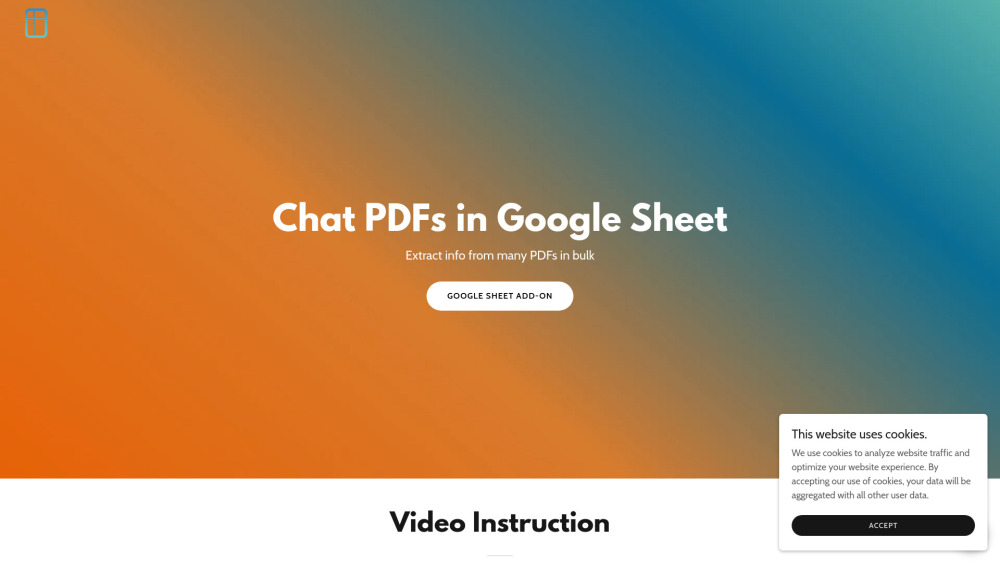
CapGo AI: Extract PDF data in bulk directly into Google Sheets. Automate workflows with AI—no coding needed. Try now!
Explore a specific workflow
Explore pdf extraction tools through the product profiles below. The collection groups applications around a shared task. Product scope can overlap, so compare the specific workflow each tool describes rather than the category name alone.
Identify the files, text or account connections your task needs. Confirm that the product accepts those inputs and offers controls for reviewing its work.
Test one representative task and inspect the result for accuracy and completeness. Record where manual corrections or extra tools are needed.
CapGo AI: Extract PDF data in bulk directly into Google Sheets. Automate workflows with AI—no coding needed. Try now!
Power up your workflow with Copilot ChatGPT plugins and GPTs!

FillBot Chrome Extension: AI-powered automation for form filling. Save time and boost efficiency with smart, instant data entry.

Effortlessly extract & analyze data from PDFs to Excel with ExtractNinja, powered by GPT. Perfect for bulk tasks—streamline your workflow in minutes!

Revolutionize data extraction with Airparser. Use GPT-4 to parse PDFs, emails, and documents, and export data in real time to Google Sheets, CRM, and 5000+ apps.

Xtractly: Advanced GPT Parser - extract structured data from emails, PDFs, and documents. Transform your workflow with precision and ease.
FAQ
Practical answers to help you take the next step.
The collection groups applications around a shared task. Product scope can overlap, so compare the specific workflow each tool describes rather than the category name alone.
Identify the files, text or account connections your task needs. Confirm that the product accepts those inputs and offers controls for reviewing its work.
Test one representative task and inspect the result for accuracy and completeness. Record where manual corrections or extra tools are needed.
Choose one task with a clear success condition. Keep the input consistent, record the time spent reviewing and compare the complete workflow cost.
CapGo AI: Extract PDF data in bulk directly into Google Sheets. Automate workflows with AI—no coding needed. Try now!
Read about CapGo AIPower up your workflow with Copilot ChatGPT plugins and GPTs!
Read about CopilotFillBot Chrome Extension: AI-powered automation for form filling. Save time and boost efficiency with smart, instant data entry.
Read about FillBot - Chrome ExtensionEffortlessly extract & analyze data from PDFs to Excel with ExtractNinja, powered by GPT. Perfect for bulk tasks—streamline your workflow in minutes!
Read about ExtractNinjaRevolutionize data extraction with Airparser. Use GPT-4 to parse PDFs, emails, and documents, and export data in real time to Google Sheets, CRM, and 5000+ apps.
Read about AirparserXtractly: Advanced GPT Parser - extract structured data from emails, PDFs, and documents. Transform your workflow with precision and ease.
Read about Xtractly