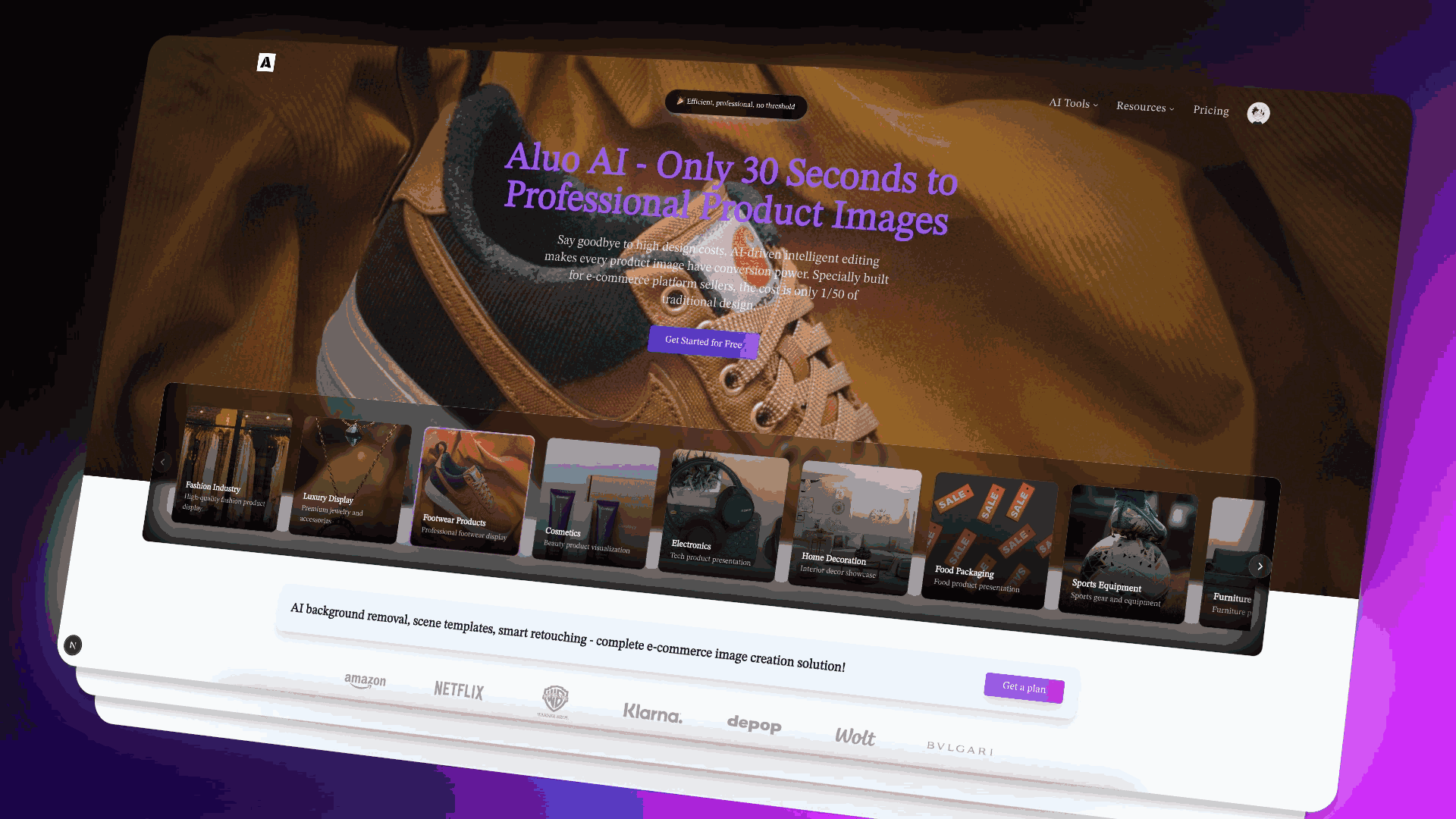
Aluo AI: Create pro e-commerce product images in 30 sec—AI background removal, scene generation & 300+ templates
Explore a specific workflow
Explore online image editor tools through the product profiles below. Visual AI tools cover image generation, photo editing, enhancement and design tasks. Choose between creating a new image and modifying an existing asset before comparing products.
Look for text prompts, image references, masks or sketches as appropriate. Compare composition control, supported upload types and the ability to revise a selected area.
Inspect text, hands, edges, reflections and repeated objects at full size. Check that important product or brand details survive editing.
Aluo AI: Create pro e-commerce product images in 30 sec—AI background removal, scene generation & 300+ templates
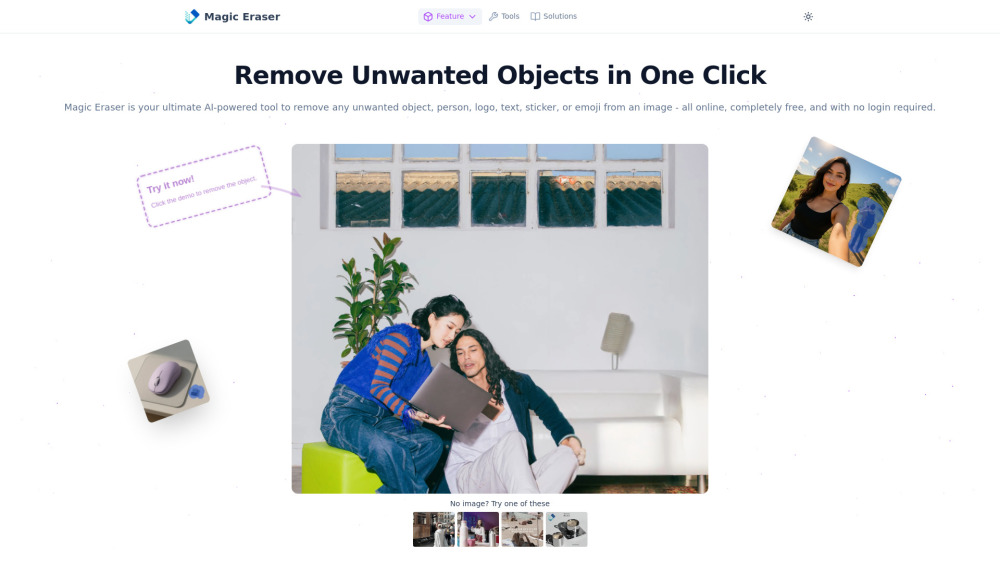
Magic Eraser: AI-powered photo editor—remove unwanted objects instantly. Free, no login, no hassle. Perfect edits in seconds! 🚀
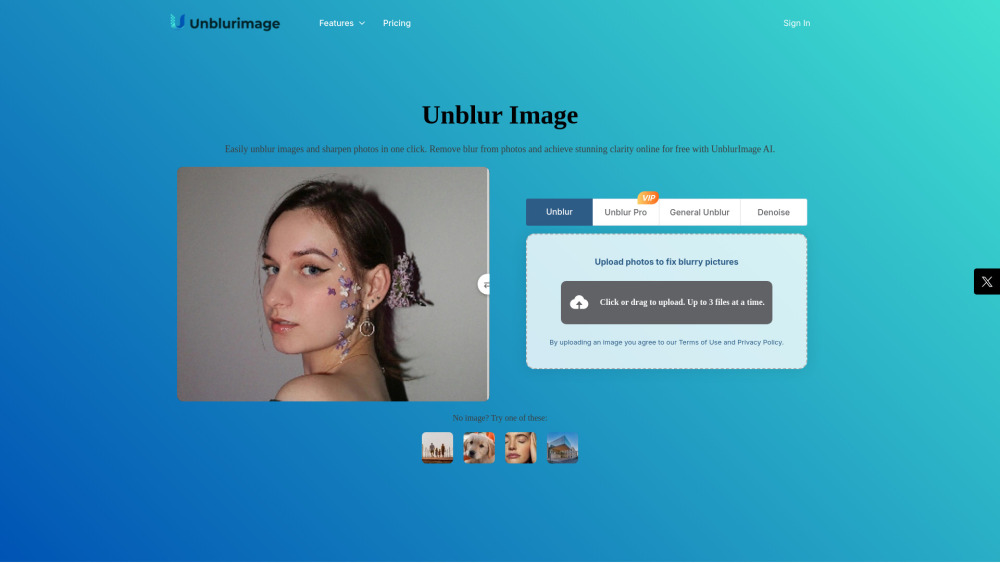
Unblurimage AI: Instantly unblur, sharpen, upscale & enhance images online—powered by AI. Fast, free, no install!
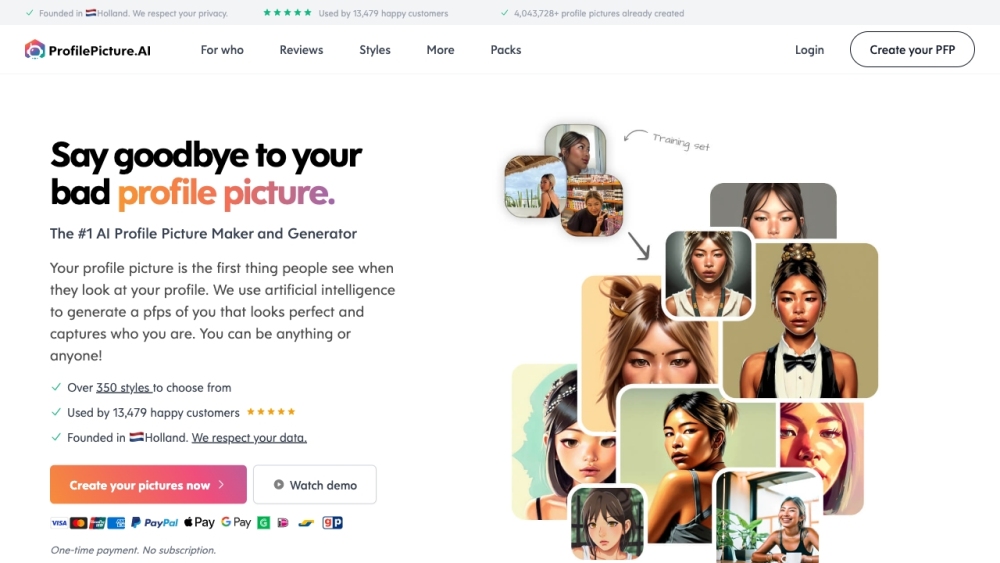
PFP.AI is an AI Profile Picture Generator and Maker that uses artificial intelligence to create personalized profile pictures. It allows users to transform themselves into anyone or anything, capturing their unique personality and style.
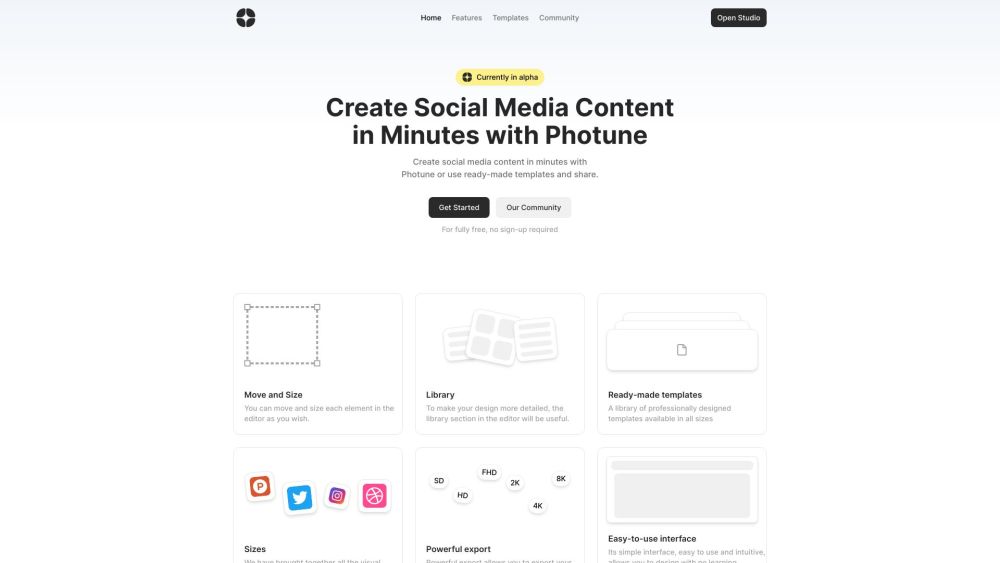
Create social media content in minutes with Photune. Use custom designs or ready-made templates for eye-catching posts on Twitter and Pinterest!
FAQ
Practical answers to help you take the next step.
Visual AI tools cover image generation, photo editing, enhancement and design tasks. Choose between creating a new image and modifying an existing asset before comparing products.
Look for text prompts, image references, masks or sketches as appropriate. Compare composition control, supported upload types and the ability to revise a selected area.
Inspect text, hands, edges, reflections and repeated objects at full size. Check that important product or brand details survive editing.
Prepare a brief with a subject, composition, lighting and required output size. Test a first generation and a targeted revision to see how much control you retain.
Aluo AI: Create pro e-commerce product images in 30 sec—AI background removal, scene generation & 300+ templates
Read about Aluo AIMagic Eraser: AI-powered photo editor—remove unwanted objects instantly. Free, no login, no hassle. Perfect edits in seconds! 🚀
Read about Magic EraserUnblurimage AI: Instantly unblur, sharpen, upscale & enhance images online—powered by AI. Fast, free, no install!
Read about Unblurimage AIPFP.AI is an AI Profile Picture Generator and Maker that uses artificial intelligence to create personalized profile pictures. It allows users to transform themselves into anyone or anything, capturing their unique personality and style.
Read about PFP.AICreate social media content in minutes with Photune. Use custom designs or ready-made templates for eye-catching posts on Twitter and Pinterest!
Read about PhotuneCompare pixel dimensions, transparency, file formats and any enlargement options. Confirm that the downloaded result works in your design or publishing software.