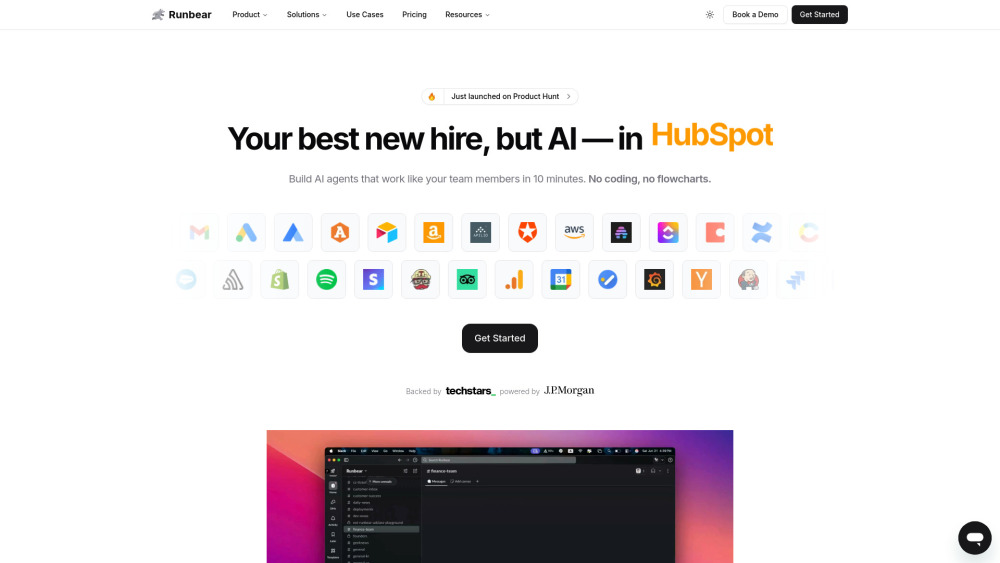
Runbear: Build custom AI agents in Slack, Teams & HubSpot—no code needed. Empower your team with DIY automation, fast.
Explore a specific workflow
Explore microsoft teams integration tools through the product profiles below. The collection groups applications around a shared task. Product scope can overlap, so compare the specific workflow each tool describes rather than the category name alone.
Identify the files, text or account connections your task needs. Confirm that the product accepts those inputs and offers controls for reviewing its work.
Test one representative task and inspect the result for accuracy and completeness. Record where manual corrections or extra tools are needed.
Runbear: Build custom AI agents in Slack, Teams & HubSpot—no code needed. Empower your team with DIY automation, fast.

Boost productivity with ARTU Meetings – Chrome Extension: AI-powered assistant for automatic meeting minutes. Save time, stay organized, and never miss a detail!

Boost Microsoft Teams efficiency with Perfect Wiki—an AI-powered help center for instant answers, streamlined collaboration, and smarter team productivity.

WeInstaReply: Boost productivity with AI-powered auto message responses for Microsoft Teams. handle chats with instant, smart replies.

Boost your productivity with Chadview: a Chrome extension that delivers real-time meeting aid and instant answers for technical interviews.

Boost your marketing with Sphinx Mind: AI chatbot for real-time analysis, optimization, and insights on Facebook Ads, Google Ads, Analytics, & Search Console.

Typeface: AI Tool for Swift, On-Brand Enterprise Content Creation empowers businesses to create exceptional content at lightning speed, ensuring brand consistency effortlessly.
FAQ
Practical answers to help you take the next step.
The collection groups applications around a shared task. Product scope can overlap, so compare the specific workflow each tool describes rather than the category name alone.
Identify the files, text or account connections your task needs. Confirm that the product accepts those inputs and offers controls for reviewing its work.
Test one representative task and inspect the result for accuracy and completeness. Record where manual corrections or extra tools are needed.
Choose one task with a clear success condition. Keep the input consistent, record the time spent reviewing and compare the complete workflow cost.
Runbear: Build custom AI agents in Slack, Teams & HubSpot—no code needed. Empower your team with DIY automation, fast.
Read about RunbearBoost productivity with ARTU Meetings – Chrome Extension: AI-powered assistant for automatic meeting minutes. Save time, stay organized, and never miss a detail!
Read about ARTU MeetingsBoost Microsoft Teams efficiency with Perfect Wiki—an AI-powered help center for instant answers, streamlined collaboration, and smarter team productivity.
Read about Perfect WikiWeInstaReply: Boost productivity with AI-powered auto message responses for Microsoft Teams. handle chats with instant, smart replies.
Read about WeInstaReplyBoost your productivity with Chadview: a Chrome extension that delivers real-time meeting aid and instant answers for technical interviews.
Read about ChadviewBoost your marketing with Sphinx Mind: AI chatbot for real-time analysis, optimization, and insights on Facebook Ads, Google Ads, Analytics, & Search Console.
Read about Sphinx Mind