AI Reply Assistant

WeInstaReply

WeInstaReply: Boost productivity with AI-powered auto message responses for Microsoft Teams. handle chats with instant, smart replies.

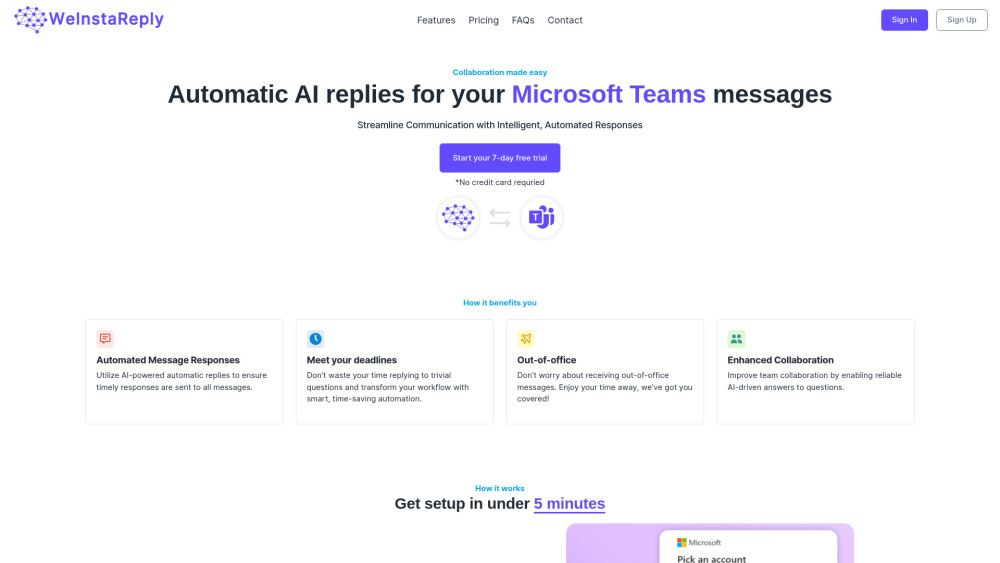
WeInstaReply website preview

WeInstaReply Website screenshot

What is WeInstaReply?

WeInstaReply is an advanced platform that seamlessly integrates GPT technology with Microsoft Teams, delivering smart, automated responses for more effective communication. The system ensures that incoming messages are met with timely and appropriate AI-generated replies, boosting team collaboration and efficiency.

How to use WeInstaReply?

Using WeInstaReply is straightforward. After connecting your Microsoft account, you can upload pertinent data to the platform's information hub and specify which users should receive AI-generated responses. The platform will then provide a comprehensive chat log, displaying both the received messages and the corresponding AI responses.

WeInstaReply's Core Features

Intelligent automated messaging

GPT-driven response generation

Smooth integration with Microsoft Teams

WeInstaReply's Use Cases

Automating responses to messages in Microsoft Teams

Enhancing collaboration with reliable AI-powered replies

Product source: WeInstaReply official website. Check the provider for current plans, limits and availability.

FAQ

WeInstaReply questions and answers

Product context and practical checks for evaluating WeInstaReply.

What is WeInstaReply used for?

WeInstaReply: Boost productivity with AI-powered auto message responses for Microsoft Teams. handle chats with instant, smart replies.

How do I get started with WeInstaReply?

Using WeInstaReply is straightforward. After connecting your Microsoft account, you can upload pertinent data to the platform's information hub and specify which users should receive AI-generated responses. The platform will then provide a comprehensive chat log, displaying both the received messages and the corresponding AI responses.

Which capabilities are described for WeInstaReply?

Intelligent automated messagingGPT-driven response generationSmooth integration with Microsoft Teams

What projects can I evaluate WeInstaReply for?

Automating responses to messages in Microsoft TeamsEnhancing collaboration with reliable AI-powered replies WeInstaReply Support Email & Customer Service Reach out to WeInstaReply's customer service via email: [email protected]. WeInstaReply Login Access your WeInstaReply account here: https://weinstareply.com/sign-in. WeInstaReply Sign Up Create a new WeInstaReply account here: https://weinstareply.com/sign-up. WeInstaReply Pricing Explore pricing options here: https://weinstareply.com/#pricing.

What should I compare before choosing a WeInstaReply plan?

Explore pricing options here: https://weinstareply.com/#pricing. Confirm current prices and allowances on the provider’s website before purchasing.

What inputs should I prepare for a WeInstaReply trial?

Look for text prompts, image references, masks or sketches as appropriate. Compare composition control, supported upload types and the ability to revise a selected area.

How can I check the quality of a WeInstaReply result?

Inspect text, hands, edges, reflections and repeated objects at full size. Check that important product or brand details survive editing.

Which export options should I check in WeInstaReply?

Compare pixel dimensions, transparency, file formats and any enlargement options. Confirm that the downloaded result works in your design or publishing software.

What is a practical way to test WeInstaReply against alternatives?

Prepare a brief with a subject, composition, lighting and required output size. Test a first generation and a targeted revision to see how much control you retain.

Where is the official WeInstaReply website?

The website linked from this profile is https://weinstareply.com. Use the provider’s own documentation, account area and support channels to confirm current product details.

Visit WeInstaReply