
Mando AI: Empower SMEs with smart customer support & no-code AI agent creation—fast, scalable, and built for growth.
Explore a specific workflow
Explore llm integration tools through the product profiles below. The collection groups applications around a shared task. Product scope can overlap, so compare the specific workflow each tool describes rather than the category name alone.
Identify the files, text or account connections your task needs. Confirm that the product accepts those inputs and offers controls for reviewing its work.
Test one representative task and inspect the result for accuracy and completeness. Record where manual corrections or extra tools are needed.
Mando AI: Empower SMEs with smart customer support & no-code AI agent creation—fast, scalable, and built for growth.

n8n: AI-powered workflow automation built for developers—connect apps, automate tasks, and scale workflows with code-like flexibility & no vendor lock-in.
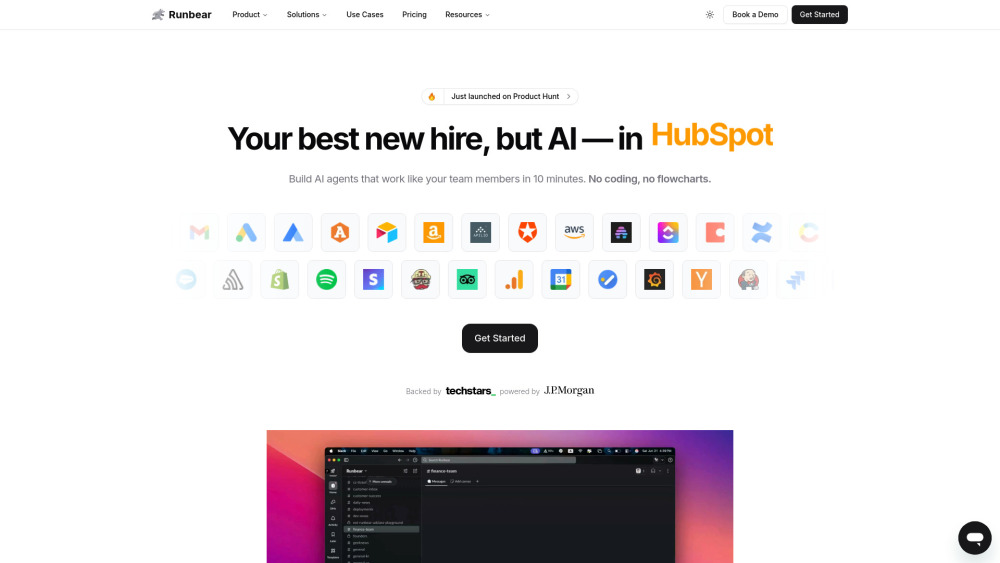
Runbear: Build custom AI agents in Slack, Teams & HubSpot—no code needed. Empower your team with DIY automation, fast.

Karla: AI-powered tool for journalists to instantly generate articles from any information. Discover use cases, pricing, reviews, core features, and alternatives.

llmChef: Elevate your AI with the leading enrichment engine. Perfect responses, competitive pricing, core features, reviews, and alternatives—all in one place. Transform data today!

Empower your enterprise with VectorShift—build and deploy custom generative AI apps effortlessly, no coding needed. Unlock AI-driven innovation today!
FAQ
Practical answers to help you take the next step.
The collection groups applications around a shared task. Product scope can overlap, so compare the specific workflow each tool describes rather than the category name alone.
Identify the files, text or account connections your task needs. Confirm that the product accepts those inputs and offers controls for reviewing its work.
Test one representative task and inspect the result for accuracy and completeness. Record where manual corrections or extra tools are needed.
Choose one task with a clear success condition. Keep the input consistent, record the time spent reviewing and compare the complete workflow cost.
Mando AI: Empower SMEs with smart customer support & no-code AI agent creation—fast, scalable, and built for growth.
Read about Mando AIn8n: AI-powered workflow automation built for developers—connect apps, automate tasks, and scale workflows with code-like flexibility & no vendor lock-in.
Read about n8nRunbear: Build custom AI agents in Slack, Teams & HubSpot—no code needed. Empower your team with DIY automation, fast.
Read about RunbearKarla: AI-powered tool for journalists to instantly generate articles from any information. Discover use cases, pricing, reviews, core features, and alternatives.
Read about KarlallmChef: Elevate your AI with the leading enrichment engine. Perfect responses, competitive pricing, core features, reviews, and alternatives—all in one place. Transform data today!
Read about llmChefEmpower your enterprise with VectorShift—build and deploy custom generative AI apps effortlessly, no coding needed. Unlock AI-driven innovation today!
Read about VectorShift