Large Language Models (LLMs)

VectorShift

Empower your enterprise with VectorShift—build and deploy custom generative AI apps effortlessly, no coding needed. Unlock AI-driven innovation today!

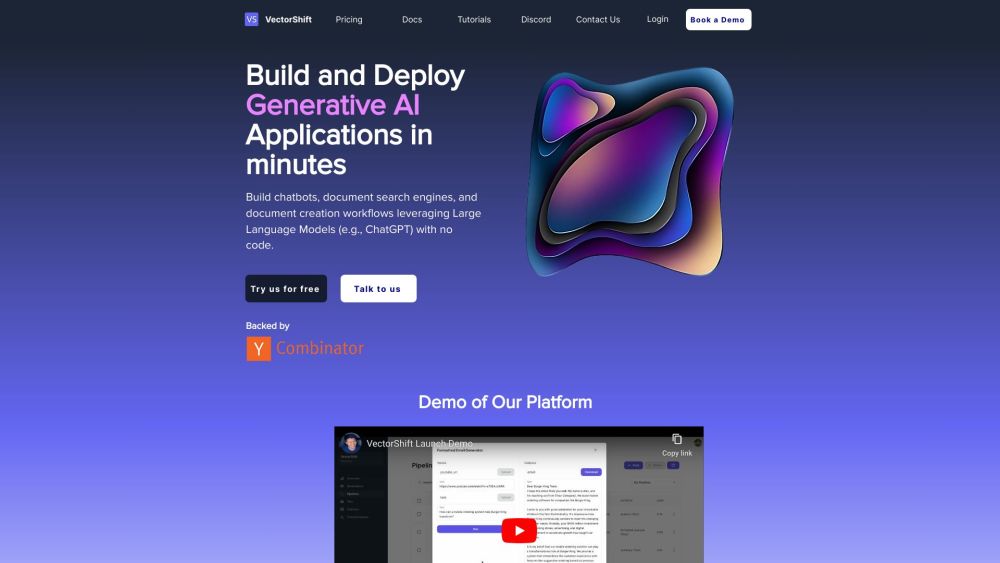
VectorShift website preview

VectorShift Website screenshot

What is VectorShift?

VectorShift is an advanced generative AI platform designed to help enterprises leverage artificial intelligence for their unique business needs. With VectorShift, companies can create and implement generative AI solutions effortlessly, even without coding expertise.

How to use VectorShift?

To get started with VectorShift, follow these steps: 1. Register and set up your account on the VectorShift platform. 2. Use the intuitive drag-and-drop builder to craft and test custom AI workflows. 3. Develop chatbots, document search engines, and automated document creation processes utilizing Large Language Models (LLMs) like ChatGPT. 4. Integrate various data sources, including files, PDFs, websites, videos, audio, and code repositories. 5. Take advantage of the marketplace's pre-built pipelines or design your own and share them with the community. 6. Deploy your applications through an API, enabling immediate access for end users.

VectorShift's Core Features

Key features of VectorShift include: - Drag-and-drop application builder - Creating chatbots and document search engines - Integration with Large Language Models (LLMs) such as ChatGPT - Connection to diverse data sources - Access to a marketplace of pre-built pipelines - API deployment for quick application access

VectorShift's Use Cases

VectorShift can be utilized to: - Embed chatbots on websites - Develop search engines for document, video, audio, and website content - Generate marketing materials, personalized emails, call summaries, and graphics at scale - Build tailored pipelines involving LLMs, data sources, and vector databases - Enhance customer engagement and improve team productivity - Draft proposals, respond to RFPs, update CRM systems, conduct research, and create account plans in sales and marketing - Improve customer support with enterprise-grade chatbots and AI co-pilots trained on internal knowledge bases - Automate HR requests, technical support queries, and internal reporting

Product source: VectorShift official website. Check the provider for current plans, limits and availability.

FAQ

VectorShift questions and answers

Product context and practical checks for evaluating VectorShift.

What is VectorShift used for?

Empower your enterprise with VectorShift—build and deploy custom generative AI apps effortlessly, no coding needed. Unlock AI-driven innovation today!

How do I get started with VectorShift?

To get started with VectorShift, follow these steps: 1. Register and set up your account on the VectorShift platform. 2. Use the intuitive drag-and-drop builder to craft and test custom AI workflows. 3. Develop chatbots, document search engines, and automated document creation processes utilizing Large Language Models (LLMs) like ChatGPT. 4. Integrate various data sources, including files, PDFs, websites, videos, audio, and code repositories. 5. Take advantage of the marketplace's pre-built pipelines or design your own and share them with the community. 6. Deploy your applications through an API, enabling immediate access for end users.

Which capabilities are described for VectorShift?

Key features of VectorShift include: - Drag-and-drop application builder - Creating chatbots and document search engines - Integration with Large Language Models (LLMs) such as ChatGPT - Connection to diverse data sources - Access to a marketplace of pre-built pipelines - API deployment for quick application access

What projects can I evaluate VectorShift for?

VectorShift can be utilized to: - Embed chatbots on websites - Develop search engines for document, video, audio, and website content - Generate marketing materials, personalized emails, call summaries, and graphics at scale - Build tailored pipelines involving LLMs, data sources, and vector databases - Enhance customer engagement and improve team productivity - Draft proposals, respond to RFPs, update CRM systems, conduct research, and create account plans in sales and marketing - Improve customer support with enterprise-grade chatbots and AI co-pilots trained on internal knowledge bases - Automate HR requests, technical support queries, and internal reporting VectorShift Discord Join the VectorShift community on Discord: https://discord.gg/PdbDJsdBK2. For more information, click here. VectorShift Support Email & Customer Service Contact Contact VectorShift support: [email protected]. For more contact options, visit our contact page. VectorShift Company VectorShift, Inc. VectorShift Login Login to VectorShift: https://app.vectorshift.ai VectorShift Sign Up Sign up for VectorShift: https://app.vectorshift.ai/api/signup VectorShift Pricing View VectorShift pricing: https://www.vectorshift.ai/pricing

What should I compare before choosing a VectorShift plan?

View VectorShift pricing: https://www.vectorshift.ai/pricing Confirm current prices and allowances on the provider’s website before purchasing.

What inputs should I prepare for a VectorShift trial?

Identify the files, text or account connections your task needs. Confirm that the product accepts those inputs and offers controls for reviewing its work.

How can I check the quality of a VectorShift result?

Test one representative task and inspect the result for accuracy and completeness. Record where manual corrections or extra tools are needed.

Which export options should I check in VectorShift?

Check export formats, integrations and whether you can keep using your work outside the service. Test a real export before committing to a longer plan.

What is a practical way to test VectorShift against alternatives?

Choose one task with a clear success condition. Keep the input consistent, record the time spent reviewing and compare the complete workflow cost.

Where is the official VectorShift website?

The website linked from this profile is . Use the provider’s own documentation, account area and support channels to confirm current product details.