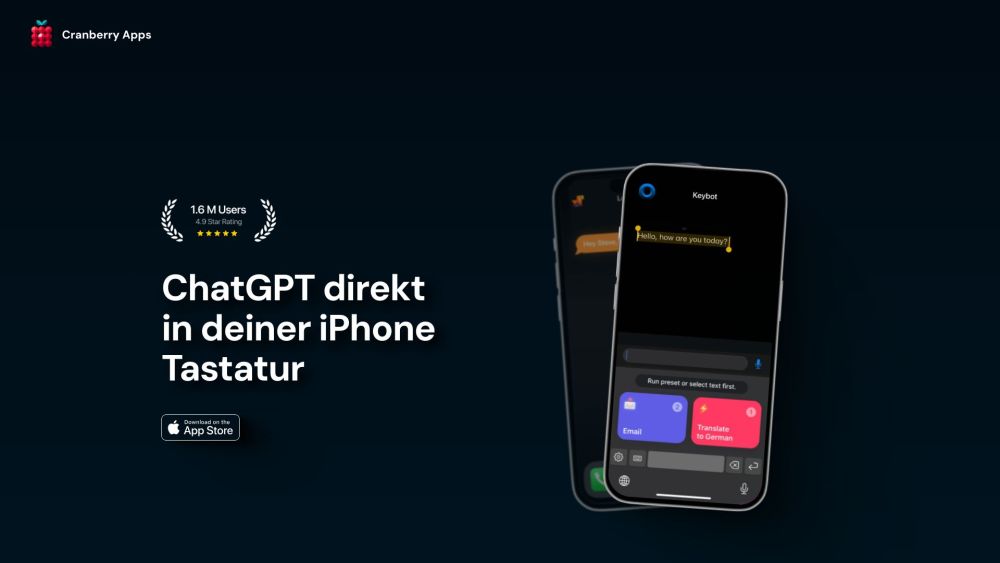
Cranberry Apps: Fun, simple solutions designed to make your daily life easier and more enjoyable. Discover tools that brighten your day effortlessly!
Explore a specific workflow
Explore keyboard tools through the product profiles below. The collection groups applications around a shared task. Product scope can overlap, so compare the specific workflow each tool describes rather than the category name alone.
Identify the files, text or account connections your task needs. Confirm that the product accepts those inputs and offers controls for reviewing its work.
Test one representative task and inspect the result for accuracy and completeness. Record where manual corrections or extra tools are needed.
Cranberry Apps: Fun, simple solutions designed to make your daily life easier and more enjoyable. Discover tools that brighten your day effortlessly!
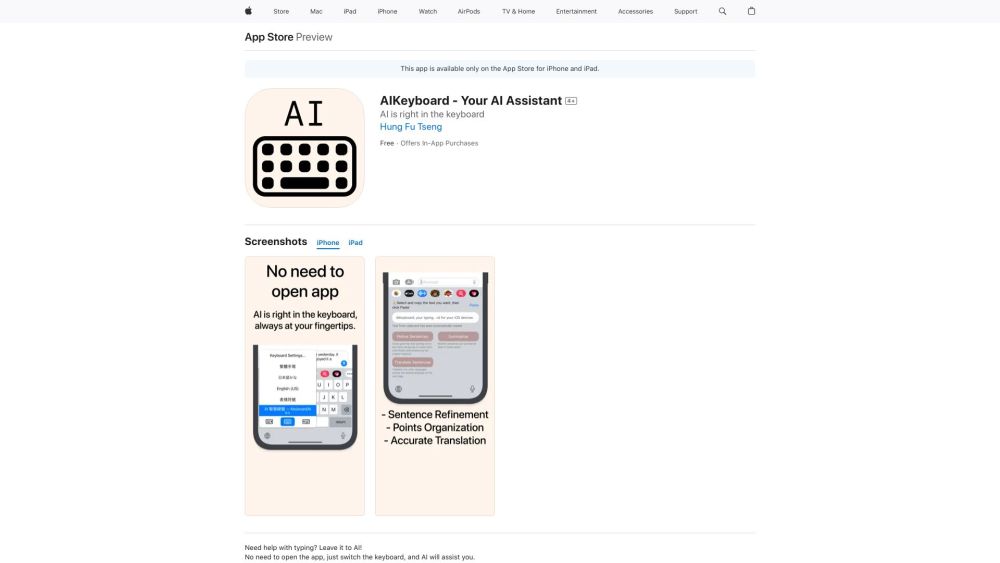
Boost your typing efficiency with AIKeyboard, the iOS typing assistant integrated into your keyboard for smarter, faster text input.
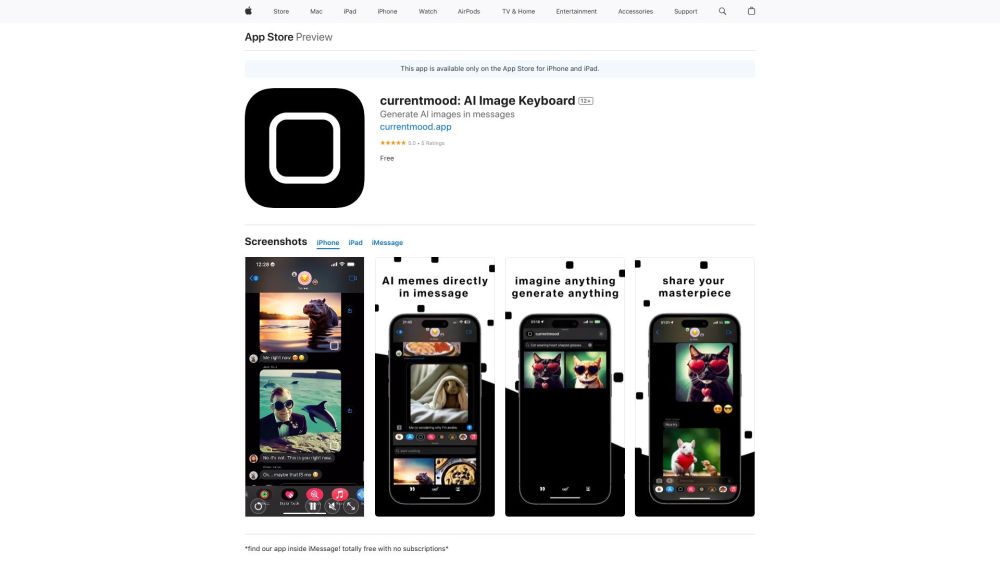
Create unique art and photos directly in iMessage with the AI Art Generator! Transform your chats with AI creations instantly.
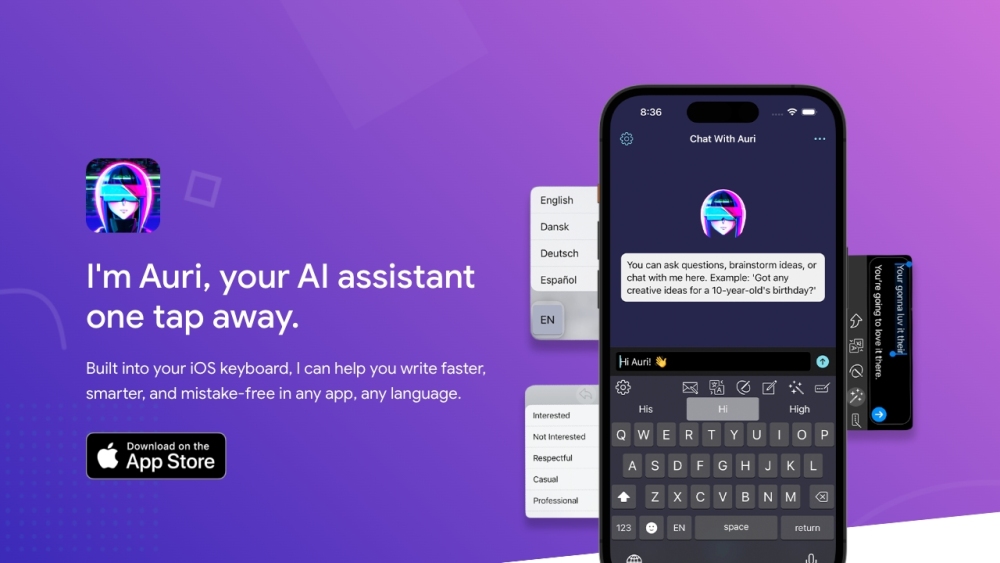
Auri AI is a multilingual AI Keyboard, supercharged AI Chat, Smart Notes, and Transcription app that helps users write faster, smarter, and mistake-free in any app and any language.
Rizz! Keyboard: AI-powered iPhone typing solution that generates personalized, creative responses. Transform your typing with intelligence and flair!
FAQ
Practical answers to help you take the next step.
The collection groups applications around a shared task. Product scope can overlap, so compare the specific workflow each tool describes rather than the category name alone.
Identify the files, text or account connections your task needs. Confirm that the product accepts those inputs and offers controls for reviewing its work.
Test one representative task and inspect the result for accuracy and completeness. Record where manual corrections or extra tools are needed.
Choose one task with a clear success condition. Keep the input consistent, record the time spent reviewing and compare the complete workflow cost.
Cranberry Apps: Fun, simple solutions designed to make your daily life easier and more enjoyable. Discover tools that brighten your day effortlessly!
Read about Cranberry AppsBoost your typing efficiency with AIKeyboard, the iOS typing assistant integrated into your keyboard for smarter, faster text input.
Read about AIKeyboardCreate unique art and photos directly in iMessage with the AI Art Generator! Transform your chats with AI creations instantly.
Read about AI Art GeneratorAuri AI is a multilingual AI Keyboard, supercharged AI Chat, Smart Notes, and Transcription app that helps users write faster, smarter, and mistake-free in any app and any language.
Read about Auri.AIRizz! Keyboard: AI-powered iPhone typing solution that generates personalized, creative responses. Transform your typing with intelligence and flair!
Read about Rizz! KeyboardCheck export formats, integrations and whether you can keep using your work outside the service. Test a real export before committing to a longer plan.