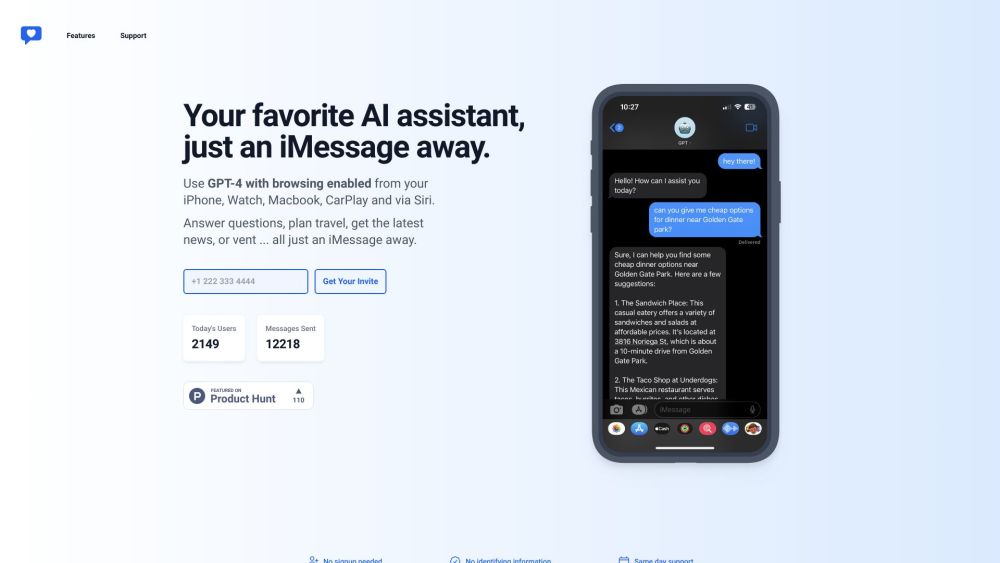
iChatWithGPT: Your AI assistant on iMessage, iPhone, Watch, Macbook, & CarPlay via Siri. Get answers, plan travel, find recipes, and vent stress, all hands-free!
Explore a specific workflow
Explore imessage tools through the product profiles below. The collection groups applications around a shared task. Product scope can overlap, so compare the specific workflow each tool describes rather than the category name alone.
Identify the files, text or account connections your task needs. Confirm that the product accepts those inputs and offers controls for reviewing its work.
Test one representative task and inspect the result for accuracy and completeness. Record where manual corrections or extra tools are needed.
iChatWithGPT: Your AI assistant on iMessage, iPhone, Watch, Macbook, & CarPlay via Siri. Get answers, plan travel, find recipes, and vent stress, all hands-free!

MightyGPT is a chatbot using GPT-3 and chatGPT to chat on messaging apps and assist users.

Unlock your potential with Airn: your personal growth coach on iMessage for daily progress and motivation, right at your fingertips!

Discover 'Wyd.Chat': Your Spotify Wrapped Experience for iMessage. Relive top tunes and share your music journey directly in iMessage!
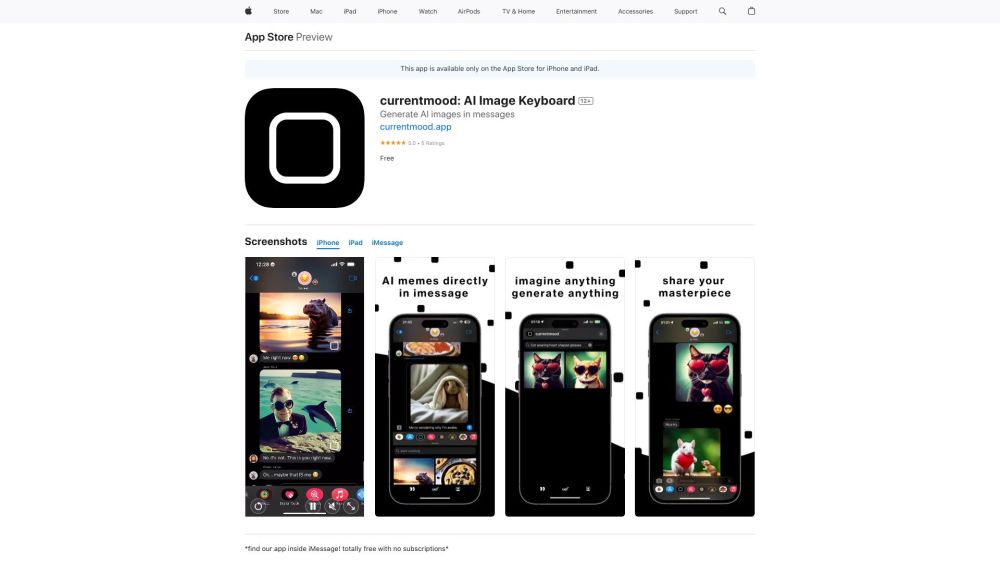
Create unique art and photos directly in iMessage with the AI Art Generator! Transform your chats with AI creations instantly.

ONE800: ChatGPT for iMessage – Access AI tools, expert answers, celebrity chats, and creative content directly in iMessage. Free, no download required!
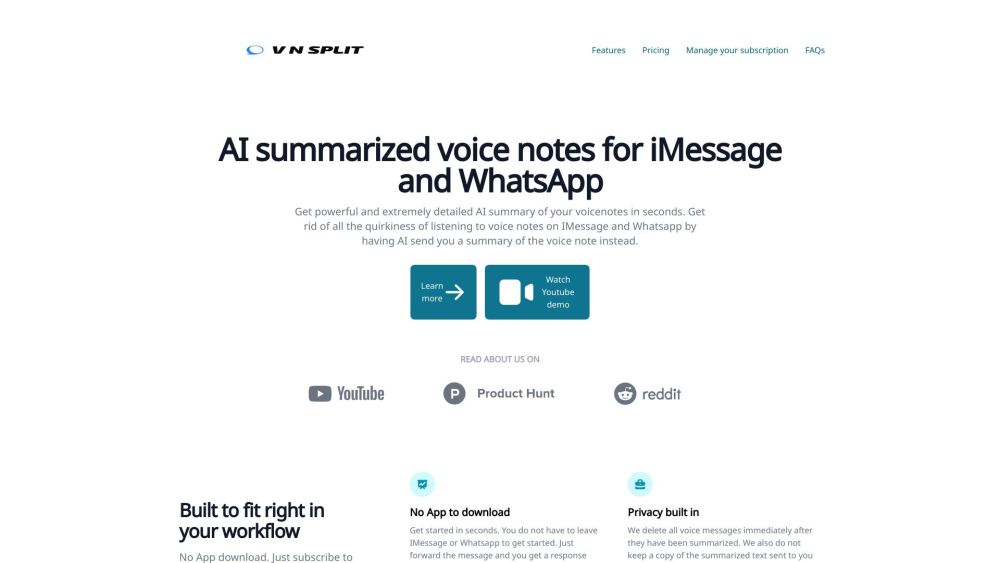
Get instant, detailed AI summaries of your iMessage and WhatsApp voice notes with VNSplit. Save time and read concise texts instead of listening to full messages.
FAQ
Practical answers to help you take the next step.
The collection groups applications around a shared task. Product scope can overlap, so compare the specific workflow each tool describes rather than the category name alone.
Identify the files, text or account connections your task needs. Confirm that the product accepts those inputs and offers controls for reviewing its work.
Test one representative task and inspect the result for accuracy and completeness. Record where manual corrections or extra tools are needed.
Choose one task with a clear success condition. Keep the input consistent, record the time spent reviewing and compare the complete workflow cost.
iChatWithGPT: Your AI assistant on iMessage, iPhone, Watch, Macbook, & CarPlay via Siri. Get answers, plan travel, find recipes, and vent stress, all hands-free!
Read about iChatWithGPTMightyGPT is a chatbot using GPT-3 and chatGPT to chat on messaging apps and assist users.
Read about **MightyGPTUnlock your potential with Airn: your personal growth coach on iMessage for daily progress and motivation, right at your fingertips!
Read about AirnDiscover 'Wyd.Chat': Your Spotify Wrapped Experience for iMessage. Relive top tunes and share your music journey directly in iMessage!
Read about Wyd.ChatCreate unique art and photos directly in iMessage with the AI Art Generator! Transform your chats with AI creations instantly.
Read about AI Art GeneratorONE800: ChatGPT for iMessage – Access AI tools, expert answers, celebrity chats, and creative content directly in iMessage. Free, no download required!
Read about ONE800