
Transform text to emojis effortlessly with emoji.is, an AI-powered tool that makes communication fun and expressive. Try emoji.is and let AI enhance your messages!
Explore a specific workflow
Explore emojis tools through the product profiles below. The collection groups applications around a shared task. Product scope can overlap, so compare the specific workflow each tool describes rather than the category name alone.
Identify the files, text or account connections your task needs. Confirm that the product accepts those inputs and offers controls for reviewing its work.
Test one representative task and inspect the result for accuracy and completeness. Record where manual corrections or extra tools are needed.
Transform text to emojis effortlessly with emoji.is, an AI-powered tool that makes communication fun and expressive. Try emoji.is and let AI enhance your messages!

Create unique emojis effortlessly! Emoji Combiner lets you merge any two emojis into one with our easy-to-use online tool.

TIKTOKEMOJI.COM: Create Custom TikTok Emojis with AI Technology – Elevate your TikTok game with unique emojis crafted by AI. Express yourself better!

Transform your long streams into funny, engaging clips with Fusion Clips AI! Find the best moments with one click. Say goodbye to boring content!

Discover the meanings of chat symbols, emojis, and internet slang effortlessly with MeaningIn.Chat. Decode messages and stay ahead in every conversation!

Boost your social media with Capit! This iOS app uses GPT-4 Vision to craft perfect captions for images & videos, with hashtags & emojis. Try it now!

Boost productivity with SmartWorkBuddy! This AI-powered tool enhances your work efficiency, helping you work smarter and faster. Try it today!

Craft & Combine: Generate AI emojis with keywords and mix them to create unique emoji combinations. Perfect for adding a personalized touch!
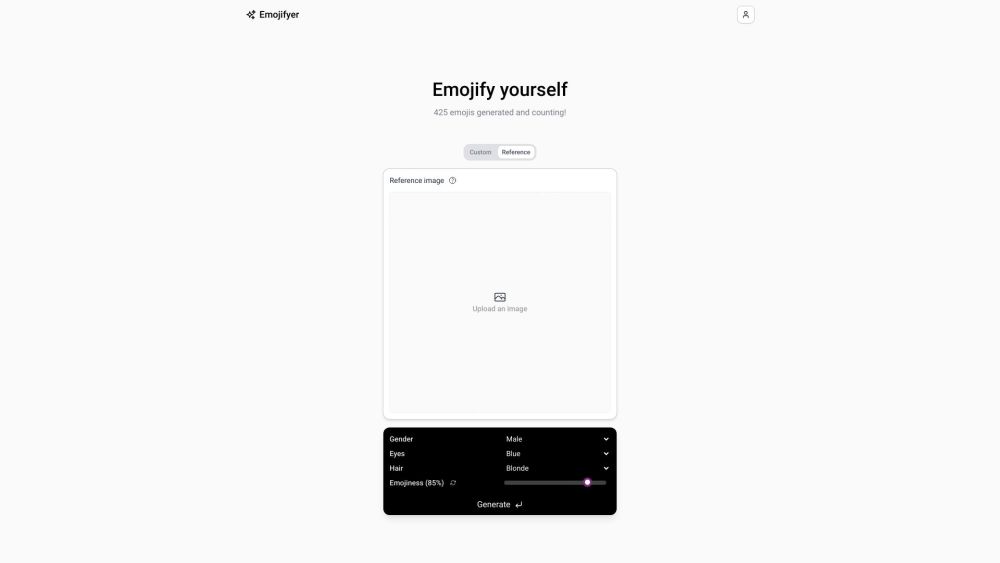
Transform selfies into personalized emojis effortlessly with Emojifyer. Add a unique touch to your digital chats and emojify yourself or friends today!

ClipGlow: Transform short videos into captivating, AI-driven stories. Elevate your content effortlessly and engage your audience like never before.

ReplyAssistant: AI-powered custom keyboard enhancing your messaging with smart replies, auto-suggestions, and personalized responses. Chat smarter, not harder!
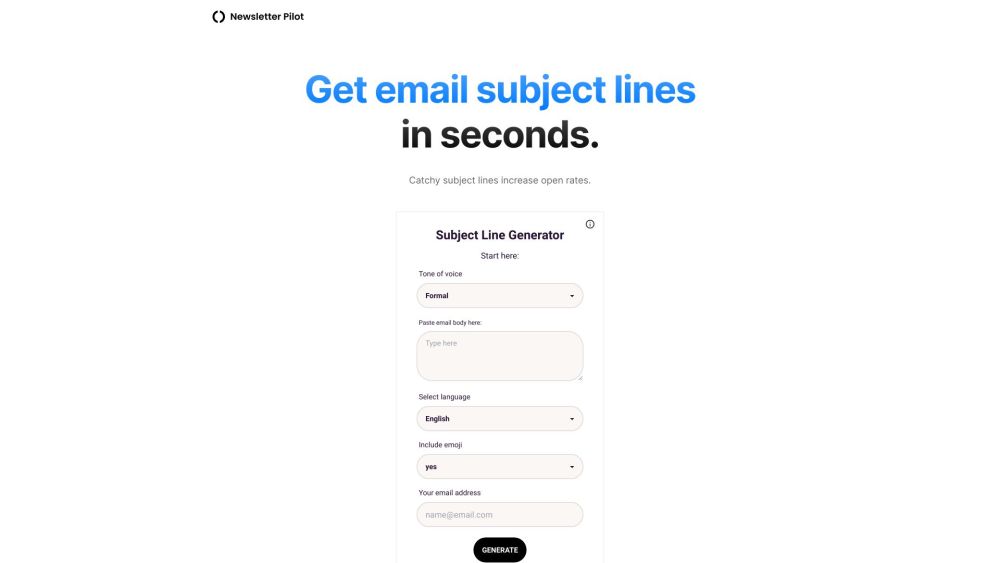
Boost email open rates with our AI-powered Subject Line Generator. Customizable tones, emoji options, and Gmail integration for ultimate convenience.

FastCut: Generate engaging captions for reels, shorts, and TikToks in 1 click. Auto-transcribes and styles like top creators Alex Hormozi, Ali Abdaal, and MrBeast.

Captiwiz is the ultimate transcriptions and captions generator. It is mainly used by content creators and video makers to add captions to their videos and elevate their video creation game by adding captivating animated captions and emojis.

Imcaption: Effortlessly create captivating captions for social media & blogs with our AI Image-to-Caption tool. Elevate your content instantly!

Submagic: AI-powered trendy, eye-catching captions with emojis for your short-form content. Make every post pop and engage effortlessly! #SocialMediaMagic
FAQ
Practical answers to help you take the next step.
The collection groups applications around a shared task. Product scope can overlap, so compare the specific workflow each tool describes rather than the category name alone.
Identify the files, text or account connections your task needs. Confirm that the product accepts those inputs and offers controls for reviewing its work.
Test one representative task and inspect the result for accuracy and completeness. Record where manual corrections or extra tools are needed.
Choose one task with a clear success condition. Keep the input consistent, record the time spent reviewing and compare the complete workflow cost.
Transform text to emojis effortlessly with emoji.is, an AI-powered tool that makes communication fun and expressive. Try emoji.is and let AI enhance your messages!
Read about emoji.isCreate unique emojis effortlessly! Emoji Combiner lets you merge any two emojis into one with our easy-to-use online tool.
Read about Emoji CombinerTIKTOKEMOJI.COM: Create Custom TikTok Emojis with AI Technology – Elevate your TikTok game with unique emojis crafted by AI. Express yourself better!
Read about TIKTOKEMOJI.COMTransform your long streams into funny, engaging clips with Fusion Clips AI! Find the best moments with one click. Say goodbye to boring content!
Read about Fusion Clips AIDiscover the meanings of chat symbols, emojis, and internet slang effortlessly with MeaningIn.Chat. Decode messages and stay ahead in every conversation!
Read about MeaningIn.ChatBoost your social media with Capit! This iOS app uses GPT-4 Vision to craft perfect captions for images & videos, with hashtags & emojis. Try it now!
Read about Capit