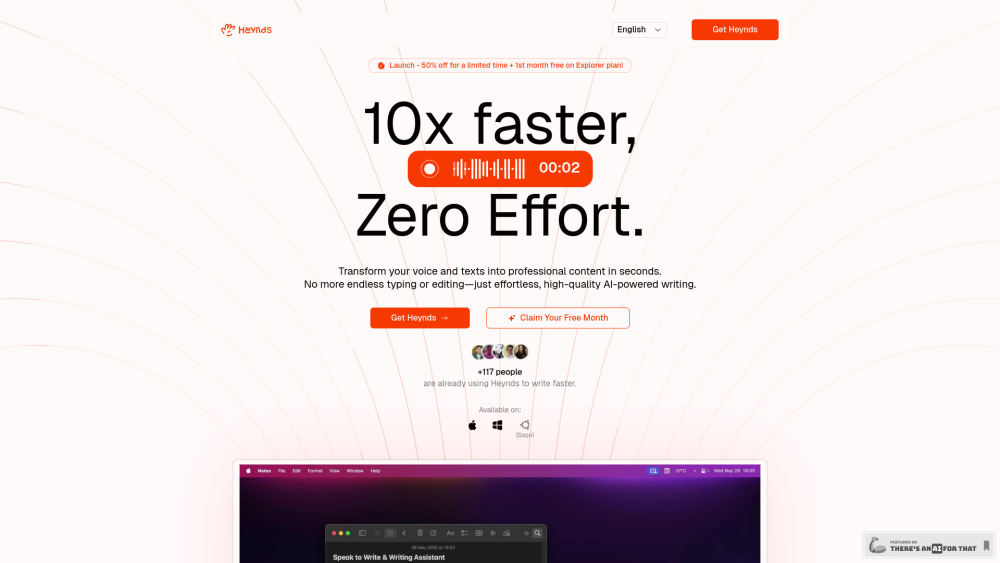
Heynds: AI-powered desktop app for effortless writing & speech—create high-quality content faster, smarter, and stress-free.
Explore a specific workflow
Explore custom prompts tools through the product profiles below. The collection groups applications around a shared task. Product scope can overlap, so compare the specific workflow each tool describes rather than the category name alone.
Identify the files, text or account connections your task needs. Confirm that the product accepts those inputs and offers controls for reviewing its work.
Test one representative task and inspect the result for accuracy and completeness. Record where manual corrections or extra tools are needed.
Heynds: AI-powered desktop app for effortless writing & speech—create high-quality content faster, smarter, and stress-free.
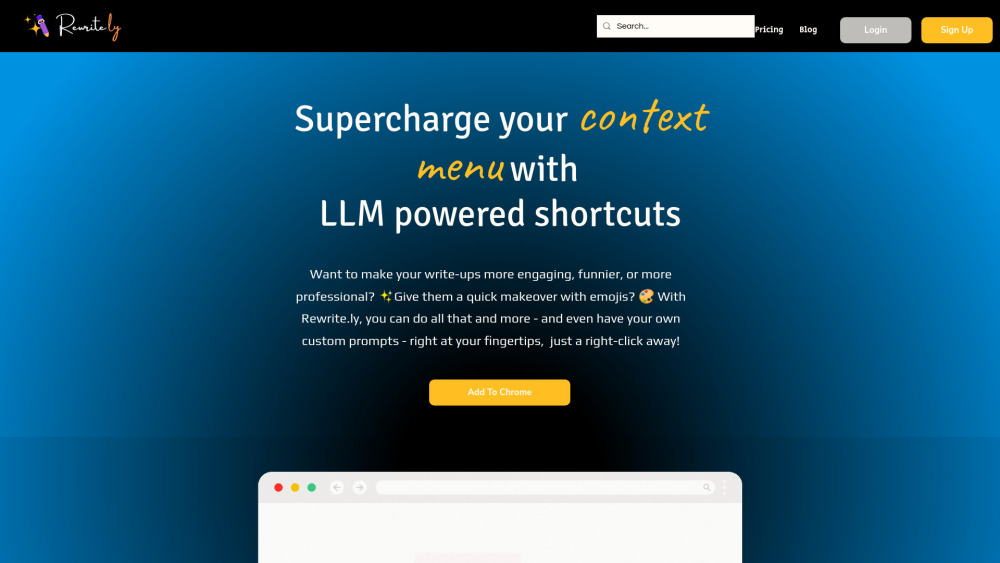
Rewrite.ly: Elevate your writing with AI-powered text manipulation shortcuts. Effortlessly edit, rewrite, and enhance content—right from this Chrome extension! Explore pricing, reviews, features, and alternatives today.

Transform your selfies into breathtaking AI portraits with Imaginova. Explore diverse styles, core features, pricing, reviews, and alternatives today!
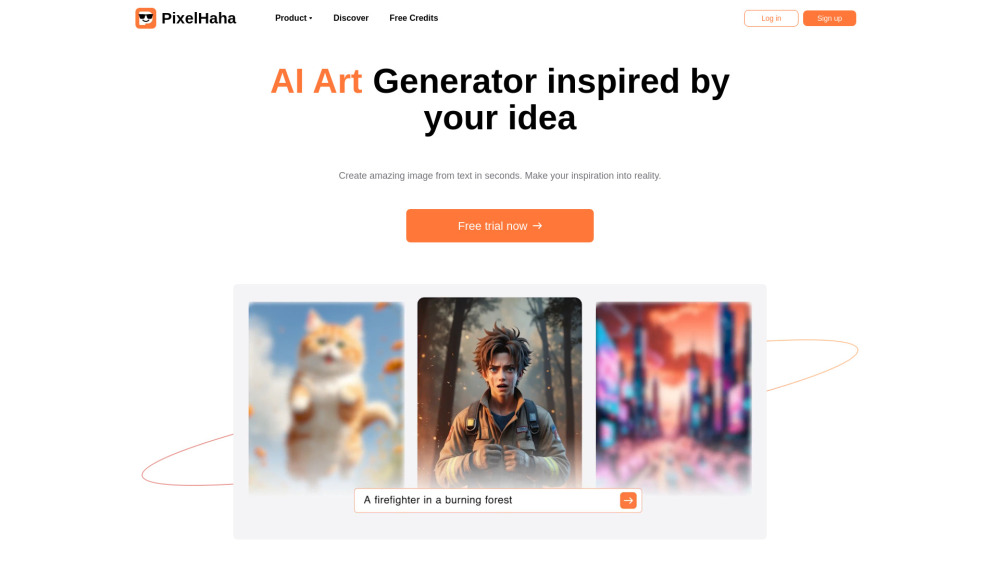
Transform your creativity with PixelHaha, the AI Art platform that generates and enhances images in seconds. Turn ideas into visuals effortlessly!

I Wanna Extension: Boost your text productivity with efficient enhancements. Take control of text actions like never before!

Options - Chrome Extension: Boost your text editing with automatic suggestions and endless customization. Unleash your creativity today!

Boost your browsing with 'ChatGPT Context Companion' – a Chrome extension that provides AI-powered responses for enhanced, intuitive web interactions.

GPT Prompts For YouTube - Chrome Extension: Create custom video prompts instantly for YouTube videos. Boost creativity and engagement with tailored suggestions!
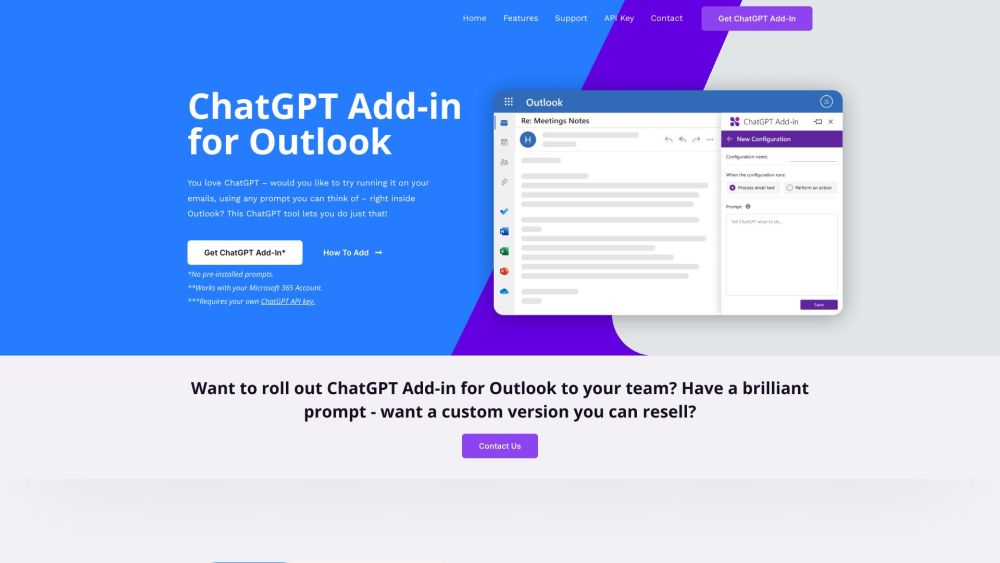
Blueberry has released a free Add-in for Microsoft Outlook, which allows users to experiment with ChatGPT within Outlook. The new Add-in allows users to configure custom prompts to run ChatGPT on selected email or new email.
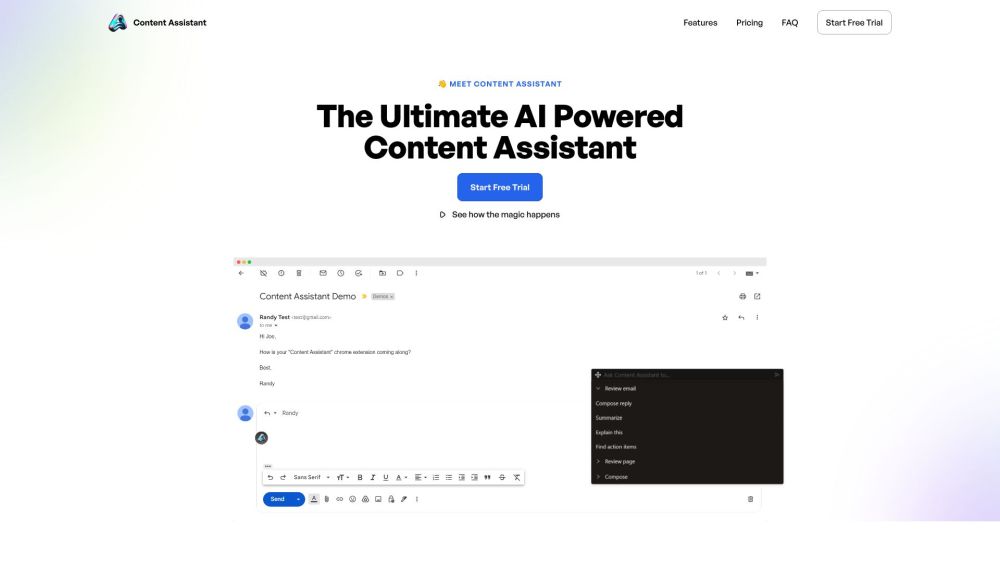
Content Assistant is the ultimate AI-powered browser extension that enhances content interaction and enables personalized experiences. With smart context, fully conversational AI, custom prompts, and unlimited uses, it revolutionizes the way you compose, edit, review, and generate content.

Unlock AI in your browser with FlashAI—experience seamless, powerful AI-driven insights and productivity directly in your web experience!
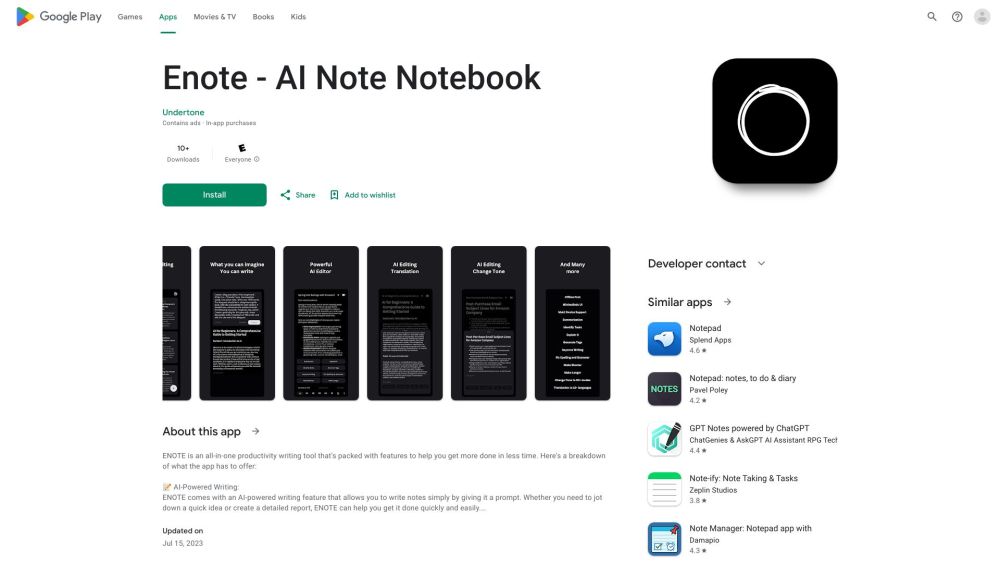
Enote: AI-powered note-taking with summarization, translation, grammar correction, and offline access. Perfect notes anytime, anywhere.

Boost your social media game with Reacti.ai! This AI-powered Chrome extension crafts personalized replies, icebreakers, and witty jokes for smarter Twitter, LinkedIn interactions.
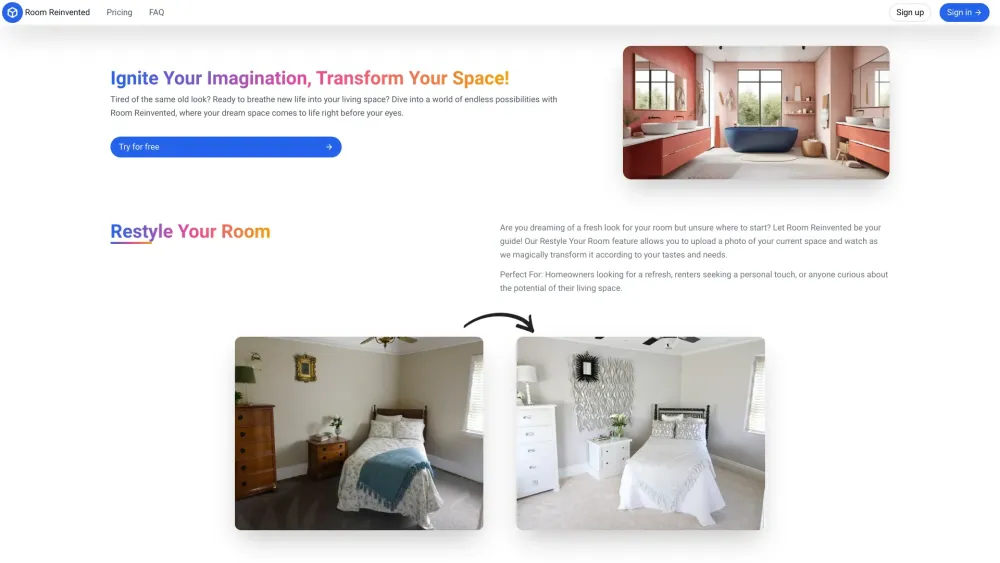
Transform your space effortlessly with Room Reinvented: the AI-powered tool for innovative and stylish room restyling.

Build AI conversations with BotStacks: the no-code platform for designing, deploying, and integrating powerful AI assistants effortlessly.

Powerly.ai: Effortlessly create custom ChatGPT & unlimited chatbots with zero coding. Enjoy white-label solutions and limitless chatbot creation.

Explore, create, and share AI-driven narrative games with AI Adventure—your ultimate open-source gaming community! Play now and unleash your creativity!
FAQ
Practical answers to help you take the next step.
The collection groups applications around a shared task. Product scope can overlap, so compare the specific workflow each tool describes rather than the category name alone.
Identify the files, text or account connections your task needs. Confirm that the product accepts those inputs and offers controls for reviewing its work.
Test one representative task and inspect the result for accuracy and completeness. Record where manual corrections or extra tools are needed.
Choose one task with a clear success condition. Keep the input consistent, record the time spent reviewing and compare the complete workflow cost.
Heynds: AI-powered desktop app for effortless writing & speech—create high-quality content faster, smarter, and stress-free.
Read about HeyndsRewrite.ly: Elevate your writing with AI-powered text manipulation shortcuts. Effortlessly edit, rewrite, and enhance content—right from this Chrome extension! Explore pricing, reviews, features, and alternatives today.
Read about Rewrite.lyTransform your selfies into breathtaking AI portraits with Imaginova. Explore diverse styles, core features, pricing, reviews, and alternatives today!
Read about ImaginovaTransform your creativity with PixelHaha, the AI Art platform that generates and enhances images in seconds. Turn ideas into visuals effortlessly!
Read about PixelHahaI Wanna Extension: Boost your text productivity with efficient enhancements. Take control of text actions like never before!
Read about I Wanna ExtensionOptions - Chrome Extension: Boost your text editing with automatic suggestions and endless customization. Unleash your creativity today!
Read about Options - Chrome Extension