Explore content accessibility tools through the product profiles below. Writing and content tools help draft, revise or condense text. Drafting new material, checking language and summarizing a source require different review steps.
✳
How to compare content accessibility tools
Compare support for source documents, style instructions, outlines and length limits. Check whether citations link to real material rather than merely looking like references.
Verify names, dates, quotations and factual claims against the original sources. Edit tone, remove repetition and make sure the text answers the intended reader’s question.
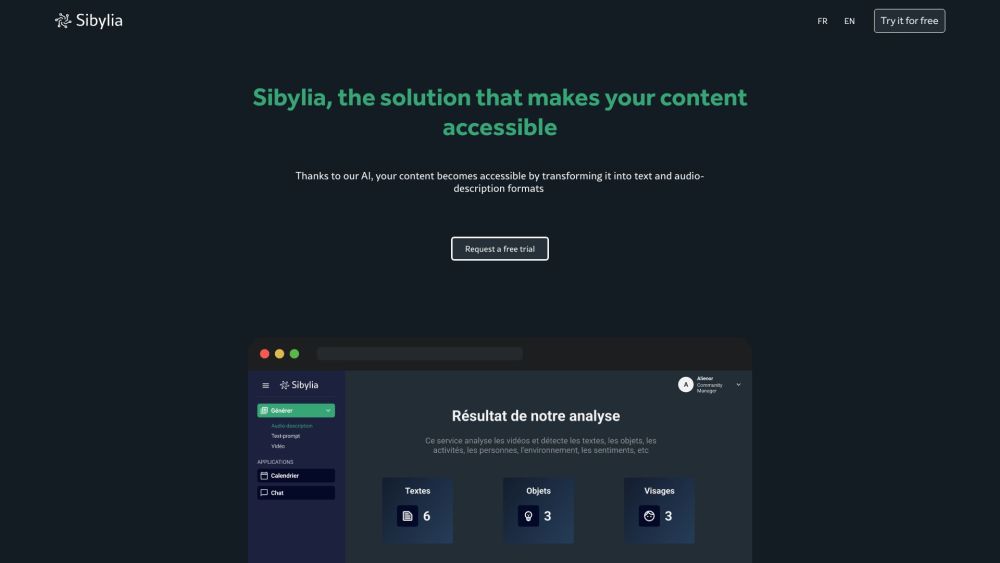
Sibylia is a solution that makes your content accessible by utilizing advanced AI models to automatically generate captivating audio descriptions. It transforms your videos into text and audio formats, opening up accessibility to a wider audience. Sibylia aims to create a more inclusive and diverse digital landscape.
Sanchay.ai: The ultimate AI tool for video creators, automating titles, descriptions, tags, subtitles, transcription, and segmenting for content processing.
SpeechFlow is a powerful Speech to Text API that converts sound to text, speech to text, and audio to text with high accuracy in 14 languages. It provides automatic speech recognition (ASR) capabilities and can translate voice to text. It is available online and offers an API for easy integration into applications.
Motionbear.io: AI-powered transcription and subtitles in 40+ languages. Save hours with automatic speech recognition. Perfect for fast, accurate video captions!
Auto Translation & Dubbing: Convert Videos to 12+ Languages. Share your English-speaking videos globally with natural, personalized dubbing. Make your voice heard!
FAQ
content accessibility questions and answers
Practical answers to help you take the next step.
What does the content accessibility tag cover?
Writing and content tools help draft, revise or condense text. Drafting new material, checking language and summarizing a source require different review steps.
Which inputs should I compare in content accessibility tools?
Compare support for source documents, style instructions, outlines and length limits. Check whether citations link to real material rather than merely looking like references.
How should I review results from a content accessibility tool?
Verify names, dates, quotations and factual claims against the original sources. Edit tone, remove repetition and make sure the text answers the intended reader’s question.
What is a fair first test for content accessibility tools?
Use a real brief and a short source document. Compare factual accuracy, structure and editing time rather than accepting the longest or most confident draft.
What does Sibylia offer in this content accessibility collection?
Sibylia is a solution that makes your content accessible by utilizing advanced AI models to automatically generate captivating audio descriptions. It transforms your videos into text and audio formats, opening up accessibility to a wider audience. Sibylia aims to create a more inclusive and diverse digital landscape.
What does Sanchay.ai offer in this content accessibility collection?
Sanchay.ai: The ultimate AI tool for video creators, automating titles, descriptions, tags, subtitles, transcription, and segmenting for content processing.
What does SpeechFlow offer in this content accessibility collection?
SpeechFlow is a powerful Speech to Text API that converts sound to text, speech to text, and audio to text with high accuracy in 14 languages. It provides automatic speech recognition (ASR) capabilities and can translate voice to text. It is available online and offers an API for easy integration into applications.
What does Motionbear.io offer in this content accessibility collection?
Motionbear.io: AI-powered transcription and subtitles in 40+ languages. Save hours with automatic speech recognition. Perfect for fast, accurate video captions!
What does Auto Translation & Dubbing offer in this content accessibility collection?
Auto Translation & Dubbing: Convert Videos to 12+ Languages. Share your English-speaking videos globally with natural, personalized dubbing. Make your voice heard!