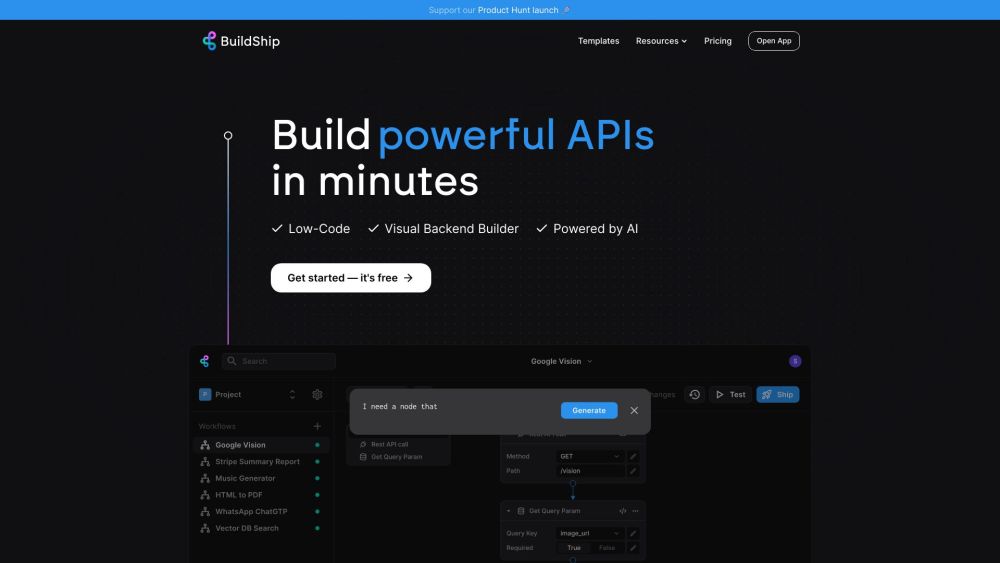
BuildShip: AI-powered low-code platform to create and deploy APIs, backend tasks, and cloud functions. Connect models, automate workflows, and deploy with one click.
Explore a specific workflow
Explore cloud functions tools through the product profiles below. The collection groups applications around a shared task. Product scope can overlap, so compare the specific workflow each tool describes rather than the category name alone.
Identify the files, text or account connections your task needs. Confirm that the product accepts those inputs and offers controls for reviewing its work.
Test one representative task and inspect the result for accuracy and completeness. Record where manual corrections or extra tools are needed.
BuildShip: AI-powered low-code platform to create and deploy APIs, backend tasks, and cloud functions. Connect models, automate workflows, and deploy with one click.
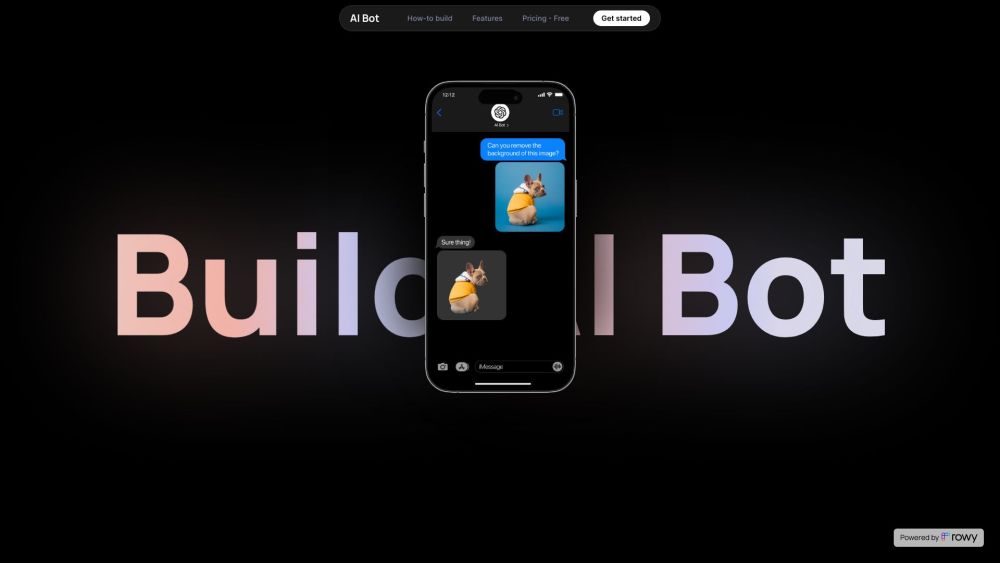
Experience unparalleled comfort and style with '', the ultimate blend of premium materials and innovative design, perfect for elevating your everyday essentials.
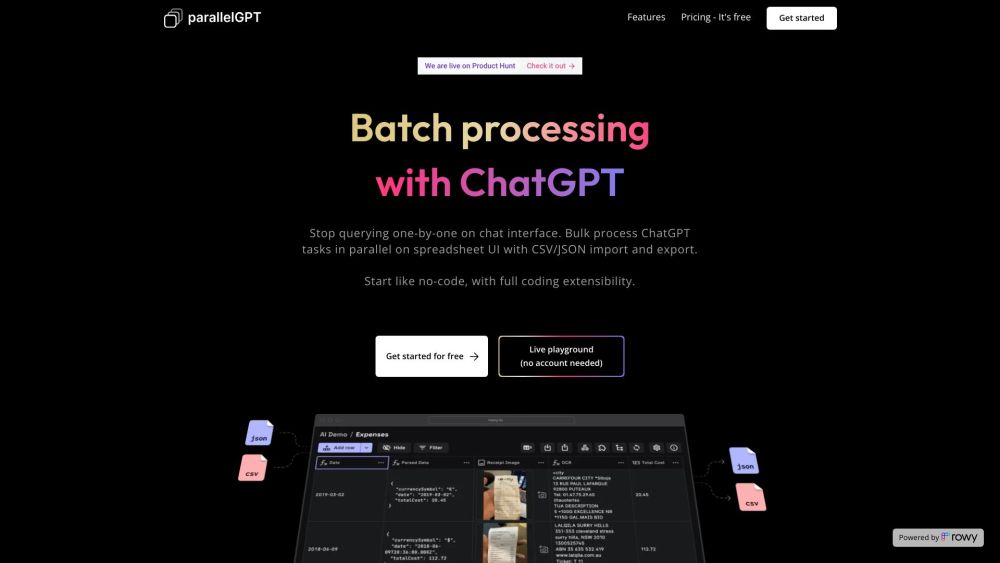
Batch / Bulk processing for ChatGPT AI is a tool that allows users to import prompts in bulk from CSV or JSON files and process chatGPT queries in batch in parallel on a spreadsheet UI. It provides a collaborative environment for teams to collaborate and tweak prompts in low code.
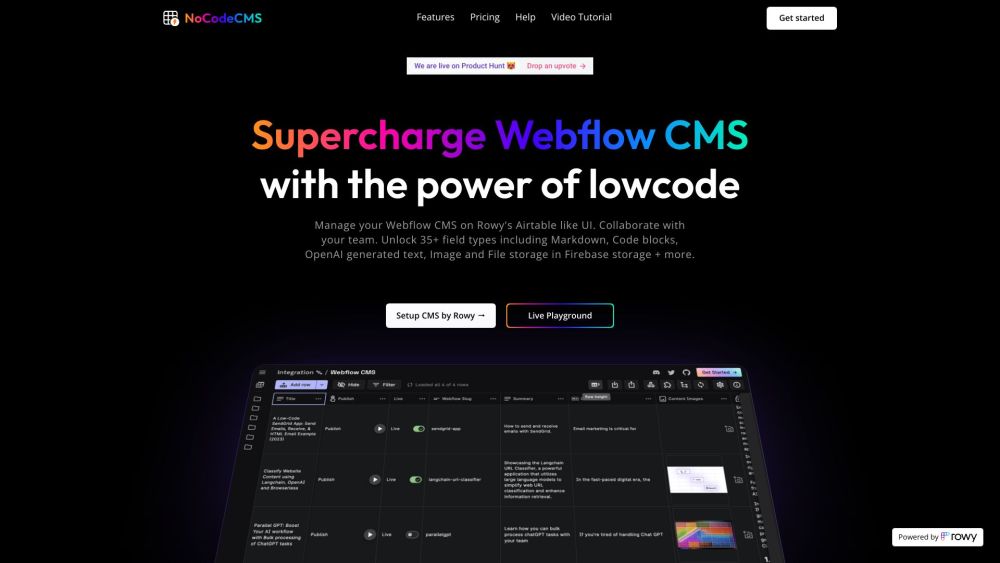
NocodeCMS: Revolutionize content management with Webflow CMS integration, AI content, and free editors. Simplify collaboration and streamline publishing.
FAQ
Practical answers to help you take the next step.
The collection groups applications around a shared task. Product scope can overlap, so compare the specific workflow each tool describes rather than the category name alone.
Identify the files, text or account connections your task needs. Confirm that the product accepts those inputs and offers controls for reviewing its work.
Test one representative task and inspect the result for accuracy and completeness. Record where manual corrections or extra tools are needed.
Choose one task with a clear success condition. Keep the input consistent, record the time spent reviewing and compare the complete workflow cost.
BuildShip: AI-powered low-code platform to create and deploy APIs, backend tasks, and cloud functions. Connect models, automate workflows, and deploy with one click.
Read about BuildShipExperience unparalleled comfort and style with '', the ultimate blend of premium materials and innovative design, perfect for elevating your everyday essentials.
Read about Product NameBatch / Bulk processing for ChatGPT AI is a tool that allows users to import prompts in bulk from CSV or JSON files and process chatGPT queries in batch in parallel on a spreadsheet UI. It provides a collaborative environment for teams to collaborate and tweak prompts in low code.
Read about Batch / Bulk processing for ChatGPT AINocodeCMS: Revolutionize content management with Webflow CMS integration, AI content, and free editors. Simplify collaboration and streamline publishing.
Read about NocodeCMSCheck export formats, integrations and whether you can keep using your work outside the service. Test a real export before committing to a longer plan.
Run the same small task in each shortlisted product. Compare the price per usable result, usage limits, regeneration costs and time spent correcting the output. Confirm current terms with the provider.