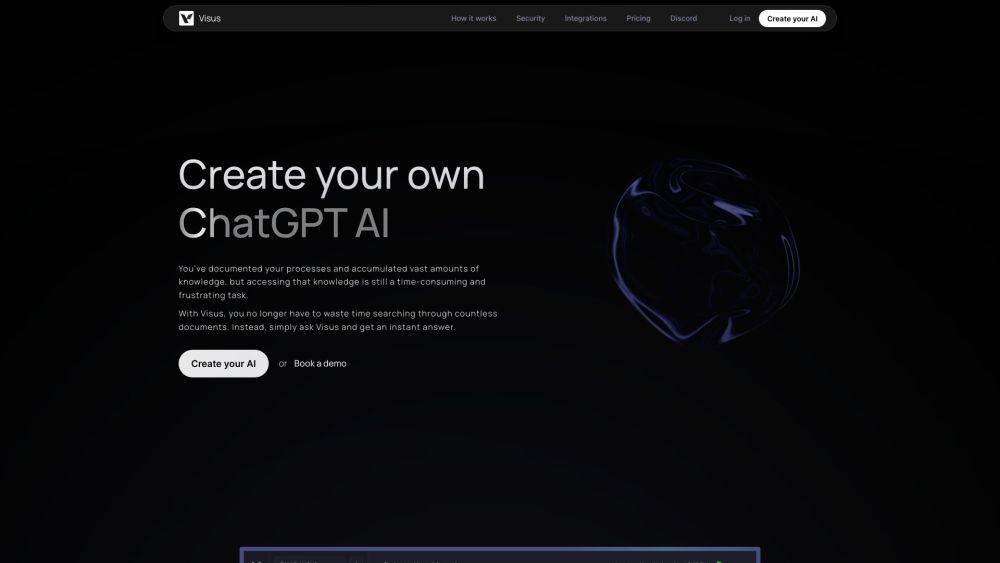
Visus: Build your own AI to accurately answer document-based questions. Empower your workflow with smart, precise responses tailored to your documents.
Explore a specific workflow
Explore chatgpt ai tools through the product profiles below. The collection groups applications around a shared task. Product scope can overlap, so compare the specific workflow each tool describes rather than the category name alone.
Identify the files, text or account connections your task needs. Confirm that the product accepts those inputs and offers controls for reviewing its work.
Test one representative task and inspect the result for accuracy and completeness. Record where manual corrections or extra tools are needed.
Visus: Build your own AI to accurately answer document-based questions. Empower your workflow with smart, precise responses tailored to your documents.
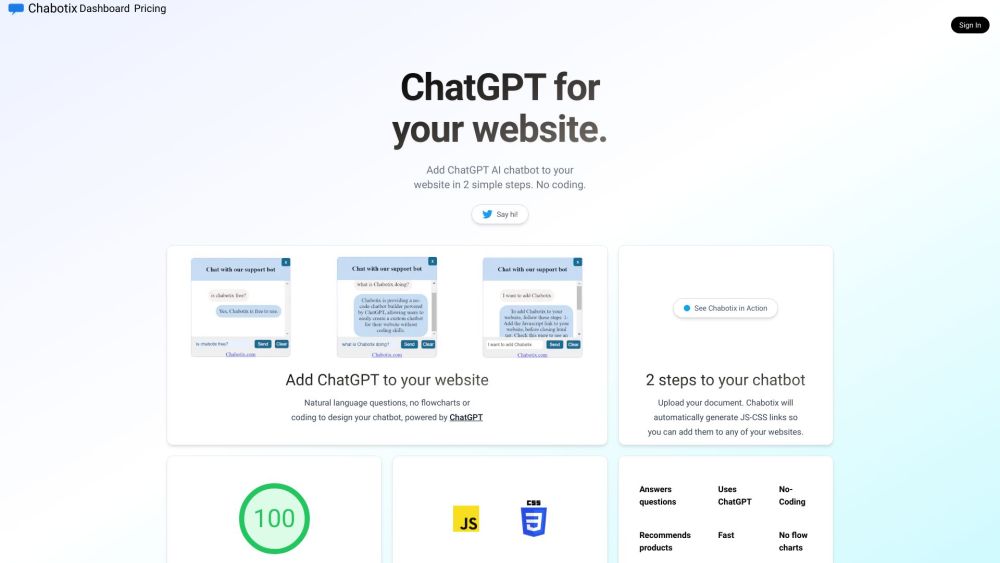
Revamp your website with Chabotix, the no-code ChatGPT AI bot builder. Enhance customer interactions and support using powerful AI technology!
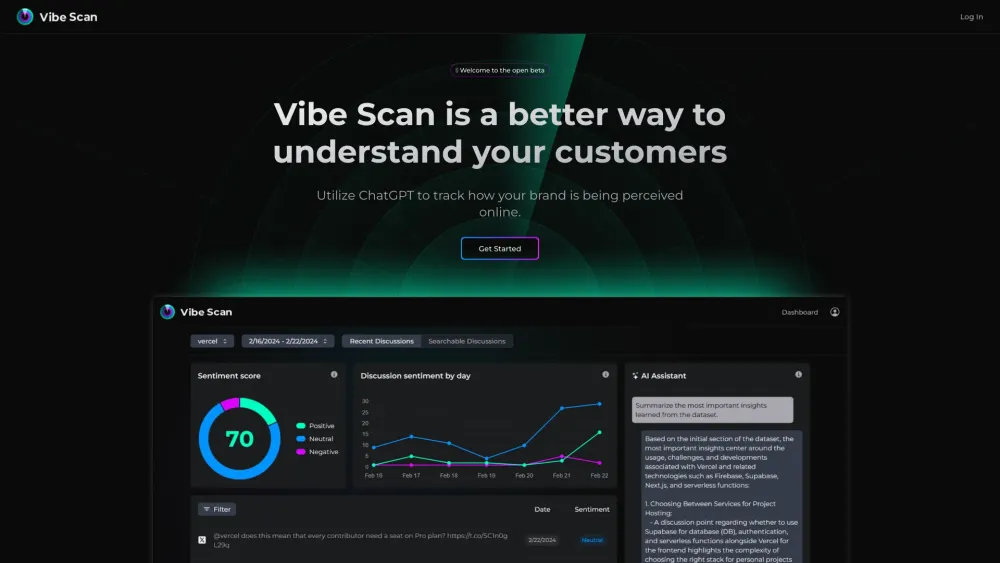
Vibe Scan: Harness AI to monitor and understand your brand's online perception in real-time. Stay ahead with insightful, data-driven tracking.
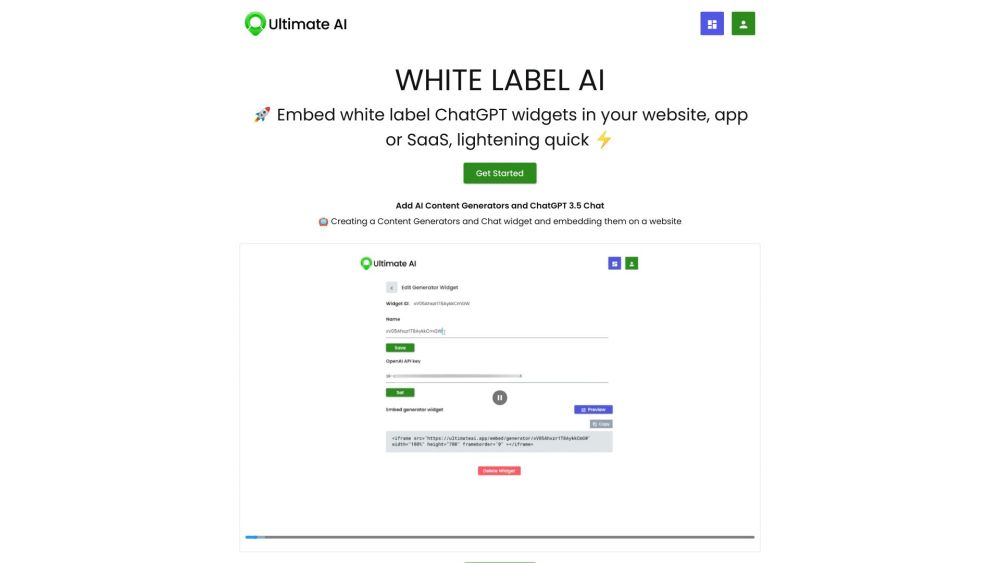
Boost user engagement with Ultimate AI's ChatGPT widgets. Embed AI tools into your platform for content creation and customer interactions.
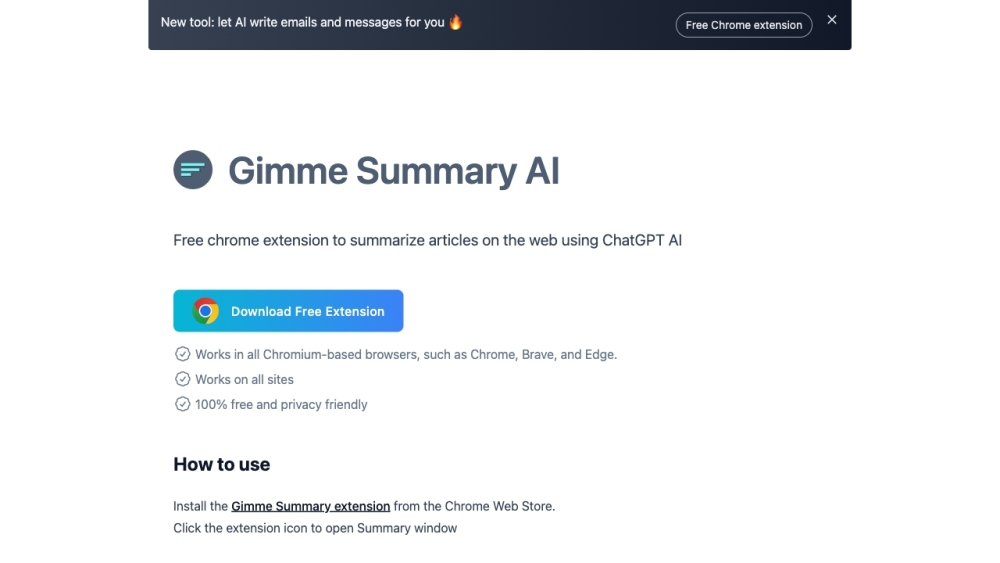
Summarize web articles instantly with Gimme Summary AI, a free Chrome extension powered by ChatGPT. Get concise summaries using advanced neural networks.
FAQ
Practical answers to help you take the next step.
The collection groups applications around a shared task. Product scope can overlap, so compare the specific workflow each tool describes rather than the category name alone.
Identify the files, text or account connections your task needs. Confirm that the product accepts those inputs and offers controls for reviewing its work.
Test one representative task and inspect the result for accuracy and completeness. Record where manual corrections or extra tools are needed.
Choose one task with a clear success condition. Keep the input consistent, record the time spent reviewing and compare the complete workflow cost.
Visus: Build your own AI to accurately answer document-based questions. Empower your workflow with smart, precise responses tailored to your documents.
Read about VisusRevamp your website with Chabotix, the no-code ChatGPT AI bot builder. Enhance customer interactions and support using powerful AI technology!
Read about ChabotixVibe Scan: Harness AI to monitor and understand your brand's online perception in real-time. Stay ahead with insightful, data-driven tracking.
Read about Vibe ScanBoost user engagement with Ultimate AI's ChatGPT widgets. Embed AI tools into your platform for content creation and customer interactions.
Read about Ultimate AISummarize web articles instantly with Gimme Summary AI, a free Chrome extension powered by ChatGPT. Get concise summaries using advanced neural networks.
Read about Gimme Summary AICheck export formats, integrations and whether you can keep using your work outside the service. Test a real export before committing to a longer plan.