Large Language Models (LLMs)

Visus

Visus: Build your own AI to accurately answer document-based questions. Empower your workflow with smart, precise responses tailored to your documents.

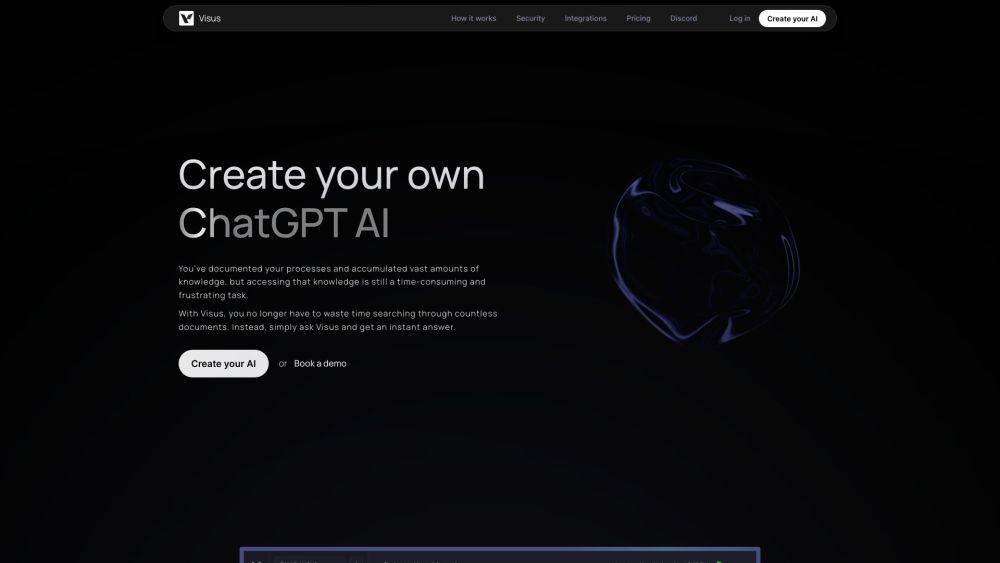
Visus website preview

Visus Website screenshot

What is Visus?

Visus is a revolutionary platform that empowers users to create their own AI assistant, leveraging the advanced capabilities of ChatGPT. By training this AI specifically on their own documents and knowledge base, users can receive highly accurate and contextually relevant answers to any queries related to their documents.

How to Use Visus?

To start using Visus, follow these straightforward steps: 1. Upload your documents to train the AI, allowing Visus to analyze and organize them efficiently. 2. Customize the AI's parameters to align with your specific needs, including settings for accuracy and responsiveness. 3. Query the AI to receive precise and reliable answers based on your trained documents.

Key Features of Visus

AI Training with Your Own Documents

Comprehension of Natural Language

Rapid and Accurate Responses

Unlimited Knowledge Storage

Verified Answers Based on Training Material

Conversational AI with Follow-Up Queries

Fully Customizable AI Experience

Enhanced Data Security with AES 256 Encryption

Visus Use Cases

Efficiently Searching Large Knowledge Bases

Instant Query Responses About Documents and Processes

Creating Content for Marketing Websites

Tailored Results for Personalized Needs

Extracting Valuable Insights Quickly from Data

Product source: Visus official website. Check the provider for current plans, limits and availability.

FAQ

Visus questions and answers

Product context and practical checks for evaluating Visus.

What is Visus used for?

Visus: Build your own AI to accurately answer document-based questions. Empower your workflow with smart, precise responses tailored to your documents.

How do I get started with Visus?

To start using Visus, follow these straightforward steps: 1. Upload your documents to train the AI, allowing Visus to analyze and organize them efficiently. 2. Customize the AI's parameters to align with your specific needs, including settings for accuracy and responsiveness. 3. Query the AI to receive precise and reliable answers based on your trained documents.

Which capabilities are described for Visus?

AI Training with Your Own DocumentsComprehension of Natural LanguageRapid and Accurate ResponsesUnlimited Knowledge StorageVerified Answers Based on Training MaterialConversational AI with Follow-Up QueriesFully Customizable AI ExperienceEnhanced Data Security with AES 256 Encryption

What projects can I evaluate Visus for?

Efficiently Searching Large Knowledge BasesInstant Query Responses About Documents and ProcessesCreating Content for Marketing WebsitesTailored Results for Personalized NeedsExtracting Valuable Insights Quickly from Data Visus Discord Join the Visus community on Discord: https://discord.com/invite/5TUJPBDmHy. For more information, click here(/discord/5tujpbdmhy). Visus Support & Customer Service For support, reach out via email: [email protected]. About Visus Company Company Name: Visus. Visus Login Access your account here: https://app.visus.ai. Visus Sign Up Create a new account: https://app.visus.ai/auth/auth0?screen_hint=signup. Visus Pricing For detailed pricing, visit: https://www.visus.ai/pricing.

What should I compare before choosing a Visus plan?

For detailed pricing, visit: https://www.visus.ai/pricing. Confirm current prices and allowances on the provider’s website before purchasing.

What inputs should I prepare for a Visus trial?

Look for text prompts, image references, masks or sketches as appropriate. Compare composition control, supported upload types and the ability to revise a selected area.

How can I check the quality of a Visus result?

Inspect text, hands, edges, reflections and repeated objects at full size. Check that important product or brand details survive editing.

Which export options should I check in Visus?

Compare pixel dimensions, transparency, file formats and any enlargement options. Confirm that the downloaded result works in your design or publishing software.

What is a practical way to test Visus against alternatives?

Prepare a brief with a subject, composition, lighting and required output size. Test a first generation and a targeted revision to see how much control you retain.

Where is the official Visus website?

The website linked from this profile is https://www.visus.ai. Use the provider’s own documentation, account area and support channels to confirm current product details.

Visit Visus