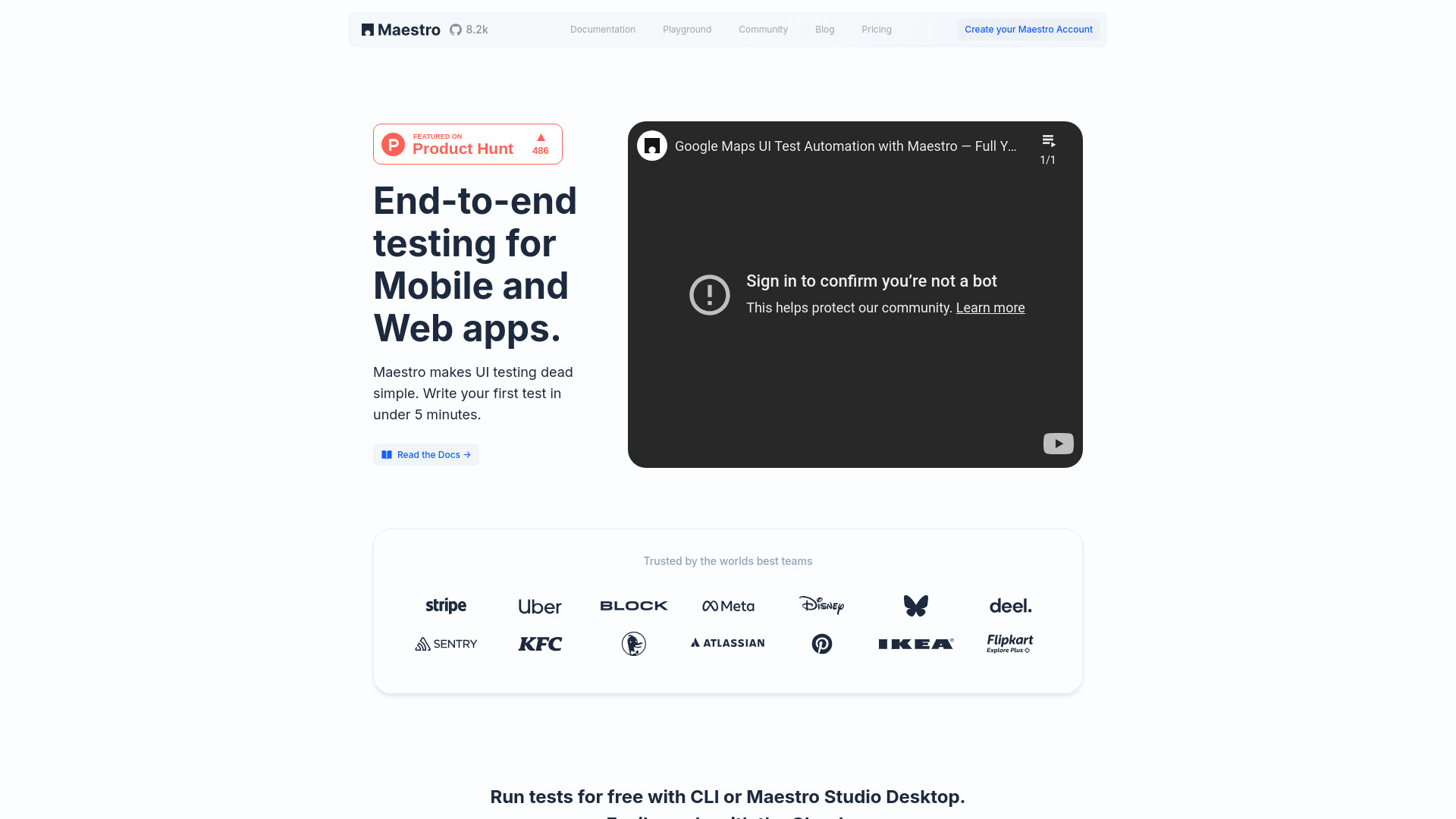
Maestro: AI-powered mobile & web testing—end-to-end automation, visual testing, action recording & cloud scalability. Powered by MaestroGPT. Try now!
Explore a specific workflow
Explore automated testing tools through the product profiles below. The collection groups applications around a shared task. Product scope can overlap, so compare the specific workflow each tool describes rather than the category name alone.
Identify the files, text or account connections your task needs. Confirm that the product accepts those inputs and offers controls for reviewing its work.
Test one representative task and inspect the result for accuracy and completeness. Record where manual corrections or extra tools are needed.
Maestro: AI-powered mobile & web testing—end-to-end automation, visual testing, action recording & cloud scalability. Powered by MaestroGPT. Try now!
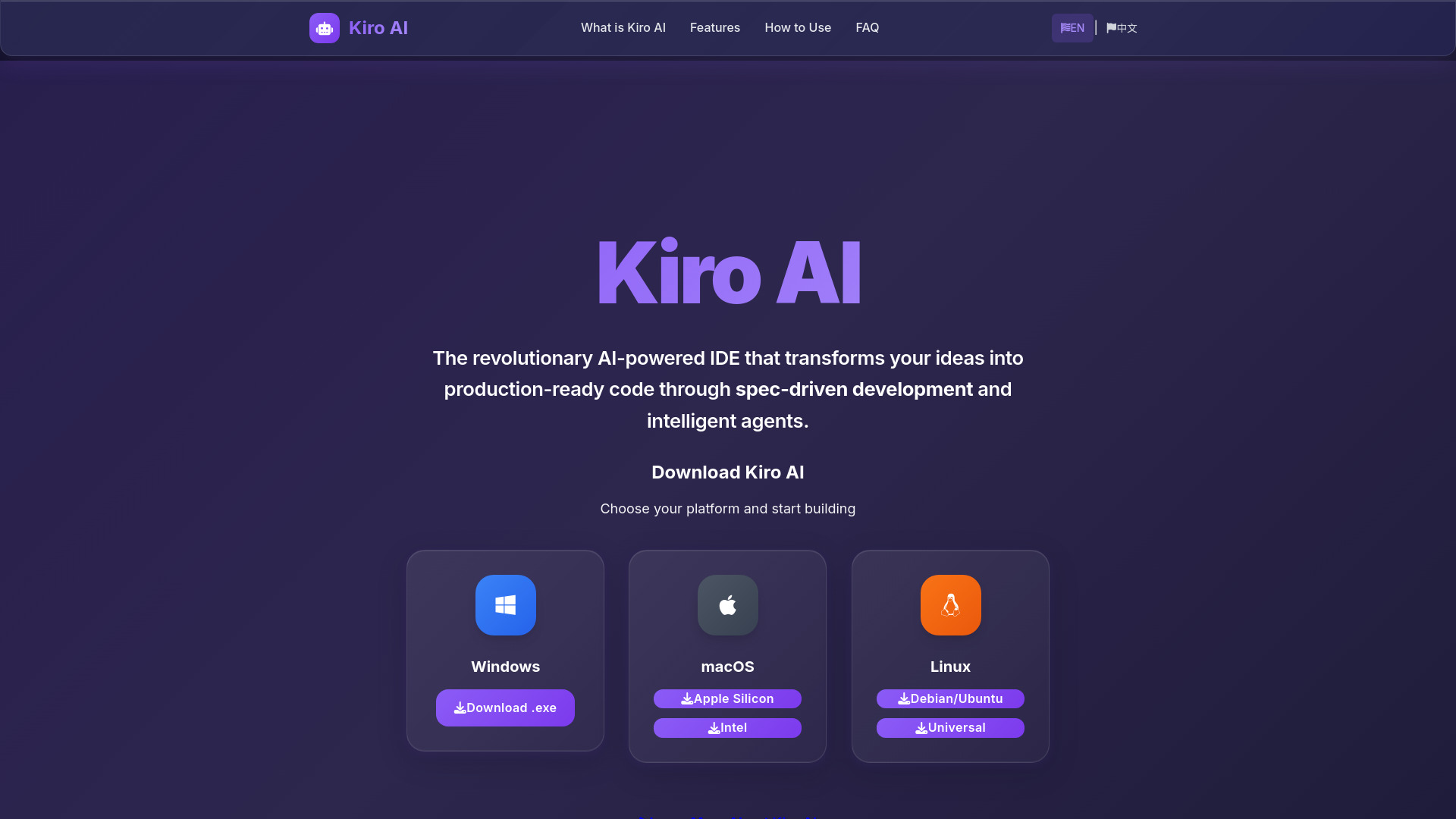
Kiro AI: VS Code IDE that turns specs into production-ready code—AI agents handle coding, testing & docs. Try it today!
Kiro AI: The AI-powered IDE that turns specs into code—accelerating development with intelligent automation and spec-driven precision.
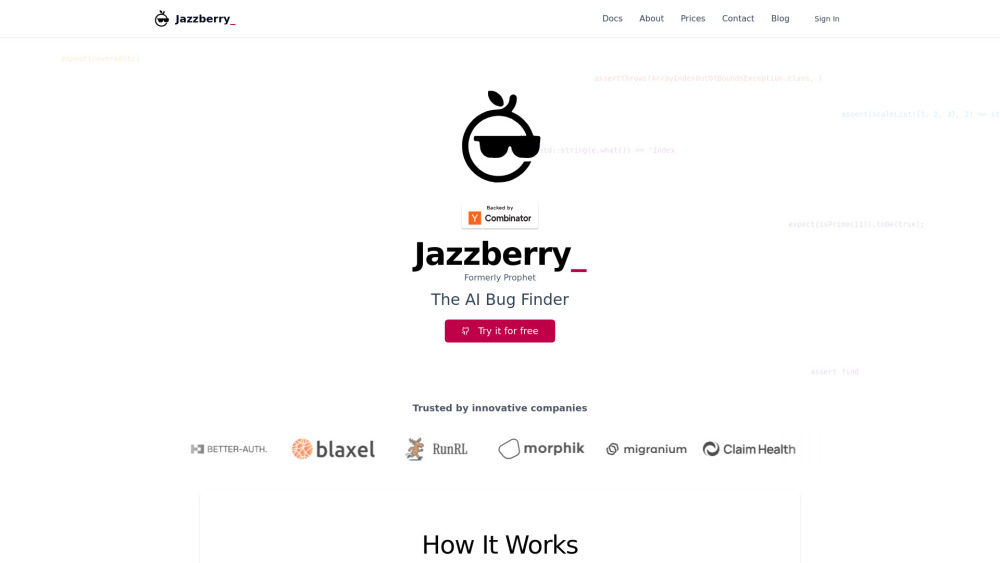
Jazzberry AI Agent detects bugs in real time—by executing actual code on your pull requests. Smarter, faster, safer deployments.

Accelerate your testing process with TestCraft - an AI-powered Chrome extension that generates tests automatically. Boost productivity and accuracy.

Cypress Session Recorder - Chrome Extension: Effortlessly record user sessions and create Cypress tests with AI. Simplify test creation, boost productivity!

TGenAI Chrome Extension: Effortlessly generate test cases and automate test creation with ease. Streamline QA and boost productivity in just a few clicks!

Elixir: Effortlessly automate testing and call reviews for AI voice agents, ensuring accuracy, performance, and customer interactions.

Hamming: The ultimate automated testing platform designed to optimize and ensure the reliability of your AI voice agents with precision and speed.

Sapient.ai: A generative QA platform that automates large-scale unit tests, freeing developers to focus on innovation by eliminating manual testing tasks.

TestSprite is an AI-powered platform that provides fully automated end-to-end testing solutions for software development managers seeking to enhance quality assurance processes while minimizing costs and time commitments.
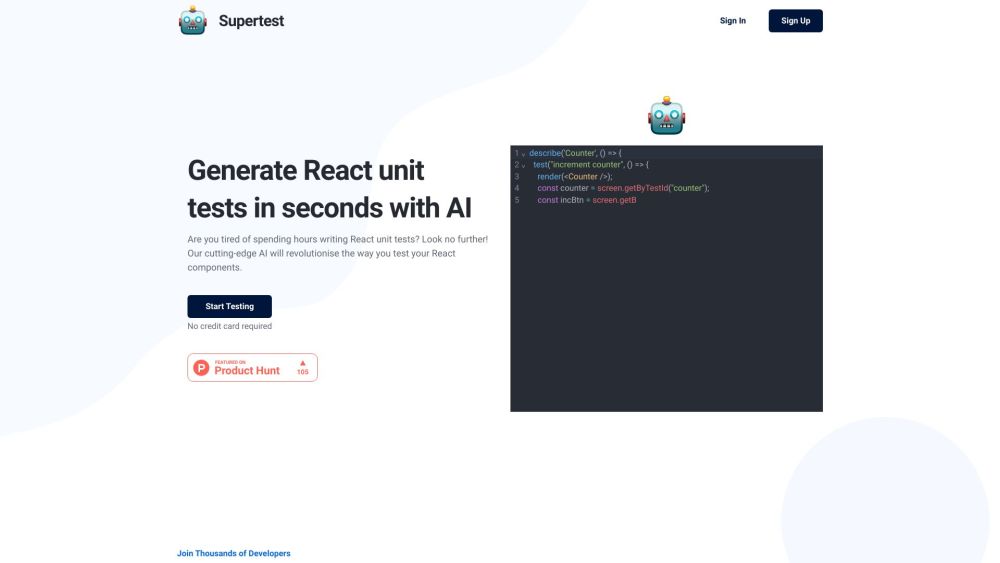
Supertest is an AI-powered VS Code extension that helps automate software testing by generating React unit tests with a single click.

Secure your AI/ML models, including LLMs and GenAI throughout their lifecycle across both in-house and 3rd solutions. With automated security testing, remediation, threat detection and a market-leading AI threat library.

BurnerPage: AI-driven platform that optimizes web pages, converts visitors into leads, and boosts revenue through millions of automated experiments.

DeepUnitAI: Let AI write verified unit tests with one command. Effortlessly generate a comprehensive test suite for your code. Boost efficiency now!

Browserbear: Efficient Nocode Web Scraper for hassle-free data extraction. Automate tasks, gather insights, and boost productivity effortlessly.
FAQ
Practical answers to help you take the next step.
The collection groups applications around a shared task. Product scope can overlap, so compare the specific workflow each tool describes rather than the category name alone.
Identify the files, text or account connections your task needs. Confirm that the product accepts those inputs and offers controls for reviewing its work.
Test one representative task and inspect the result for accuracy and completeness. Record where manual corrections or extra tools are needed.
Choose one task with a clear success condition. Keep the input consistent, record the time spent reviewing and compare the complete workflow cost.
Maestro: AI-powered mobile & web testing—end-to-end automation, visual testing, action recording & cloud scalability. Powered by MaestroGPT. Try now!
Read about MaestroKiro AI: VS Code IDE that turns specs into production-ready code—AI agents handle coding, testing & docs. Try it today!
Read about Kiro AIJazzberry AI Agent detects bugs in real time—by executing actual code on your pull requests. Smarter, faster, safer deployments.
Read about Jazzberry AI AgentAccelerate your testing process with TestCraft - an AI-powered Chrome extension that generates tests automatically. Boost productivity and accuracy.
Read about TestCraft - Chrome ExtensionCypress Session Recorder - Chrome Extension: Effortlessly record user sessions and create Cypress tests with AI. Simplify test creation, boost productivity!
Read about Cypress Session RecorderTGenAI Chrome Extension: Effortlessly generate test cases and automate test creation with ease. Streamline QA and boost productivity in just a few clicks!
Read about TGenAI - Chrome Extension