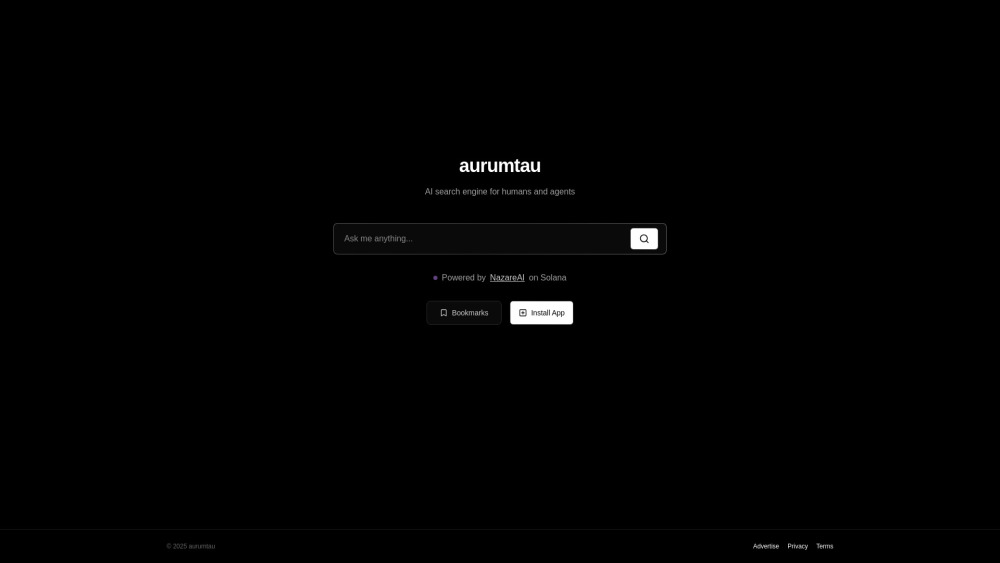
AurumTau: AI-powered search meets self-service ads—smarter discovery, ad campaigns, all in one platform.
Explore a specific workflow
Explore ad management tools through the product profiles below. The collection groups applications around a shared task. Product scope can overlap, so compare the specific workflow each tool describes rather than the category name alone.
Identify the files, text or account connections your task needs. Confirm that the product accepts those inputs and offers controls for reviewing its work.
Test one representative task and inspect the result for accuracy and completeness. Record where manual corrections or extra tools are needed.
AurumTau: AI-powered search meets self-service ads—smarter discovery, ad campaigns, all in one platform.
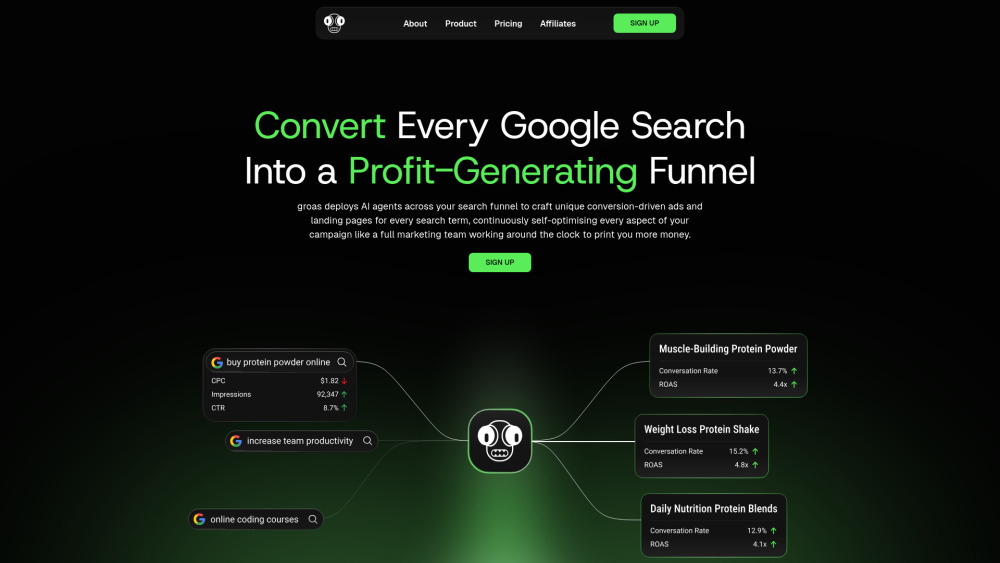
Groas: AI-powered platform that optimizes Google Search Ads & conversion funnels—maximizing ROI, clicks, and sales automatically.

Anabar.ai Chrome Extension: Boost sales with real-time advertising and sales analytics. Optimize campaigns, track performance, and drive revenue growth.
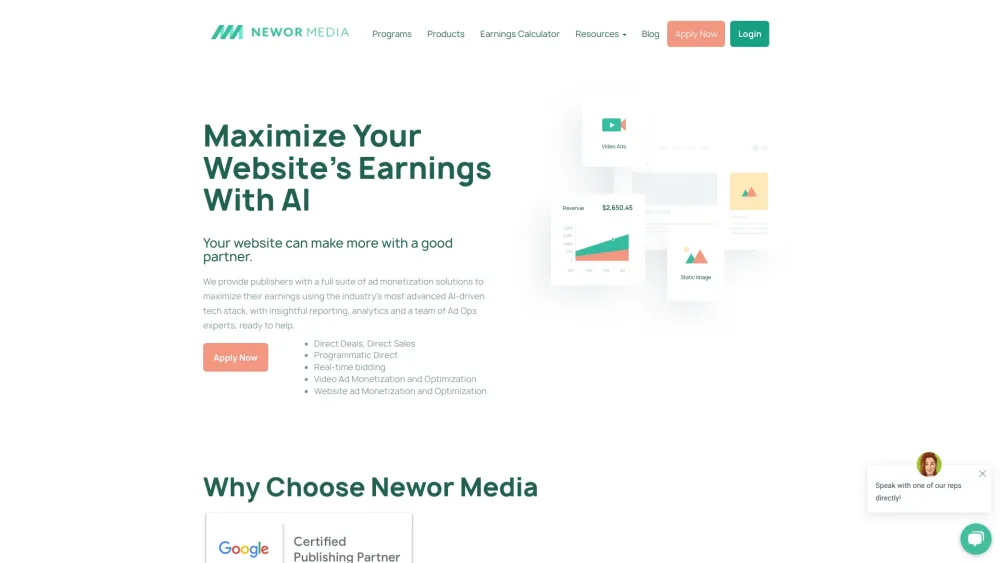
Boost your ad revenue with Newor Media's professional ad management. Maximize monetization with tailored solutions for publishers.
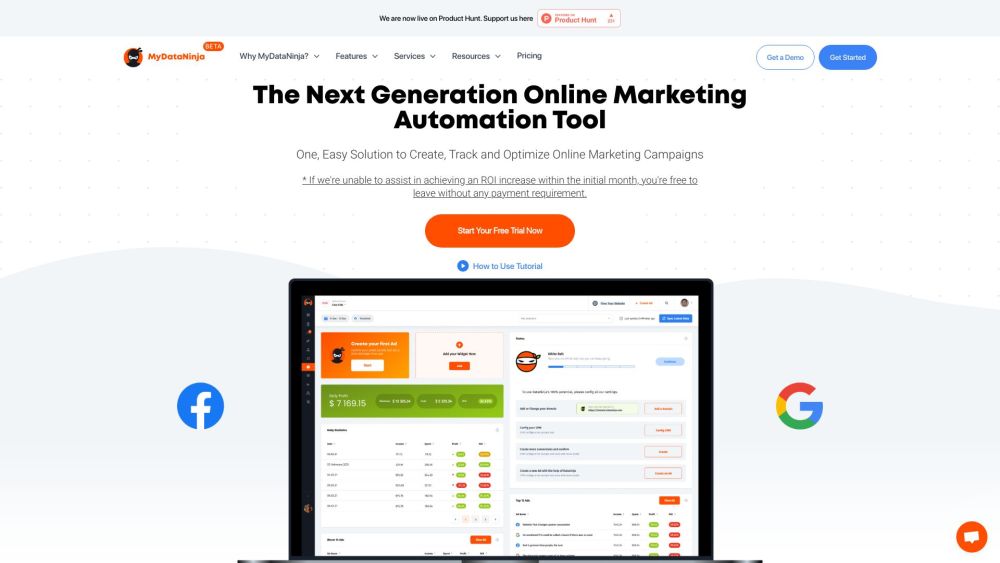
Boost your business with MyDataNinja—your ultimate marketing automation & PPC software to create, track, and optimize online campaigns effortlessly.
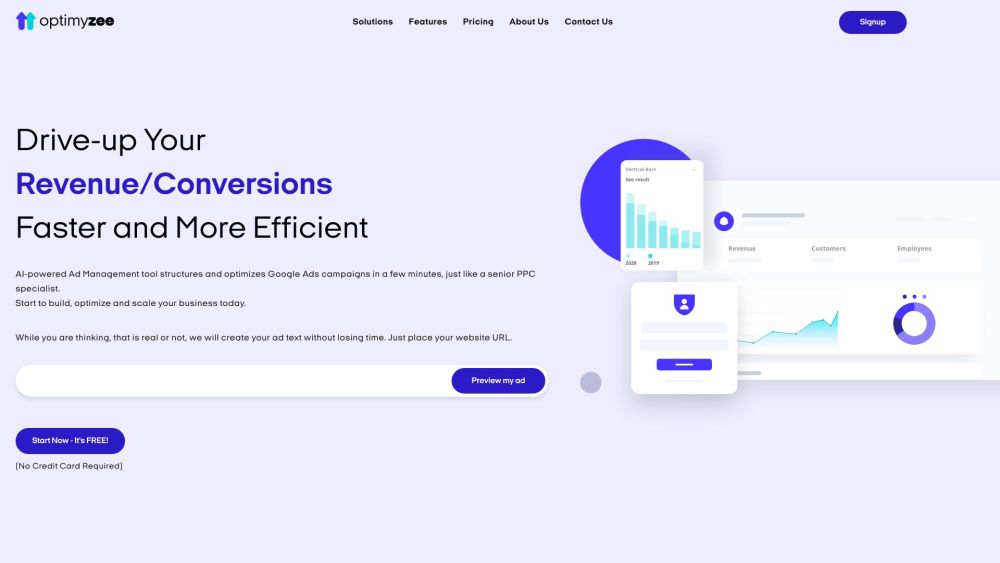
Optimyzee: Supercharge your Google Ads with AI automation for maximized efficiency and effectiveness. Optimize smarter, not harder.
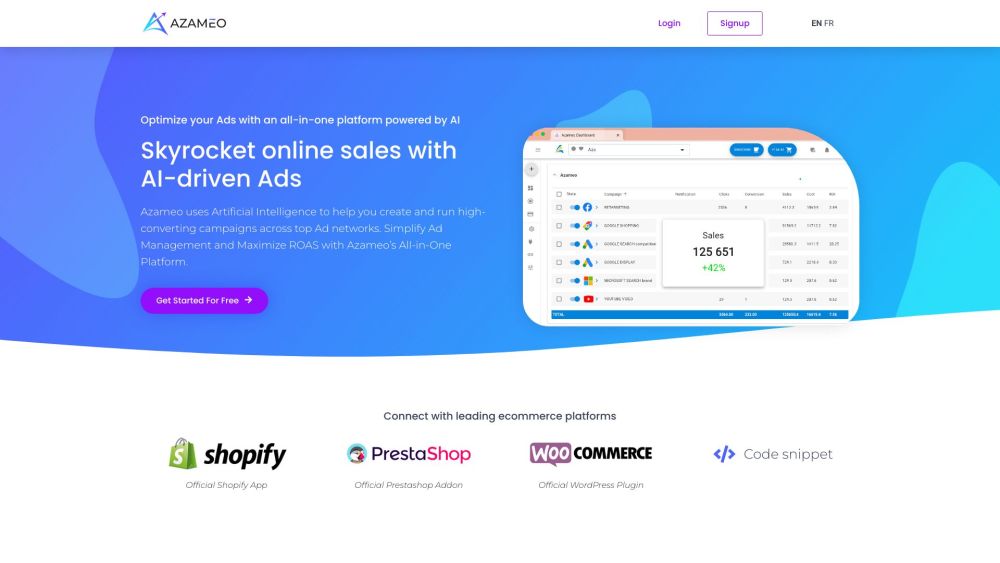
Azameo AI-driven Ads: Optimize & manage high-converting ads across top networks effortlessly with our advanced AI platform for superior ROI.
FAQ
Practical answers to help you take the next step.
The collection groups applications around a shared task. Product scope can overlap, so compare the specific workflow each tool describes rather than the category name alone.
Identify the files, text or account connections your task needs. Confirm that the product accepts those inputs and offers controls for reviewing its work.
Test one representative task and inspect the result for accuracy and completeness. Record where manual corrections or extra tools are needed.
Choose one task with a clear success condition. Keep the input consistent, record the time spent reviewing and compare the complete workflow cost.
AurumTau: AI-powered search meets self-service ads—smarter discovery, ad campaigns, all in one platform.
Read about AurumTauGroas: AI-powered platform that optimizes Google Search Ads & conversion funnels—maximizing ROI, clicks, and sales automatically.
Read about GroasAnabar.ai Chrome Extension: Boost sales with real-time advertising and sales analytics. Optimize campaigns, track performance, and drive revenue growth.
Read about Anabar.ai - Chrome ExtensionBoost your ad revenue with Newor Media's professional ad management. Maximize monetization with tailored solutions for publishers.
Read about Newor Media - Professional Ad ManagementBoost your business with MyDataNinja—your ultimate marketing automation & PPC software to create, track, and optimize online campaigns effortlessly.
Read about MyDataNinjaOptimyzee: Supercharge your Google Ads with AI automation for maximized efficiency and effectiveness. Optimize smarter, not harder.
Read about Optimyzee