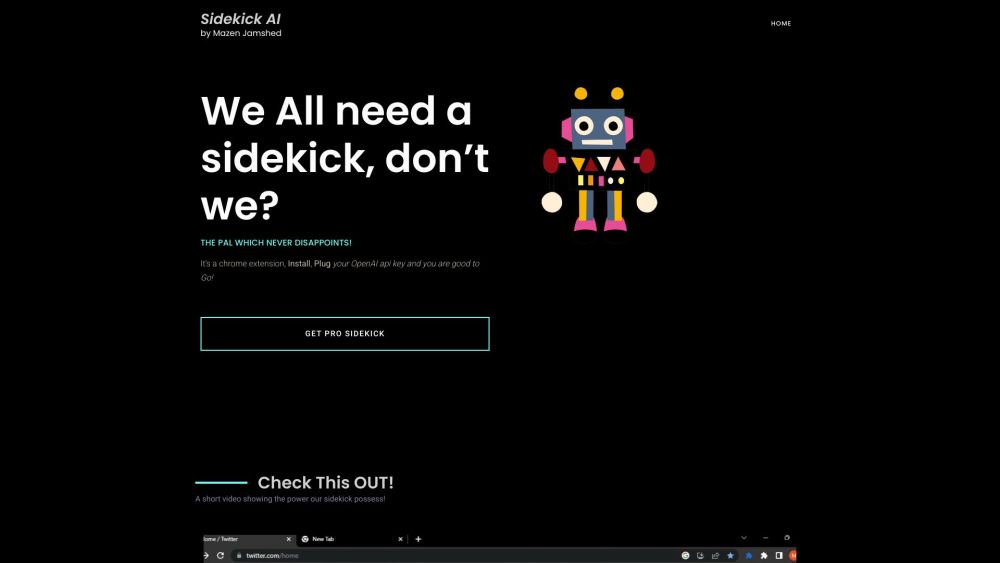
Introducing SideKick AI
SideKick AI is an innovative Chrome extension designed to boost productivity by enabling users to access chatGPT seamlessly from any text input field online. It acts as an intelligent and trustworthy assistant, making your digital tasks more efficient and creative.
How to Get Started with SideKick AI?
To begin using SideKick AI, start by installing the Chrome extension, then connect it with your OpenAI API key. Once set up, you can trigger SideKick AI in any text field by typing '$sidekick' followed by your desired text, and pressing the ALT key. For example, type '$sidekick draft a motivational tweet' and press ALT to activate it. Additionally, the '$rescue' command is available for quickly getting assistance by typing it and hitting enter.
Key Features of SideKick AI
Access chatGPT from any online text field
Fully customizable assistant
Streamlines workflows and enhances productivity
Offers creative problem-solving guidance
Practical Applications of SideKick AI
Generate ideas and guidance for various activities
Enhance creativity in content creation
Boost efficiency in everyday tasks
Solve challenges with innovative solutions
-
SideKick AI Support & Contact Information
For customer support, reach out to SideKick AI via email at: [email protected].
-
SideKick AI Company Information
Company name: Sidekick AI.
-
SideKick AI Pricing Details
Check out the pricing for SideKick AI here: https://sidekickai.lemonsqueezy.com/checkout/buy/eb28927d-7c07-4dcc-8333-0fbbdb2b270f