AI Content Generator

MagicForm

Transform any text into quiz questions in seconds with MagicForm, the AI-powered add-on for Google Forms. Create quizzes effortlessly and boost productivity!

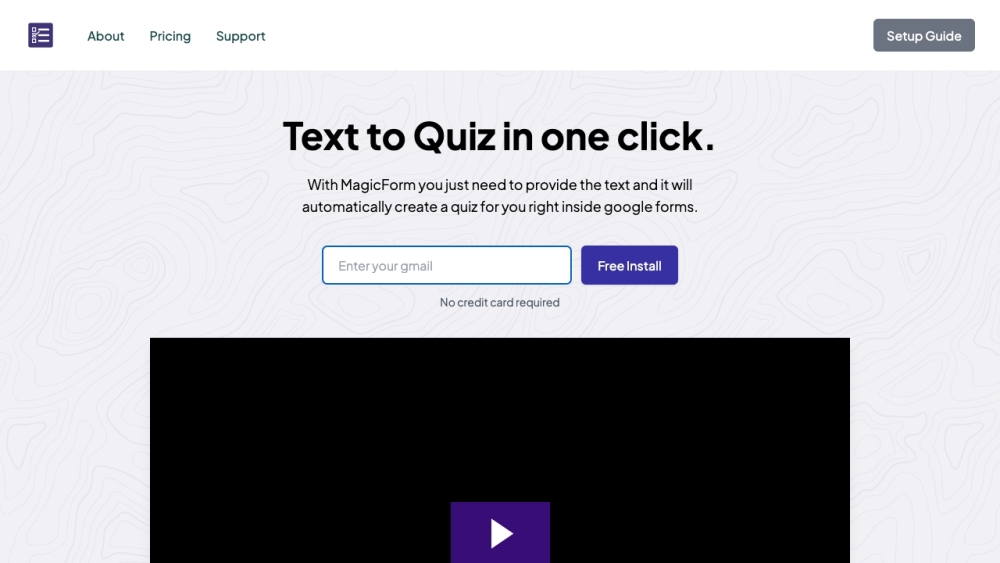
MagicForm website preview

MagicForm Website screenshot

What is MagicForm?

MagicForm is an innovative application that enables users to create quizzes or tests in just a few seconds by transforming any text into quiz questions. Leveraging AI technology, it streamlines the quiz creation process and functions as an add-on for Google Forms.

How to use MagicForm?

To get started with MagicForm, simply paste your desired text from any source into the app. Specify the number of questions you need and select the type of questions. Then, click the 'Generate' button, and MagicForm will instantly produce the quiz questions for you.

MagicForm's Core Features

Transforms text into quiz questions

Supports over 100 languages

Powered by AI technology

Integrated with Google Forms

Generates quiz questions in seconds

Ideal for educators, students, and professionals needing quick quiz creation

MagicForm's Use Cases

Teachers and Schools: Easily create new question sets

HR Teams: Quickly develop assessments from compliance materials

Publishers and EdTech Companies: Efficiently create in-house assessments

Product source: MagicForm official website. Check the provider for current plans, limits and availability.

FAQ

MagicForm questions and answers

Product context and practical checks for evaluating MagicForm.

What is MagicForm used for?

Transform any text into quiz questions in seconds with MagicForm, the AI-powered add-on for Google Forms. Create quizzes effortlessly and boost productivity!

How do I get started with MagicForm?

To get started with MagicForm, simply paste your desired text from any source into the app. Specify the number of questions you need and select the type of questions. Then, click the 'Generate' button, and MagicForm will instantly produce the quiz questions for you.

Which capabilities are described for MagicForm?

Transforms text into quiz questionsSupports over 100 languagesPowered by AI technologyIntegrated with Google FormsGenerates quiz questions in secondsIdeal for educators, students, and professionals needing quick quiz creation

What projects can I evaluate MagicForm for?

Teachers and Schools: Easily create new question setsHR Teams: Quickly develop assessments from compliance materialsPublishers and EdTech Companies: Efficiently create in-house assessments MagicForm Company MagicForm is developed by IndianAppGuy Tech Pvt Ltd. For more details about MagicForm, please visit the about us page. MagicForm Pricing For pricing information, visit this link. MagicForm Facebook Follow us on Facebook: MagicForm on Facebook MagicForm YouTube Subscribe to our YouTube channel: MagicForm YouTube Channel MagicForm Twitter Follow us on Twitter: MagicForm on Twitter

What should I compare before choosing a MagicForm plan?

For pricing information, visit this link. Confirm current prices and allowances on the provider’s website before purchasing.

What inputs should I prepare for a MagicForm trial?

Compare support for source documents, style instructions, outlines and length limits. Check whether citations link to real material rather than merely looking like references.

How can I check the quality of a MagicForm result?

Verify names, dates, quotations and factual claims against the original sources. Edit tone, remove repetition and make sure the text answers the intended reader’s question.

Which export options should I check in MagicForm?

Check export to plain text, Markdown, documents or your publishing system. Formatting, headings and working links matter when moving a draft into production.

What is a practical way to test MagicForm against alternatives?

Use a real brief and a short source document. Compare factual accuracy, structure and editing time rather than accepting the longest or most confident draft.

Where is the official MagicForm website?

The website linked from this profile is https://www.magicform.app. Use the provider’s own documentation, account area and support channels to confirm current product details.

Visit MagicForm