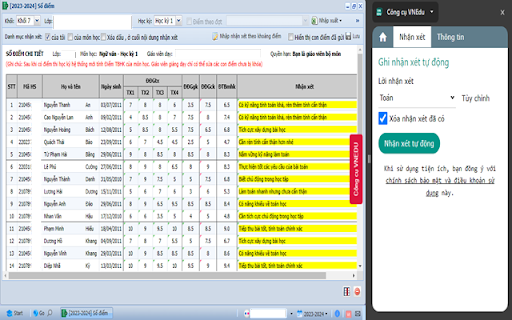
VNEDU Tool - Chrome Extension: Simplify teacher feedback processing. Streamline workflows, save time, and enhance classroom efficiency.
Explore a specific workflow
Explore teachers tools through the product profiles below. The collection groups applications around a shared task. Product scope can overlap, so compare the specific workflow each tool describes rather than the category name alone.
Identify the files, text or account connections your task needs. Confirm that the product accepts those inputs and offers controls for reviewing its work.
Test one representative task and inspect the result for accuracy and completeness. Record where manual corrections or extra tools are needed.
VNEDU Tool - Chrome Extension: Simplify teacher feedback processing. Streamline workflows, save time, and enhance classroom efficiency.
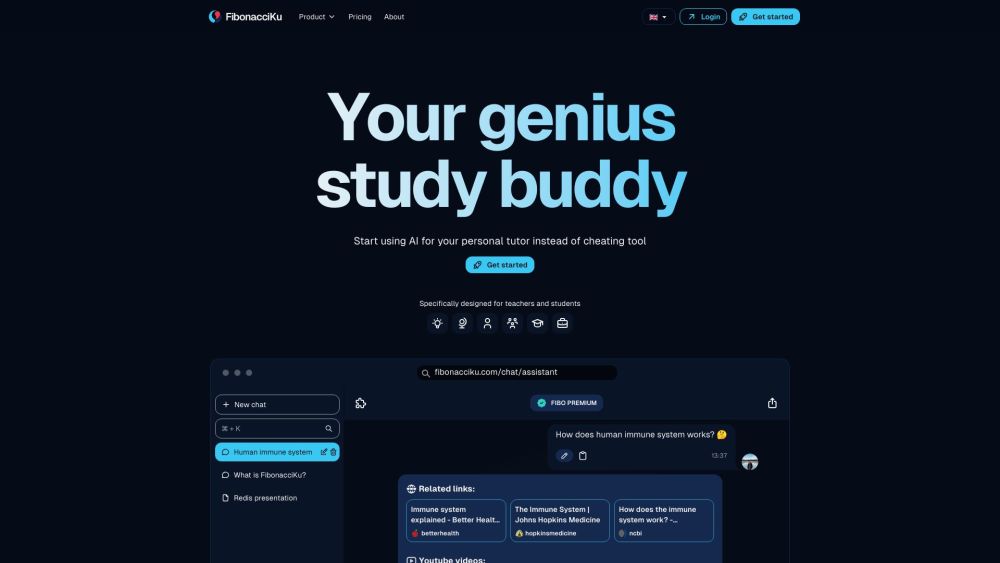
FibonacciKu is a personalized AI learning assistant designed specifically for teachers and students. It is your genius study buddy that ensures teachers don't have to worry about students using AI to cheat.
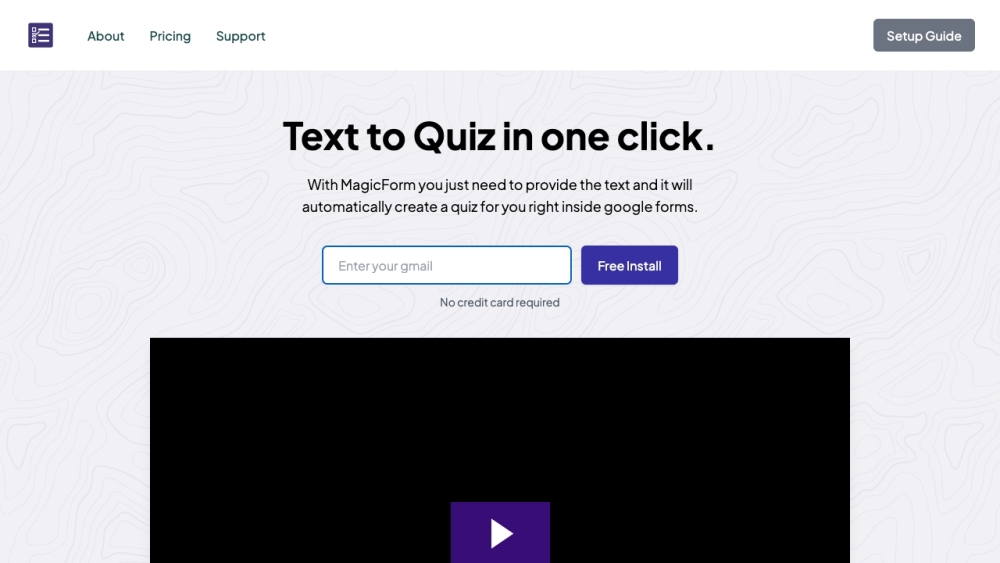
Transform any text into quiz questions in seconds with MagicForm, the AI-powered add-on for Google Forms. Create quizzes effortlessly and boost productivity!
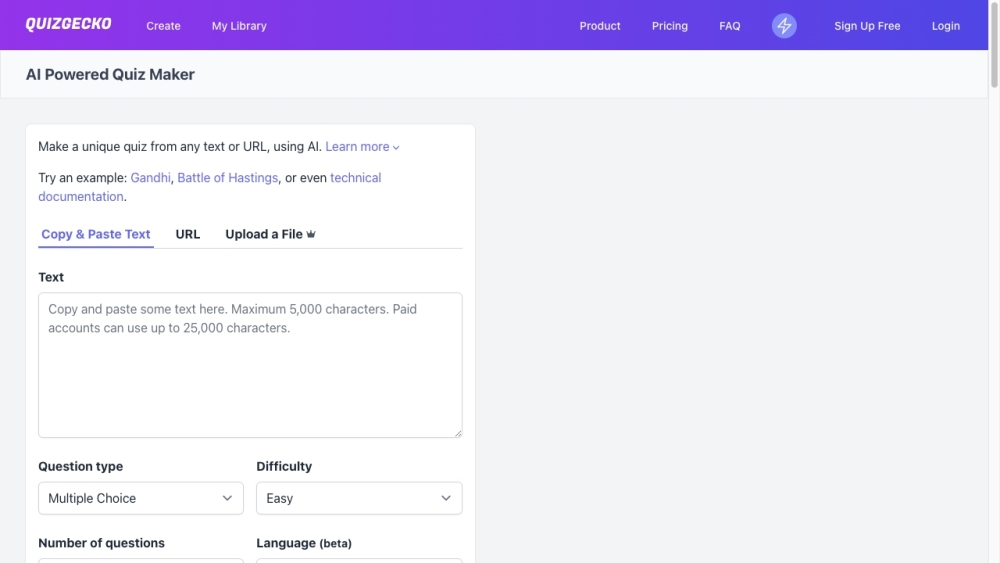
Quizgecko: Effortlessly create quizzes from text, URLs & files with AI-driven question generation. Perfect for educators and trainers!

AutoSlide: Create presentations in seconds with our AI-powered generator. Fast, efficient, and professional results every time.

Storly.ai: Simplify life documenting with AI. Use interview prompts and talk-to-text to write unique stories in under 5 minutes. Capture your memories effortlessly.
FAQ
Practical answers to help you take the next step.
The collection groups applications around a shared task. Product scope can overlap, so compare the specific workflow each tool describes rather than the category name alone.
Identify the files, text or account connections your task needs. Confirm that the product accepts those inputs and offers controls for reviewing its work.
Test one representative task and inspect the result for accuracy and completeness. Record where manual corrections or extra tools are needed.
Choose one task with a clear success condition. Keep the input consistent, record the time spent reviewing and compare the complete workflow cost.
VNEDU Tool - Chrome Extension: Simplify teacher feedback processing. Streamline workflows, save time, and enhance classroom efficiency.
Read about VNEDU ToolFibonacciKu is a personalized AI learning assistant designed specifically for teachers and students. It is your genius study buddy that ensures teachers don't have to worry about students using AI to cheat.
Read about FibonacciKuTransform any text into quiz questions in seconds with MagicForm, the AI-powered add-on for Google Forms. Create quizzes effortlessly and boost productivity!
Read about MagicFormQuizgecko: Effortlessly create quizzes from text, URLs & files with AI-driven question generation. Perfect for educators and trainers!
Read about QuizgeckoAutoSlide: Create presentations in seconds with our AI-powered generator. Fast, efficient, and professional results every time.
Read about AutoSlideStorly.ai: Simplify life documenting with AI. Use interview prompts and talk-to-text to write unique stories in under 5 minutes. Capture your memories effortlessly.
Read about Storly.ai