Writing Assistants

Luzia AI Assistant

Unlock AI power via WhatsApp with Luzia! No registration needed, free to use, and ready to assist in work, school, social life, and hobbies. Try Luzia now!

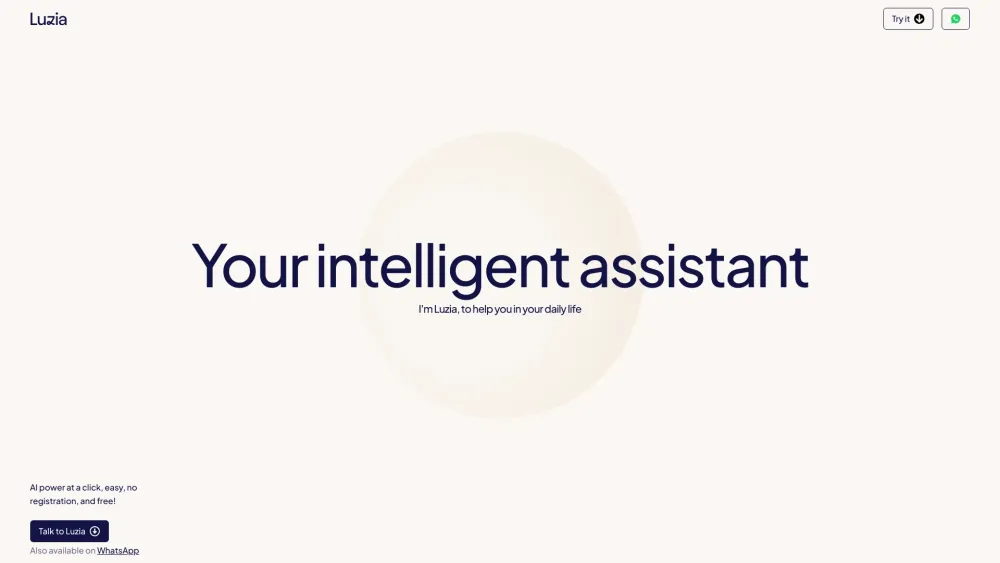
Luzia AI Assistant website preview

Luzia: Your intelligent assistant at a click Website screenshot

Introducing Luzia AI Assistant: Seamless, Free, and Effortless

Unlock the capabilities of AI directly from WhatsApp without the hassle of registration and at no cost. Luzia (Soy Luzia) is your go-to assistant for everyday tasks, whether you're at work, school, or enjoying your personal time. Simplify your life with Luzia's versatile features.

How to Get Started with Luzia AI Assistant

Simply initiate a chat with Luzia on WhatsApp to begin receiving AI-powered support tailored to your needs.

Key Features of Luzia AI Assistant

Quick and Easy Access via WhatsApp

No Registration Necessary

Completely Free to Use

Practical Applications of Luzia AI Assistant

Answering Inquiries

Audio Transcription

Language Translation

Offering Recommendations

Image Creation

Travel Planning Assistance

Product source: Luzia AI Assistant official website. Check the provider for current plans, limits and availability.

FAQ

Luzia AI Assistant questions and answers

Product context and practical checks for evaluating Luzia AI Assistant.

What is Luzia AI Assistant used for?

Unlock AI power via WhatsApp with Luzia! No registration needed, free to use, and ready to assist in work, school, social life, and hobbies. Try Luzia now!

How do I get started with Luzia AI Assistant?

Simply initiate a chat with Luzia on WhatsApp to begin receiving AI-powered support tailored to your needs.

Which capabilities are described for Luzia AI Assistant?

Quick and Easy Access via WhatsAppNo Registration NecessaryCompletely Free to Use

What projects can I evaluate Luzia AI Assistant for?

Answering InquiriesAudio TranscriptionLanguage TranslationOffering RecommendationsImage CreationTravel Planning Assistance About Luzia AI Assistant To learn more about Luzia, please visit our About Us page. Luzia AI Assistant on TikTok Follow us on TikTok: https://www.tiktok.com/@luzia.es Luzia AI Assistant on LinkedIn Connect with us on LinkedIn: https://www.linkedin.com/company/luzia-ai Luzia AI Assistant on Twitter Follow us on Twitter: https://twitter.com/luzia_en Luzia AI Assistant on Instagram Follow us on Instagram: https://www.instagram.com/luzia.en/ Luzia AI Assistant on WhatsApp Start chatting with Luzia on WhatsApp: https://wa.me/13024464848

What should I compare before choosing a Luzia AI Assistant plan?

Check Luzia AI Assistant’s current pricing page for included usage, renewal terms and any credit charges. Compare the cost of a usable result, including retries, rather than assuming that account registration includes free usage.

What inputs should I prepare for a Luzia AI Assistant trial?

Identify the files, text or account connections your task needs. Confirm that the product accepts those inputs and offers controls for reviewing its work.

How can I check the quality of a Luzia AI Assistant result?

Test one representative task and inspect the result for accuracy and completeness. Record where manual corrections or extra tools are needed.

Which export options should I check in Luzia AI Assistant?

Check export formats, integrations and whether you can keep using your work outside the service. Test a real export before committing to a longer plan.

What is a practical way to test Luzia AI Assistant against alternatives?

Choose one task with a clear success condition. Keep the input consistent, record the time spent reviewing and compare the complete workflow cost.

Where is the official Luzia AI Assistant website?

The website linked from this profile is https://luzia.com. Use the provider’s own documentation, account area and support channels to confirm current product details.

Visit Luzia AI Assistant