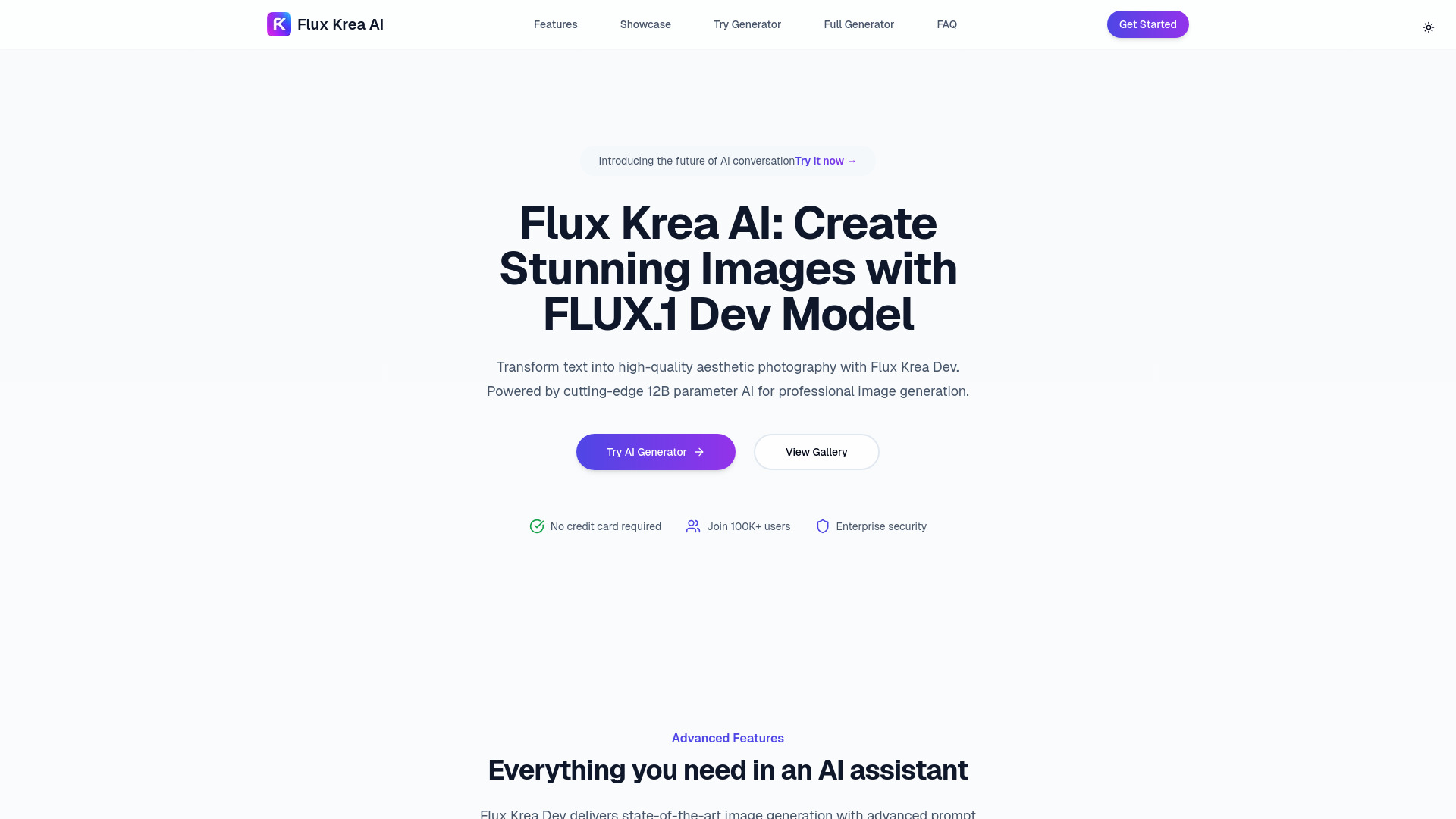
Flux Krea: Turn text into stunning, professional AI images instantly—powered by FLUX.1’s 12B model. High-res photography in seconds
Explore a specific workflow
Explore ai art tool through the product profiles below. Visual AI tools cover image generation, photo editing, enhancement and design tasks. Choose between creating a new image and modifying an existing asset before comparing products.
Look for text prompts, image references, masks or sketches as appropriate. Compare composition control, supported upload types and the ability to revise a selected area.
Inspect text, hands, edges, reflections and repeated objects at full size. Check that important product or brand details survive editing.
Flux Krea: Turn text into stunning, professional AI images instantly—powered by FLUX.1’s 12B model. High-res photography in seconds
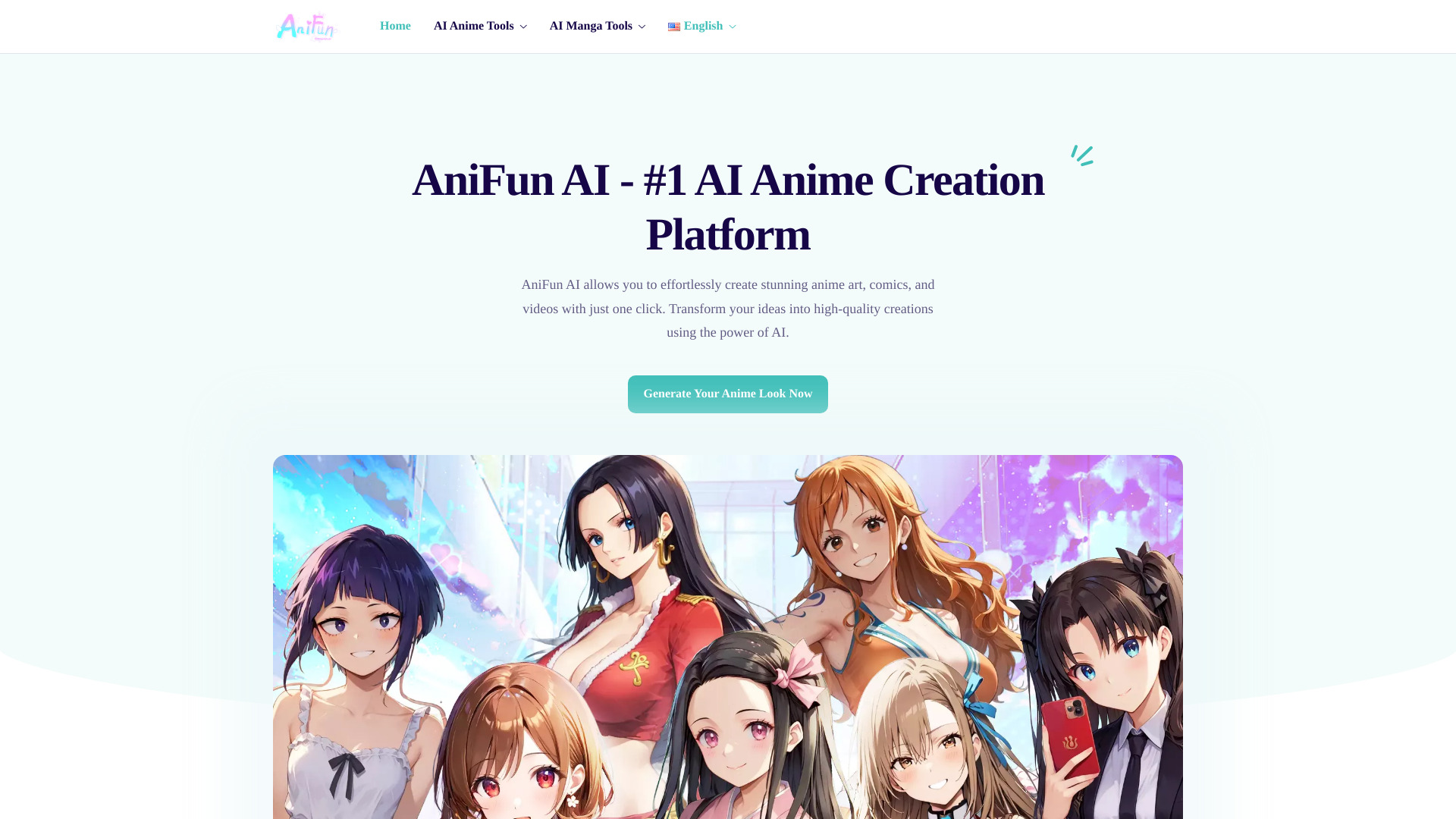
Anifun AI: Turn ideas into anime art, manga & videos—fast, professional, one-click. Try the free AI-powered generator now!
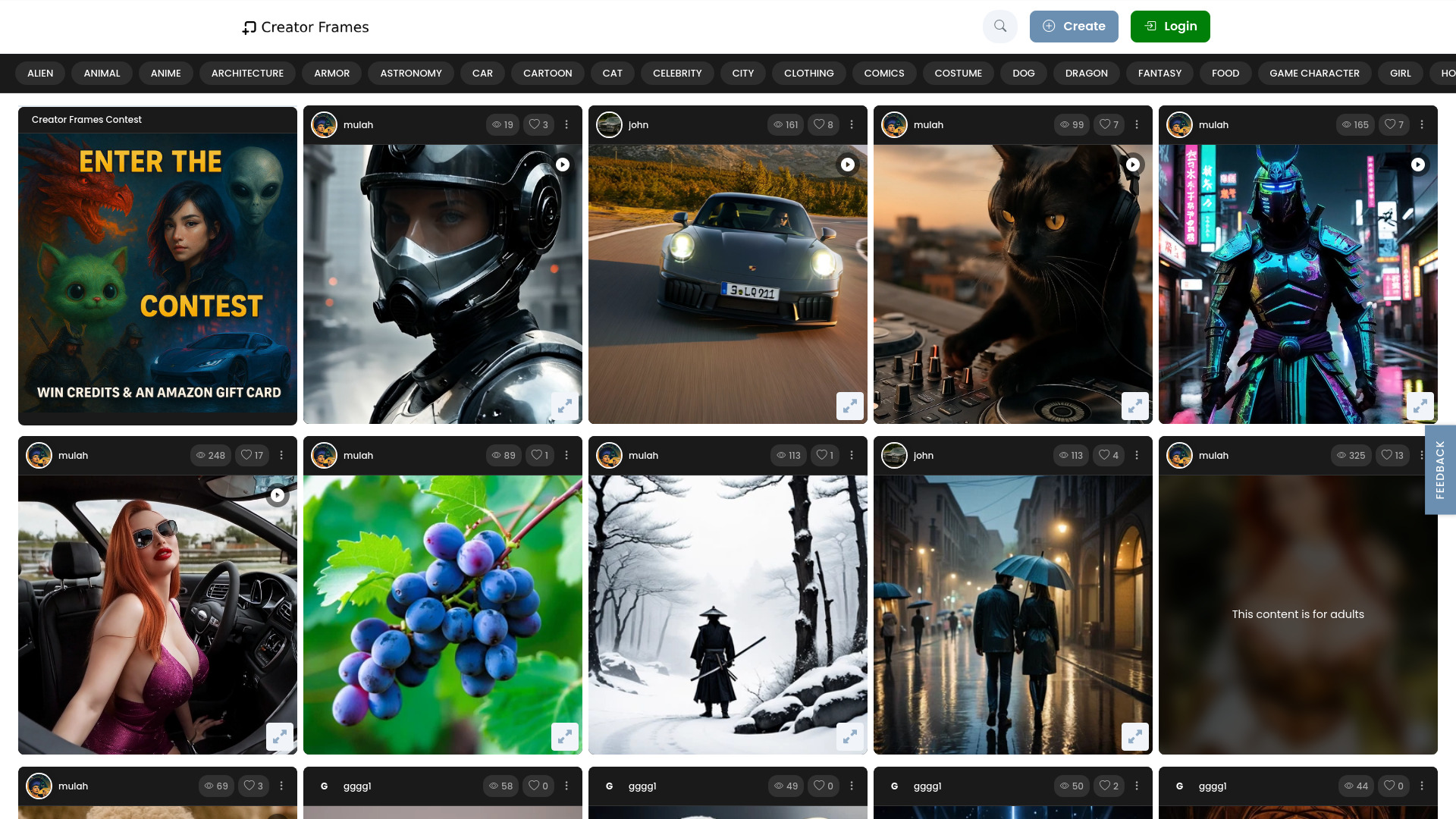
CreatorFrames.com: AI-powered video & image generator for creatives—turn text into art, fantasy scenes & cinematic visuals. Free trial!
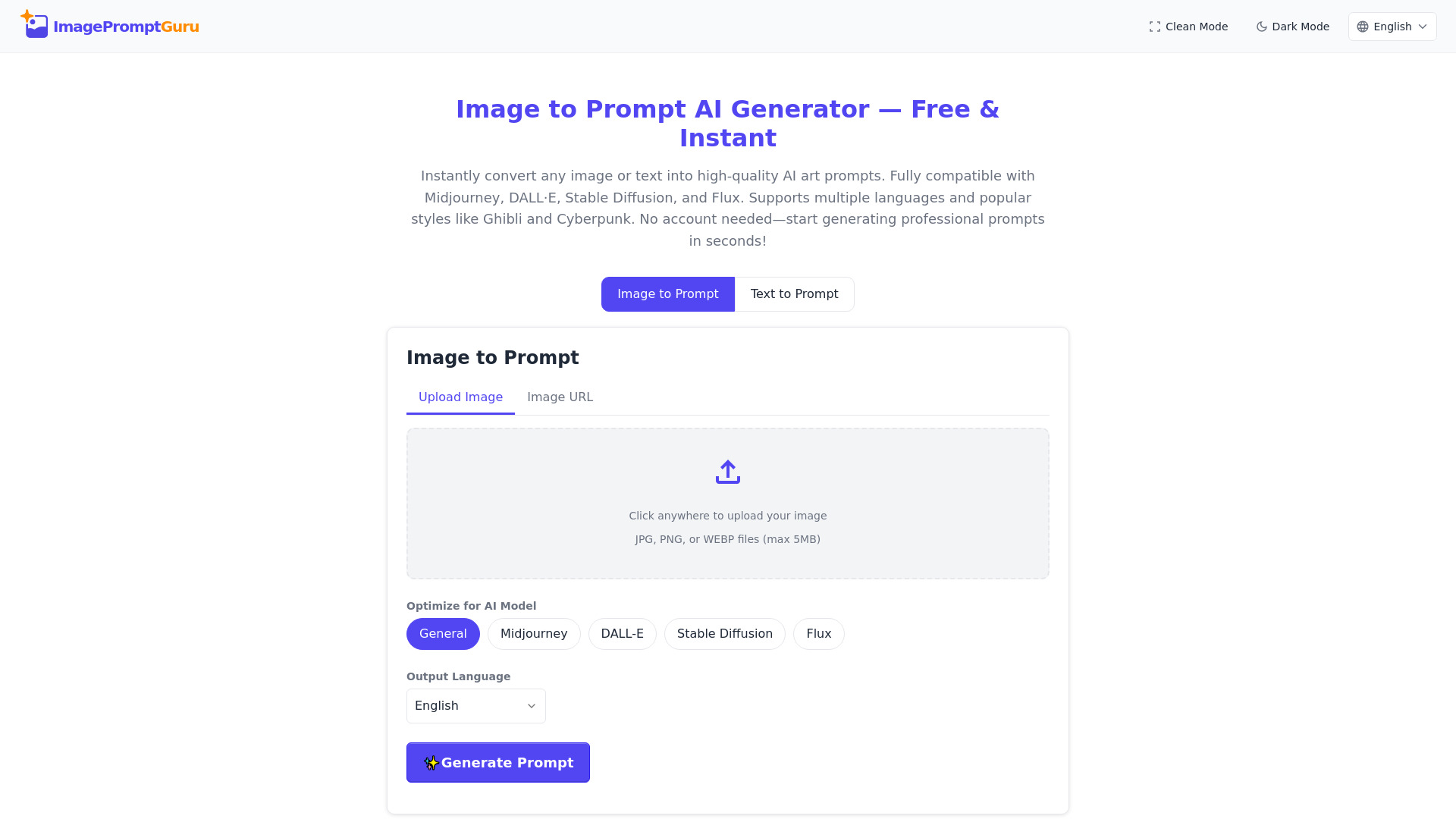
ImagePromptGuru.net: Free AI prompt generator—turn images or text into stunning, model-ready prompts for Midjourney, DALL-E, Stable Diffusion & Flux. Unlimited. Zero cost.
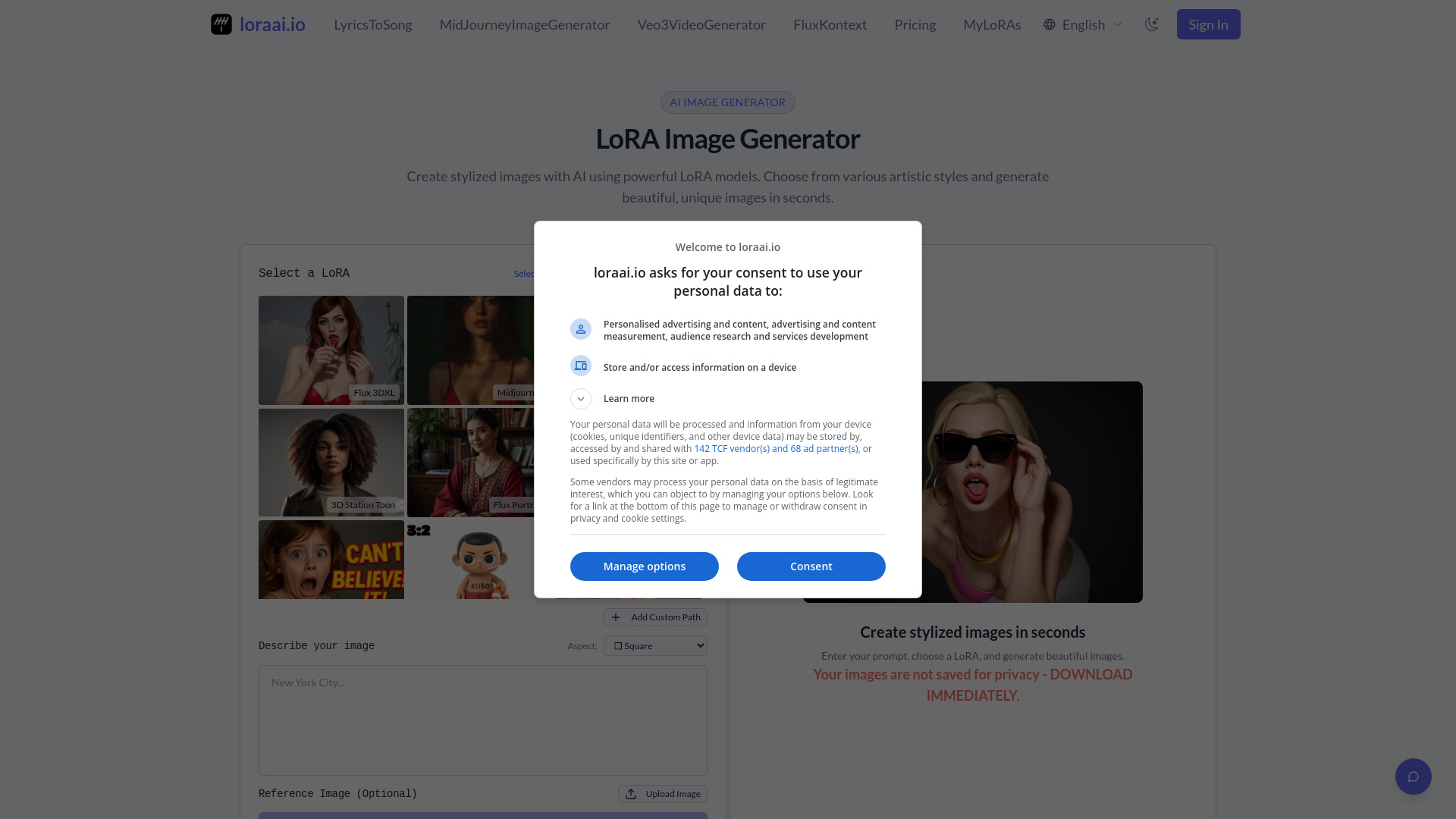
Lora: Generate AI images with 95%+ accuracy. Train custom LoRA models on Flux—commercial rights included!

PixelDraw007 - AI-powered Chrome extension for designers. Create visuals effortlessly with advanced design tools and smart automation.

Painter007 - Chrome Extension: AI-powered creative tool for artists to enhance creativity, streamline design workflows, and unlock limitless artistic possibilities.

Create undressed art effortlessly with Nudify by FunFun.ai—an AI-powered tool for high-quality, professional artistic creations.
FAQ
Practical answers to help you take the next step.
Visual AI tools cover image generation, photo editing, enhancement and design tasks. Choose between creating a new image and modifying an existing asset before comparing products.
Look for text prompts, image references, masks or sketches as appropriate. Compare composition control, supported upload types and the ability to revise a selected area.
Inspect text, hands, edges, reflections and repeated objects at full size. Check that important product or brand details survive editing.
Prepare a brief with a subject, composition, lighting and required output size. Test a first generation and a targeted revision to see how much control you retain.
Flux Krea: Turn text into stunning, professional AI images instantly—powered by FLUX.1’s 12B model. High-res photography in seconds
Read about Flux Krea - AI Image GeneratorAnifun AI: Turn ideas into anime art, manga & videos—fast, professional, one-click. Try the free AI-powered generator now!
Read about Anifun AI - AI Anime Art & Manga Generator ToolCreatorFrames.com: AI-powered video & image generator for creatives—turn text into art, fantasy scenes & cinematic visuals. Free trial!
Read about CreatorFrames.comImagePromptGuru.net: Free AI prompt generator—turn images or text into stunning, model-ready prompts for Midjourney, DALL-E, Stable Diffusion & Flux. Unlimited. Zero cost.
Read about ImagePromptGuru.netLora: Generate AI images with 95%+ accuracy. Train custom LoRA models on Flux—commercial rights included!
Read about Lora - AI Image GeneratorPixelDraw007 - AI-powered Chrome extension for designers. Create visuals effortlessly with advanced design tools and smart automation.
Read about PixelDraw007