Table of contents
GraphicInfo : AI Infographics, Use Cases, Pricing, Reviews, Features
GraphicInfo: Transform content into stunning AI-powered infographics with just one click! Explore use cases, pricing, reviews, features, and alternatives to elevate your visual storytelling today.
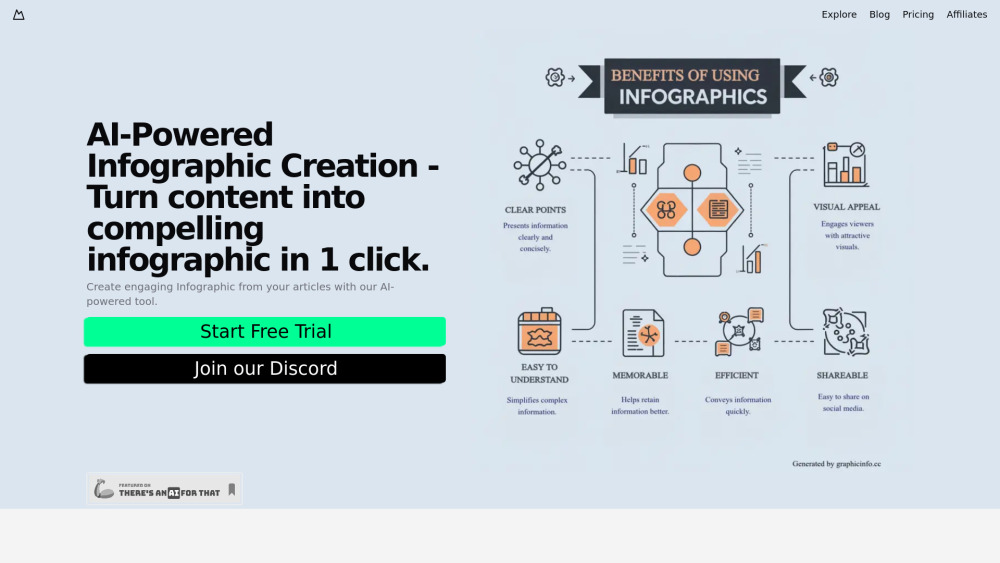
What is GraphicInfo?
GraphicInfo is a cutting-edge platform designed to transform web content into engaging infographics. Simply by sharing a URL, the AI-driven system analyzes and summarizes the information, then crafts an aesthetically pleasing visual representation.
How does GraphicInfo work?
In Template Mode, select a design template, input your desired prompt, and let the AI populate it with relevant content and images. You can personalize further before downloading your infographic. In Creative Mode, provide your prompt, and the AI will craft the entire infographic from scratch, including text, visuals, and layout. Make any necessary adjustments and save your final creation.
Key Features of GraphicInfo
Infographic Creation with Templates
AI-Powered Infographic Generation
Integrated Online Search
Practical Applications of GraphicInfo
Website Summaries
Artistic Posters
Educational Knowledge Cards
Social Media Visuals
-
GraphicInfo Discord Community
Join the GraphicInfo Discord community at https://discord.gg/UGKYsf5xxu. For more discussions, visit here(/discord/ugkysf5xxu).
-
GraphicInfo Subscription Plans
Explore GraphicInfo pricing options via this link: https://graphicinfo.cc/app/pricing.
FAQ about GraphicInfo
What exactly is GraphicInfo?
GraphicInfo is a sophisticated platform that converts web-based material into captivating infographics. By providing a website or blog link, the platform employs AI technology to condense the information and produce an attractive visual summary.
How do I utilize GraphicInfo?
In Template Mode, pick a design template, enter your prompt, and allow the AI to automatically incorporate content and images. Customize as desired and download your infographic. In Creative Mode, submit your prompt, and the AI will create the entire infographic from the ground up, encompassing text, images, and layout. Edit where necessary and finalize your design for download.