Canny: Collect, Analyze & Prioritize Feature Requests

Canny: Turn customer feedback into action—collect, analyze & prioritize feature requests effortlessly. Ship what users truly want.

Visit Website
Canny: Collect, Analyze & Prioritize Feature Requests
Directory : AI Data Mining, AI Response Generator, AI Knowledge Management, AI Productivity Tools, AI Summarizer, AI Assistant, AI Customer Service, AI Text Classifier

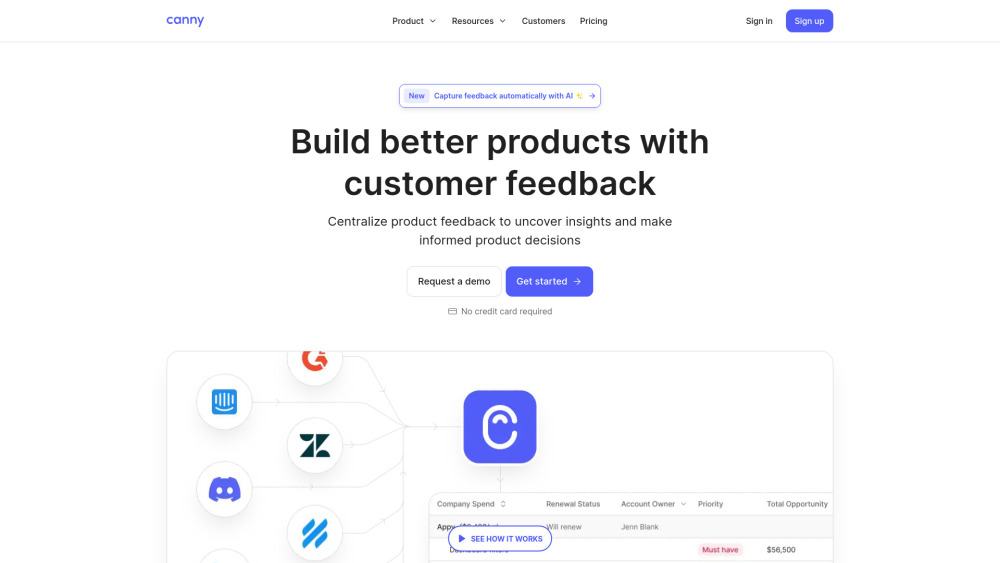
Canny Website screenshot

Canny: Collect, Analyze & Prioritize Feature Requests

Canny is purpose-built for product-led growth teams who treat customer feedback not as noise—but as their most strategic input. It’s a unified platform that empowers companies to systematically collect feature ideas from every touchpoint, analyze them with AI-enhanced context and sentiment, and prioritize what to build next—using transparent, customizable scoring logic aligned with business goals, effort, impact, and customer demand.

How Canny Turns Feedback Into Action

Start by embedding Canny’s intuitive feedback board—or connect it directly to your support tools, Slack, CRM, or sales call transcripts. Its AI engine surfaces buried requests across channels, deduplicates overlapping suggestions, and enriches each idea with voting trends, user segments, and contextual notes. Then, apply your own prioritization framework—or use pre-built models—to rank requests objectively. Finally, publish real-time roadmap updates, close the loop with commenters, and demonstrate how customer voices directly shape your product.

Key Capabilities That Power Smarter Prioritization

AI-Powered Feedback Discovery

Embedded & Self-Service Feedback Collection

Sentiment-Aware Feedback Analysis

Customizable Prioritization Engine

Public or Permissioned Roadmap Builder

Auto-Generated Comment Summaries

Smart Duplicate Detection & Clustering

Voting Analytics & Trend Forecasting

Changelog-Driven Customer Communication

Who Uses Canny—and Why It Fits Their Workflow

Product Managers

Growth & Customer Success Teams

Engineering Leadership

Sales & Customer-Facing Teams

UX Research & Design Teams

Startup Founders & PMMs

Enterprise Product Organizations

Open-Source Maintainers

SaaS Companies Scaling Their Feedback Loop

Frequently Asked Questions

What defines a “tracked user” in Canny?

How do I determine the right tracked user tier for my team?

Can I cap my monthly usage to avoid unexpected charges?

What happens when I hit my tracked user limit?

What exactly does Canny Autopilot do?

FAQ from Canny

What is Canny?

Canny transforms fragmented customer input into a structured, actionable product intelligence system. It bridges the gap between raw feedback and strategic roadmap decisions—helping teams move beyond gut-feel prioritization to evidence-driven development.

How does Canny help teams collect, analyze, and prioritize feature requests?

Through seamless integrations and embedded widgets, Canny captures feedback where users already are—without friction. Its AI analyzes language, intent, and engagement patterns to surface high-signal ideas. And with flexible prioritization rules (e.g., votes × revenue impact ÷ dev effort), teams align engineering capacity with market opportunity—transparently and collaboratively.

What is a tracked user?

A tracked user is any individual whose feedback activity—posting, commenting, voting, or being represented in AI-detected feedback—is recorded and attributed within Canny. Only active, non-archived posts contribute to this count, ensuring accuracy and fairness in usage-based billing.

How many tracked users do I need?

Most early-stage teams begin comfortably on the Free plan (25 tracked users). As you scale, typical conversion rates range from 1–5% of your total active users—depending on engagement depth and feedback culture. Canny offers flexible scaling and enterprise packages for high-volume programs, including custom limits and dedicated onboarding.

Can I set a monthly spend limit?

Absolutely. You can define a hard cap on your monthly spend—whether tied to tracked users, storage, or AI processing volume. Once reached, Canny pauses new tracking while preserving existing data and functionality. You’ll receive alerts before and after hitting the limit, giving you full financial control.

What happens if I go over my tracked user limit?

Without a spend cap, Canny auto-upgrades you to the next tier with prorated billing—no service interruption. With a cap enabled, tracking for new users halts immediately, maintaining budget discipline while keeping your current feedback data fully accessible and actionable.

What is Canny Autopilot?

Autopilot is Canny’s intelligent feedback orchestration layer. It includes three core capabilities: Feedback Discovery (scans support tickets, calls, reviews, and chats to auto-create and merge suggestions), Smart Replies (AI drafts follow-up questions to clarify user needs), and Comment Summaries (distills dozens of comments into thematic insights). All Autopilot actions are auditable—and all detected users count toward your tracked user allowance.