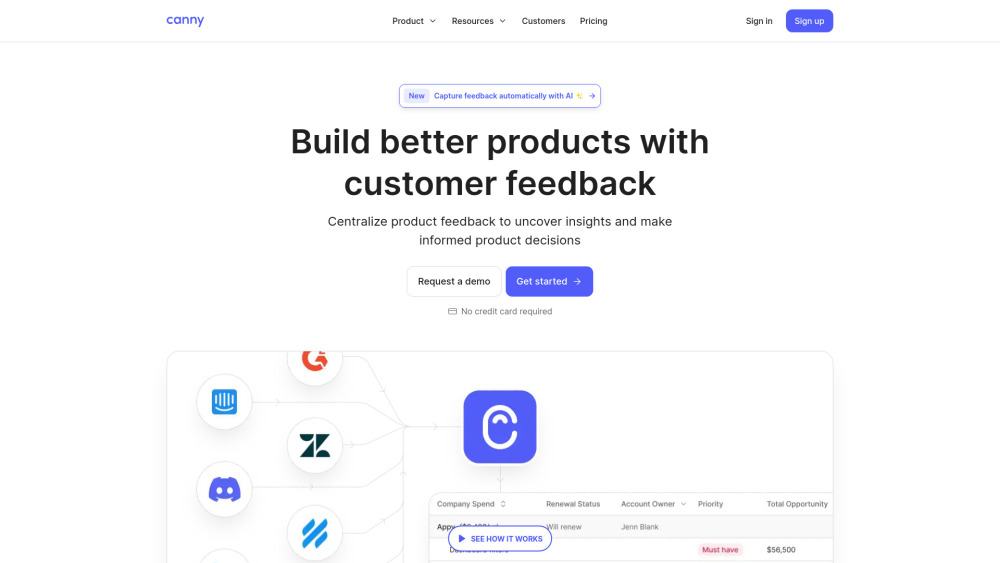
Canny: Turn customer feedback into action—collect, analyze & prioritize feature requests effortlessly. Ship what users truly want.
Explore a specific workflow
Explore feature requests tools through the product profiles below. The collection groups applications around a shared task. Product scope can overlap, so compare the specific workflow each tool describes rather than the category name alone.
Identify the files, text or account connections your task needs. Confirm that the product accepts those inputs and offers controls for reviewing its work.
Test one representative task and inspect the result for accuracy and completeness. Record where manual corrections or extra tools are needed.
Canny: Turn customer feedback into action—collect, analyze & prioritize feature requests effortlessly. Ship what users truly want.
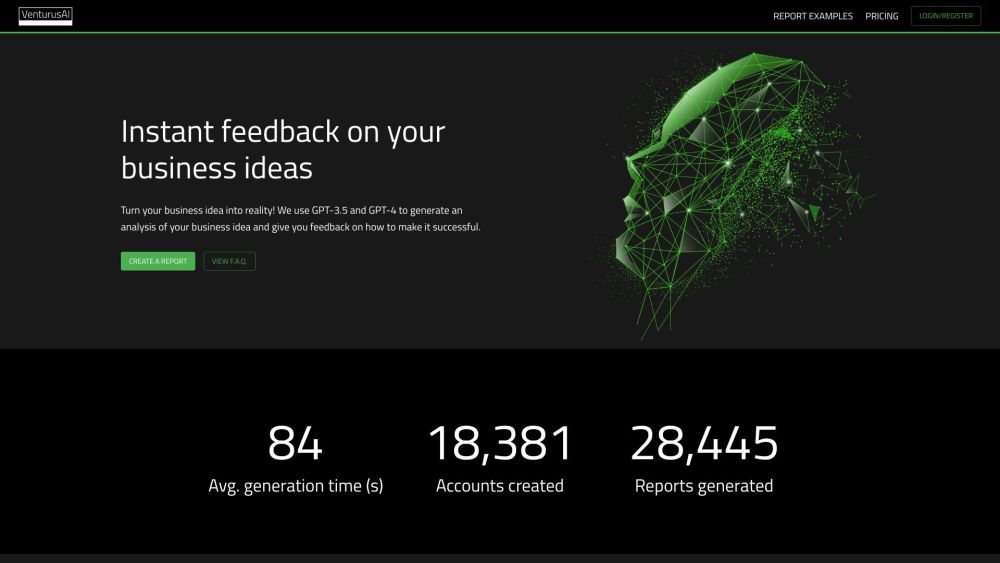
Transform your business ideas into reality with VenturusAI! Get expert feedback and analysis powered by GPT-3.5 and GPT-4 for success.
Sweep is an AI code assistant that helps in turning bugs and feature requests into code changes. It integrates with GitHub and automates the process of creating GitHub pull requests from GitHub issues.
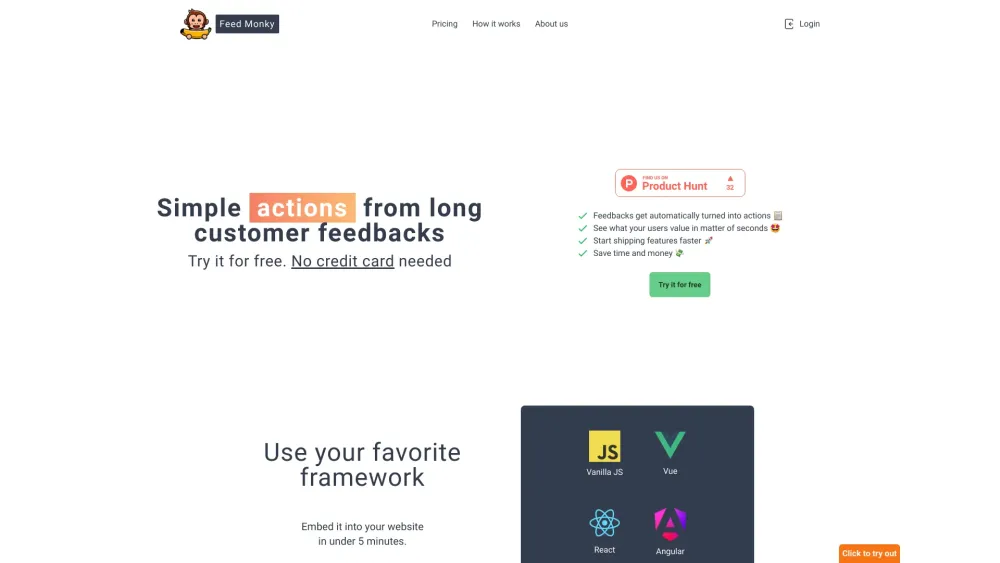
FeedMonky: Effortlessly transform lengthy user feedback into clear, actionable TODOs. Simplify your workflow and enhance productivity!
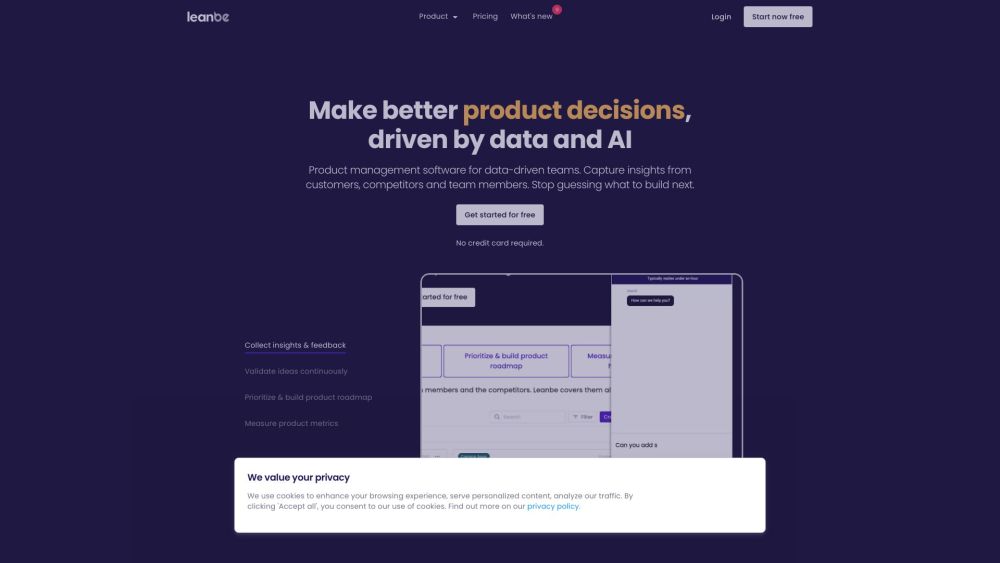
Leanbe: Streamline product management with data-driven feedback. Prioritize feature requests, enhance your roadmap, and announce updates effortlessly.
FAQ
Practical answers to help you take the next step.
The collection groups applications around a shared task. Product scope can overlap, so compare the specific workflow each tool describes rather than the category name alone.
Identify the files, text or account connections your task needs. Confirm that the product accepts those inputs and offers controls for reviewing its work.
Test one representative task and inspect the result for accuracy and completeness. Record where manual corrections or extra tools are needed.
Choose one task with a clear success condition. Keep the input consistent, record the time spent reviewing and compare the complete workflow cost.
Canny: Turn customer feedback into action—collect, analyze & prioritize feature requests effortlessly. Ship what users truly want.
Read about CannyTransform your business ideas into reality with VenturusAI! Get expert feedback and analysis powered by GPT-3.5 and GPT-4 for success.
Read about VenturusAISweep is an AI code assistant that helps in turning bugs and feature requests into code changes. It integrates with GitHub and automates the process of creating GitHub pull requests from GitHub issues.
Read about SweepFeedMonky: Effortlessly transform lengthy user feedback into clear, actionable TODOs. Simplify your workflow and enhance productivity!
Read about FeedMonkyLeanbe: Streamline product management with data-driven feedback. Prioritize feature requests, enhance your roadmap, and announce updates effortlessly.
Read about LeanbeCheck export formats, integrations and whether you can keep using your work outside the service. Test a real export before committing to a longer plan.