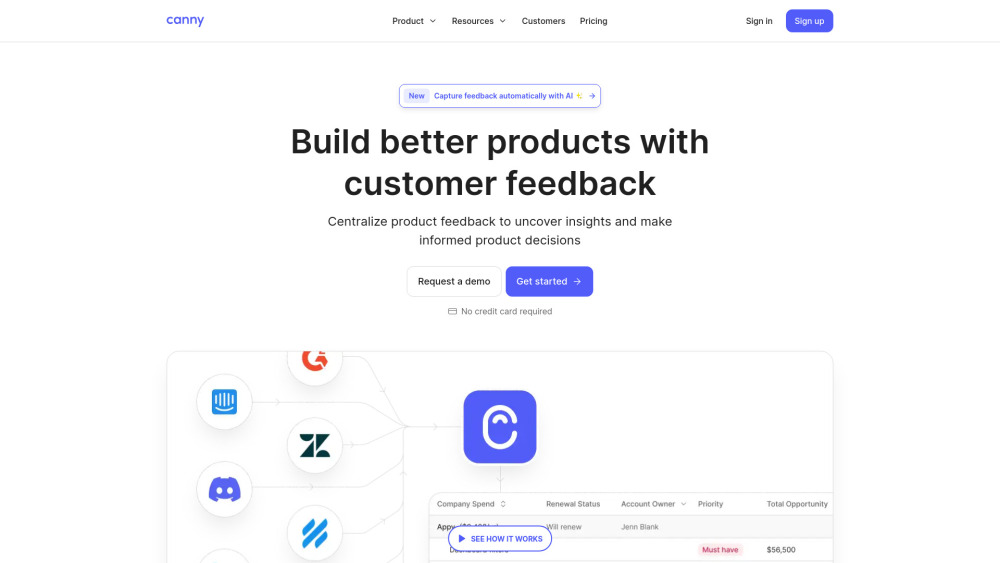
Canny: Turn customer feedback into action—collect, analyze & prioritize feature requests effortlessly. Ship what users truly want.
Explore a specific workflow
Explore prioritization tools through the product profiles below. The collection groups applications around a shared task. Product scope can overlap, so compare the specific workflow each tool describes rather than the category name alone.
Identify the files, text or account connections your task needs. Confirm that the product accepts those inputs and offers controls for reviewing its work.
Test one representative task and inspect the result for accuracy and completeness. Record where manual corrections or extra tools are needed.
Canny: Turn customer feedback into action—collect, analyze & prioritize feature requests effortlessly. Ship what users truly want.
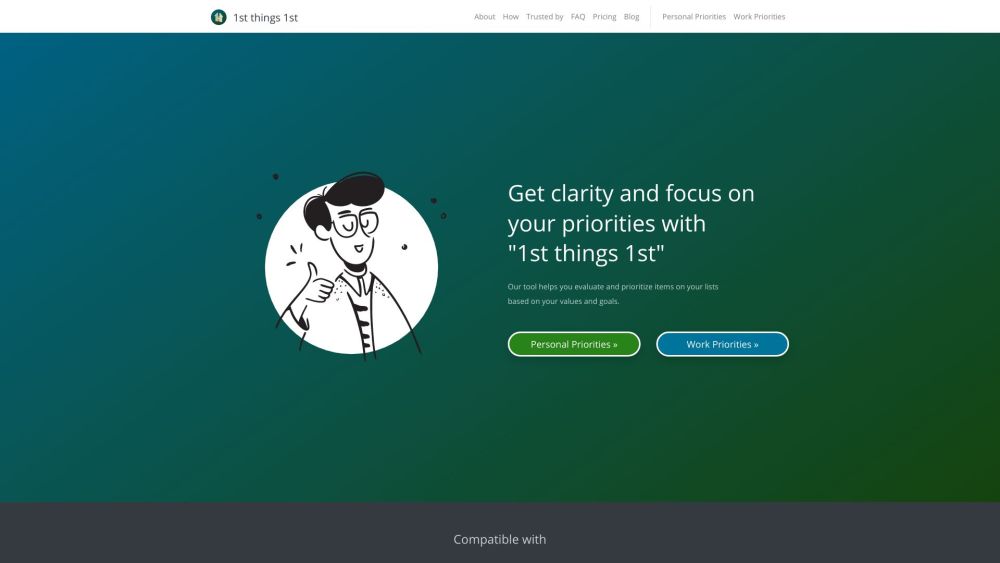
1st things 1st is a strategic prioritizer tool that helps individuals and businesses evaluate and prioritize items based on their values and goals. It offers intuitive and smart prioritization tools, customizable templates, and AI-powered autosuggestion to assist in confident decision-making and goal alignment.

Eververse: AI-Powered Product Roadmap Builder for Smart Planning – Effortlessly design, optimize, and execute product roadmaps with intelligent AI assistance.

Syncly uses AI to automatically categorize and analyze your communication with customers, helping customer-facing teams understand most urgent customer issues at scale.

Xembly: Your AI Chief of Staff for scheduling, precise note capture, and efficient task management. Automate and prioritize effortlessly.
FAQ
Practical answers to help you take the next step.
The collection groups applications around a shared task. Product scope can overlap, so compare the specific workflow each tool describes rather than the category name alone.
Identify the files, text or account connections your task needs. Confirm that the product accepts those inputs and offers controls for reviewing its work.
Test one representative task and inspect the result for accuracy and completeness. Record where manual corrections or extra tools are needed.
Choose one task with a clear success condition. Keep the input consistent, record the time spent reviewing and compare the complete workflow cost.
Canny: Turn customer feedback into action—collect, analyze & prioritize feature requests effortlessly. Ship what users truly want.
Read about Canny1st things 1st is a strategic prioritizer tool that helps individuals and businesses evaluate and prioritize items based on their values and goals. It offers intuitive and smart prioritization tools, customizable templates, and AI-powered autosuggestion to assist in confident decision-making and goal alignment.
Read about 1st Things 1stEververse: AI-Powered Product Roadmap Builder for Smart Planning – Effortlessly design, optimize, and execute product roadmaps with intelligent AI assistance.
Read about EververseSyncly uses AI to automatically categorize and analyze your communication with customers, helping customer-facing teams understand most urgent customer issues at scale.
Read about SynclyXembly: Your AI Chief of Staff for scheduling, precise note capture, and efficient task management. Automate and prioritize effortlessly.
Read about XemblyCheck export formats, integrations and whether you can keep using your work outside the service. Test a real export before committing to a longer plan.