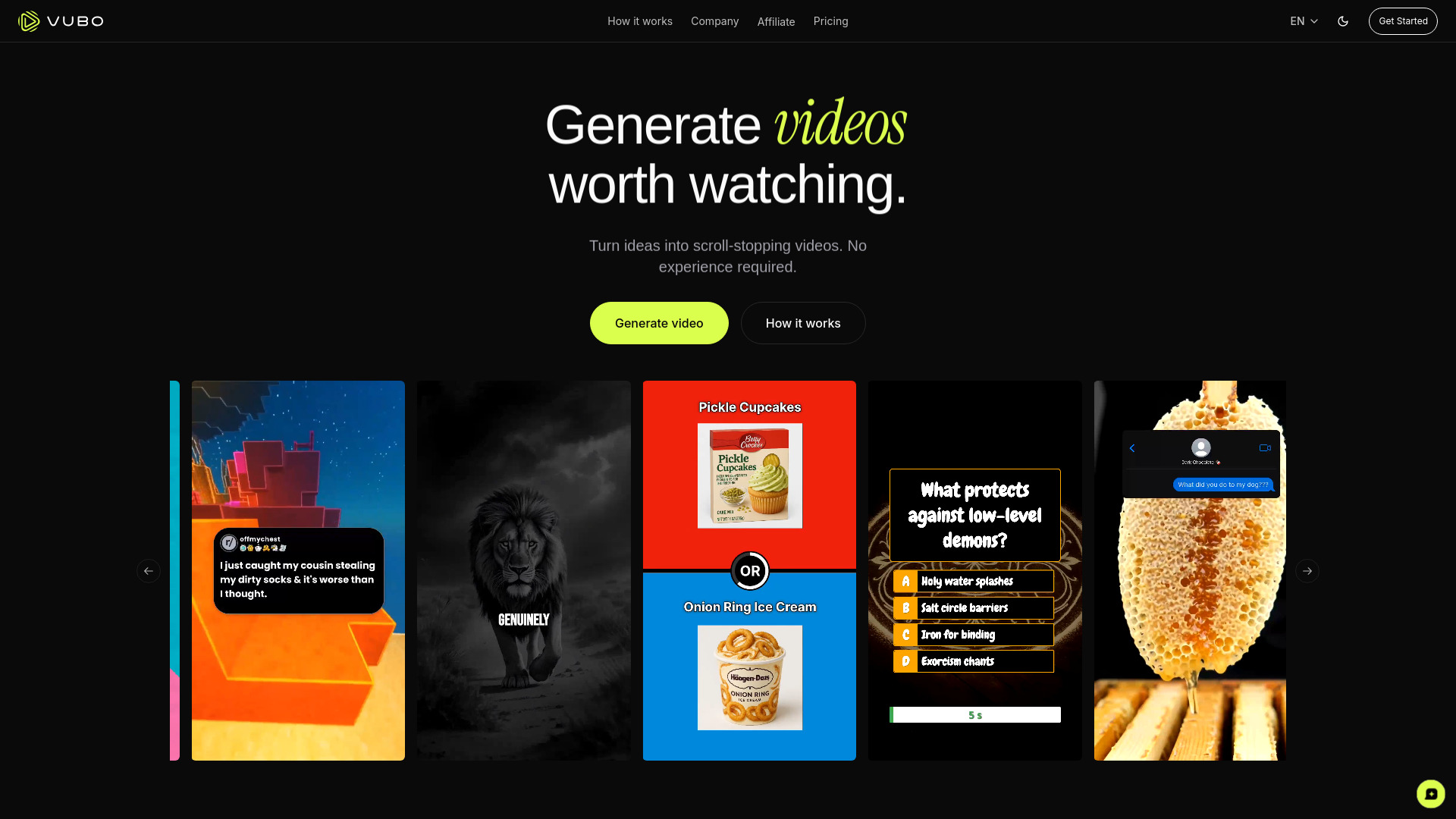
VUBO AI: Create viral shorts, faceless videos & monetizable content in seconds—using smart templates & AI voiceovers. Free trial!
Explore a specific workflow
Explore youtube automation tools through the product profiles below. The collection groups applications around a shared task. Product scope can overlap, so compare the specific workflow each tool describes rather than the category name alone.
Identify the files, text or account connections your task needs. Confirm that the product accepts those inputs and offers controls for reviewing its work.
Test one representative task and inspect the result for accuracy and completeness. Record where manual corrections or extra tools are needed.
VUBO AI: Create viral shorts, faceless videos & monetizable content in seconds—using smart templates & AI voiceovers. Free trial!

VUBO: Turn ideas into viral-ready videos—in seconds. No editing skills needed. Just create, captivate, and go viral. 🚀
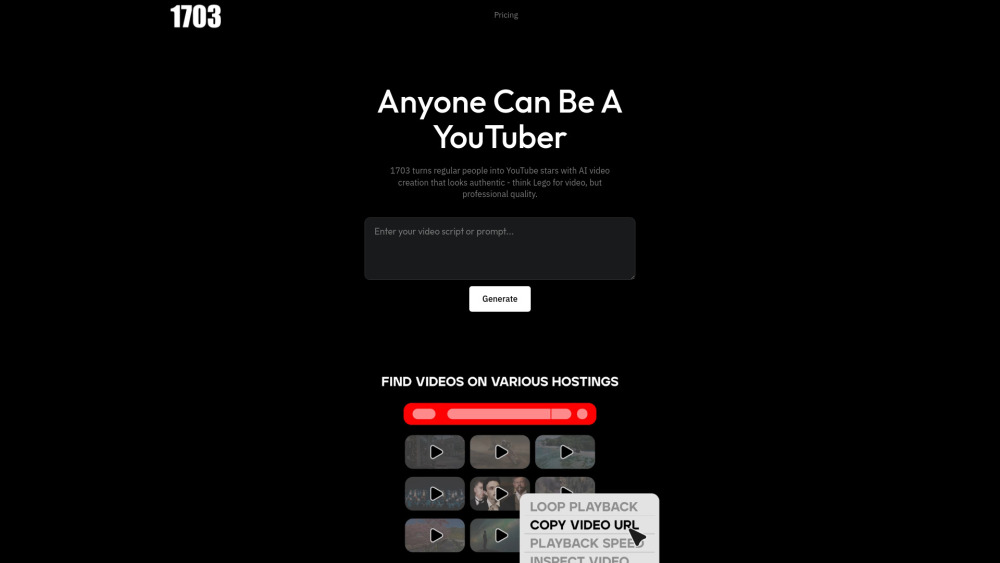
1703 Media: AI-powered YouTube video creation—turn ideas into pro-quality videos in minutes. No editing skills needed.

Shortsbot automates faceless TikTok & YouTube shorts—zero filming, zero editing. Get use cases, pricing, reviews, features & alternatives—all in one place!

Transform YouTube videos into engaging Shorts effortlessly with UseShorts. Discover use cases, pricing, reviews, core features, and alternatives—all in one place.
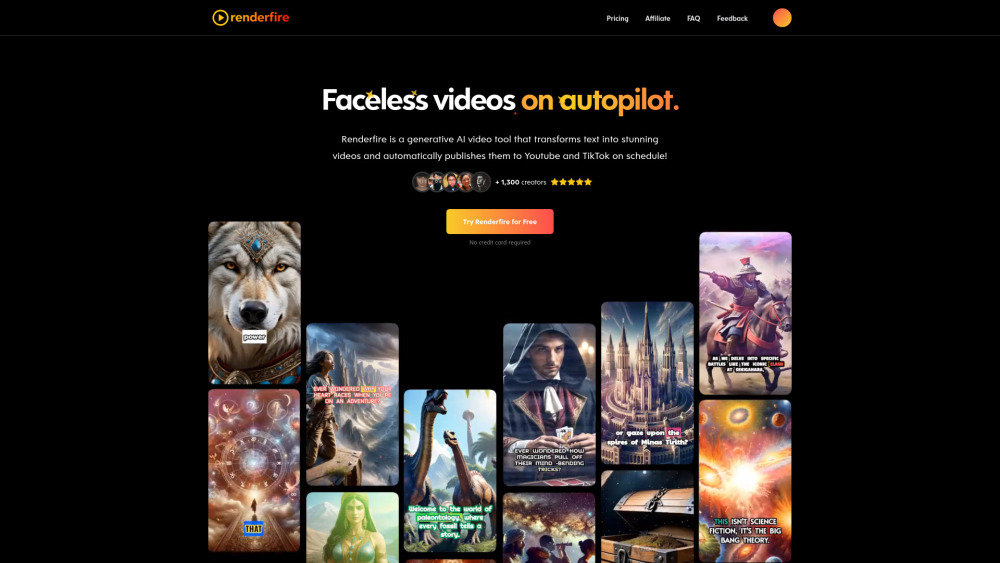
Renderfire: Instantly transform your text into videos with AI precision. Elevate your content creation effortlessly and engage your audience like never before!
FAQ
Practical answers to help you take the next step.
The collection groups applications around a shared task. Product scope can overlap, so compare the specific workflow each tool describes rather than the category name alone.
Identify the files, text or account connections your task needs. Confirm that the product accepts those inputs and offers controls for reviewing its work.
Test one representative task and inspect the result for accuracy and completeness. Record where manual corrections or extra tools are needed.
Choose one task with a clear success condition. Keep the input consistent, record the time spent reviewing and compare the complete workflow cost.
VUBO AI: Create viral shorts, faceless videos & monetizable content in seconds—using smart templates & AI voiceovers. Free trial!
Read about VUBO - AI Video GeneratorVUBO: Turn ideas into viral-ready videos—in seconds. No editing skills needed. Just create, captivate, and go viral. 🚀
Read about VUBO1703 Media: AI-powered YouTube video creation—turn ideas into pro-quality videos in minutes. No editing skills needed.
Read about 1703 MediaShortsbot automates faceless TikTok & YouTube shorts—zero filming, zero editing. Get use cases, pricing, reviews, features & alternatives—all in one place!
Read about ShortsbotTransform YouTube videos into engaging Shorts effortlessly with UseShorts. Discover use cases, pricing, reviews, core features, and alternatives—all in one place.
Read about UseShortsRenderfire: Instantly transform your text into videos with AI precision. Elevate your content creation effortlessly and engage your audience like never before!
Read about Renderfire