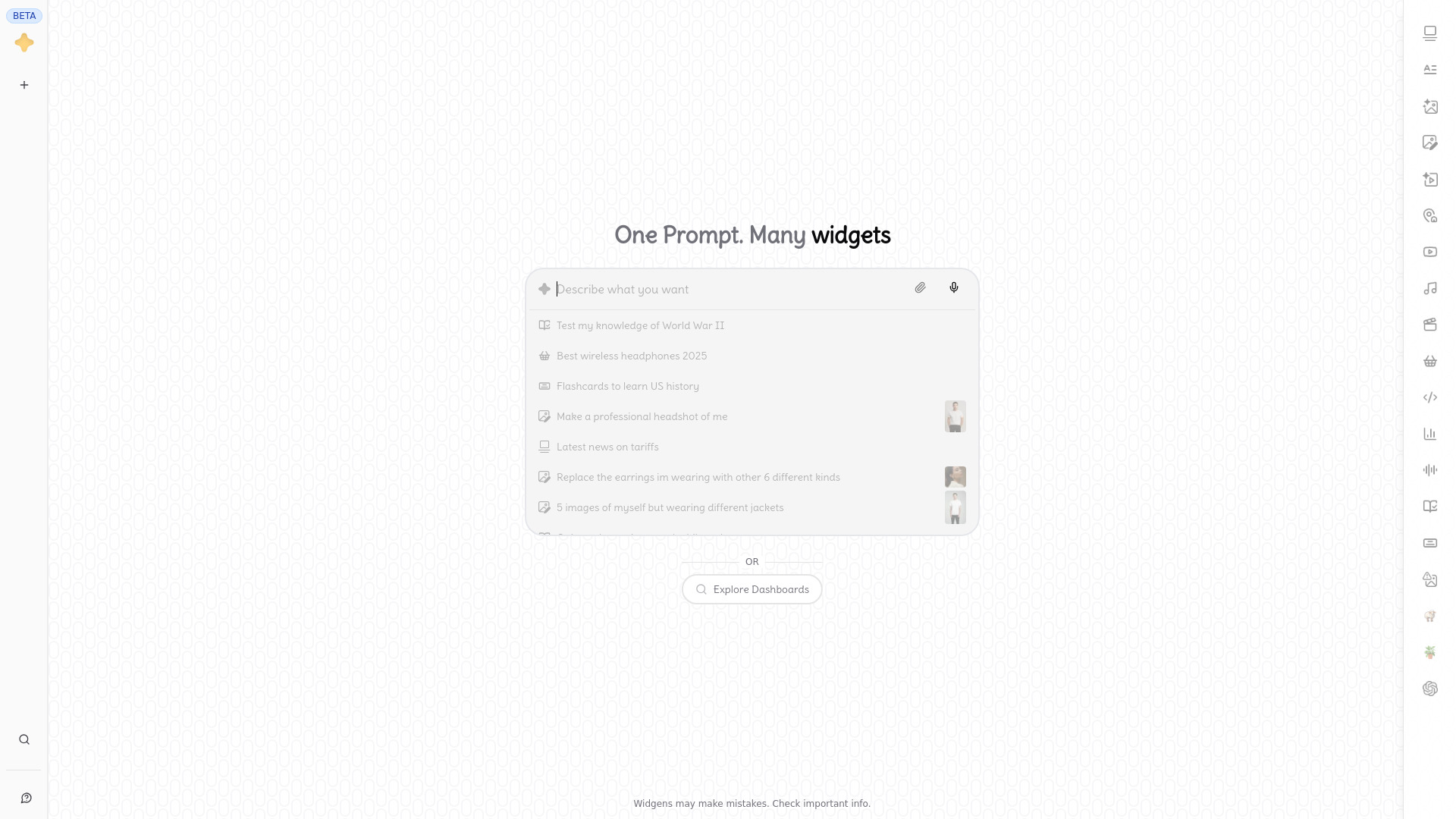
Turn prompts into interactive widget grids with Widgens—create AI images, videos, flashcards, and more. Try the free visual-first AI tool!
AI tools by category
Explore visual tools through the product profiles below. The collection groups applications around a shared task. Product scope can overlap, so compare the specific workflow each tool describes rather than the category name alone.
Identify the files, text or account connections your task needs. Confirm that the product accepts those inputs and offers controls for reviewing its work.
Test one representative task and inspect the result for accuracy and completeness. Record where manual corrections or extra tools are needed.
Turn prompts into interactive widget grids with Widgens—create AI images, videos, flashcards, and more. Try the free visual-first AI tool!
FAQ
Practical answers to help you take the next step.
The collection groups applications around a shared task. Product scope can overlap, so compare the specific workflow each tool describes rather than the category name alone.
Identify the files, text or account connections your task needs. Confirm that the product accepts those inputs and offers controls for reviewing its work.
Test one representative task and inspect the result for accuracy and completeness. Record where manual corrections or extra tools are needed.
Choose one task with a clear success condition. Keep the input consistent, record the time spent reviewing and compare the complete workflow cost.
Turn prompts into interactive widget grids with Widgens—create AI images, videos, flashcards, and more. Try the free visual-first AI tool!
Read about WidgensCheck export formats, integrations and whether you can keep using your work outside the service. Test a real export before committing to a longer plan.
Run the same small task in each shortlisted product. Compare the price per usable result, usage limits, regeneration costs and time spent correcting the output. Confirm current terms with the provider.
Check who can access uploaded material, how long it is retained and how deletion works. Use a non-confidential test file while evaluating a product.
No. The Visual Tools label groups related applications, but each product description defines its actual scope. Compare the input and output for your specific task.
Open the product profile, follow its official website link and review its documentation or plan comparison. Directory descriptions and screenshots may predate product changes.