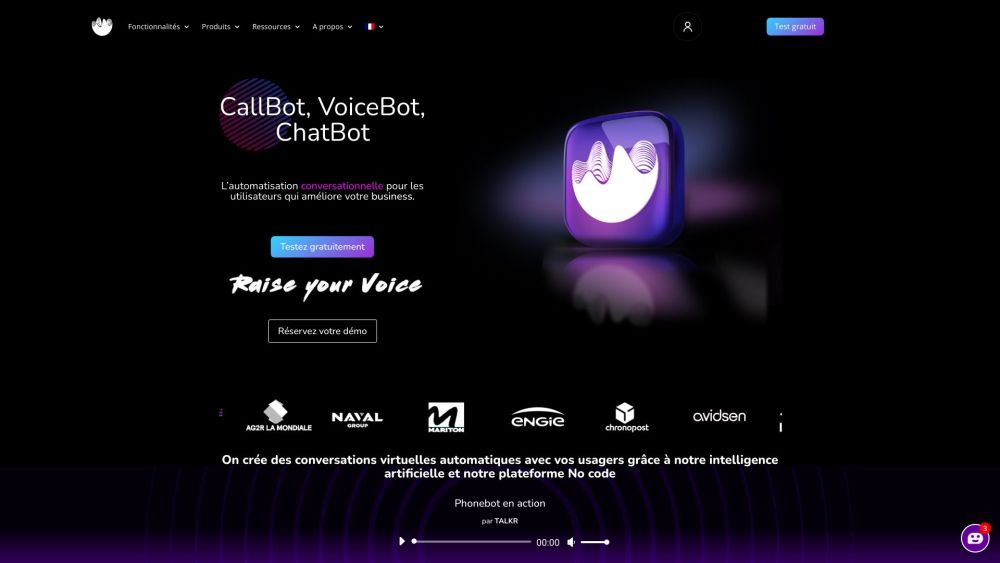
TALKR: The no-code platform to create AI virtual assistants & automate conversations effortlessly. Boost productivity with automation today!
Explore a specific workflow
Explore voicebot tools through the product profiles below. Audio tools handle tasks such as transcription, speech synthesis, sound generation and editing. Distinguish converting existing audio from creating a new recording.
Compare recording length, file types, language support and speaker handling. For voice generation, check pronunciation controls and permission to use any reference voice.
Listen for mispronounced names, unnatural pauses, clipped words and noise. For transcripts, compare the text with the recording and correct speaker labels.
TALKR: The no-code platform to create AI virtual assistants & automate conversations effortlessly. Boost productivity with automation today!
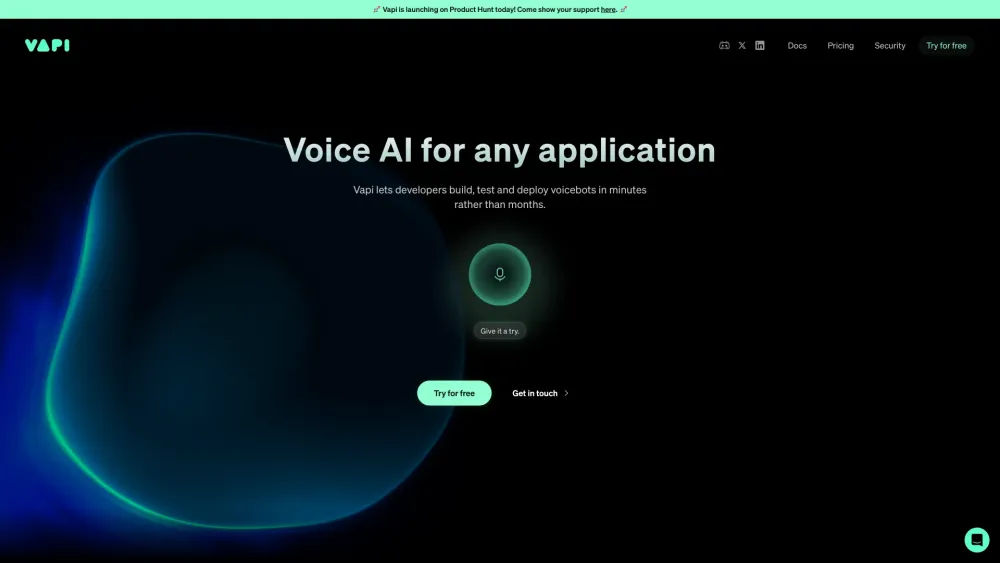
Vapi: Rapidly build, test, and deploy voicebots in minutes, not months. Streamline your development process with ease. Try Vapi today!
nodial.io: AI Voicebot for effortless bookings & calls. No coding needed. Set up in seconds for appointments, customer care, rescheduling, & more, all on autopilot.
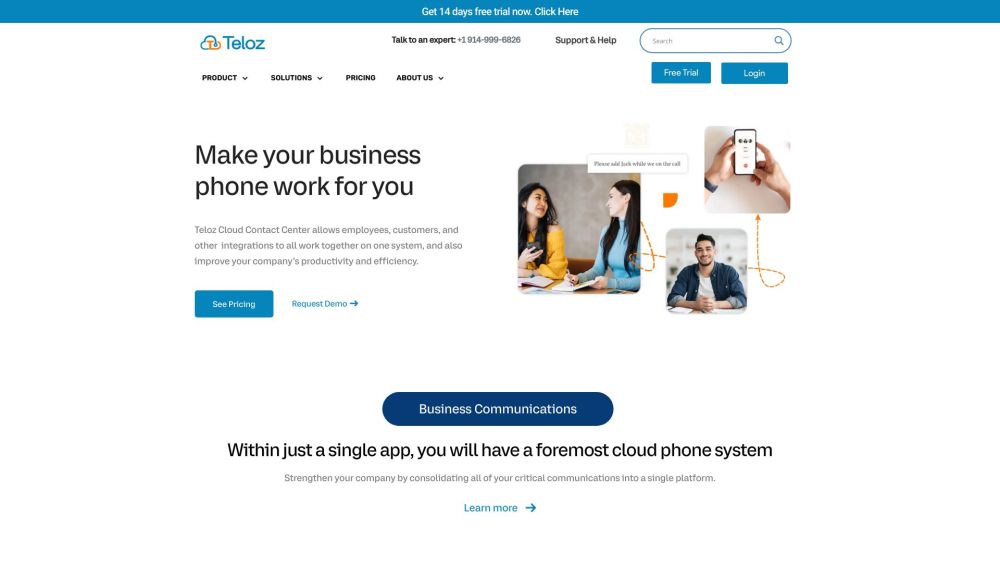
Teloz is a premier cloud contact center solutions provider that offers top-tier cloud-based communication solutions for businesses. Their services combine messaging, video, and phone with advanced contact center features.
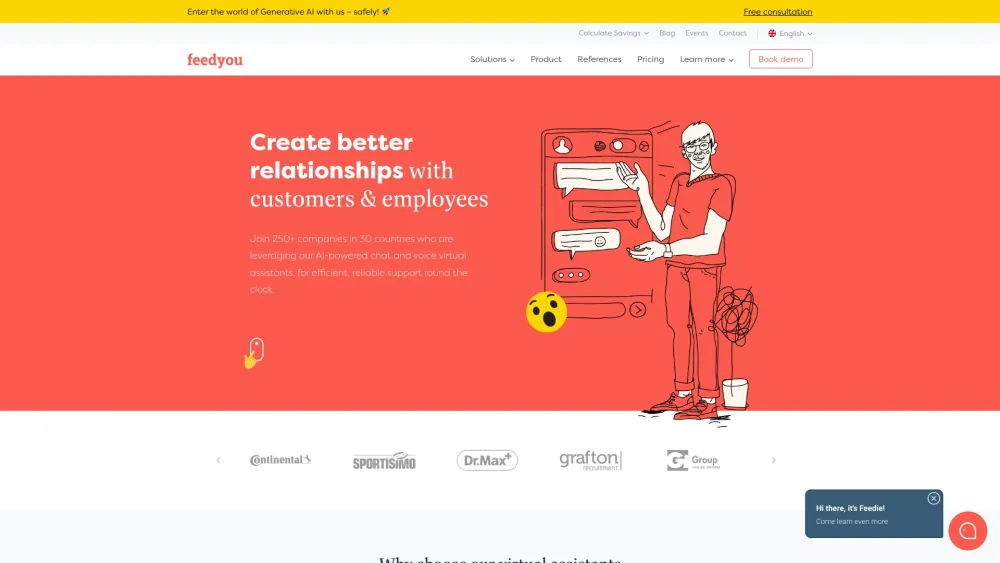
Feedyou: AI-Powered Chat and Voice Virtual Assistants for efficient, reliable customer and employee support. Enhance your service experience with Feedyou.
FAQ
Practical answers to help you take the next step.
Audio tools handle tasks such as transcription, speech synthesis, sound generation and editing. Distinguish converting existing audio from creating a new recording.
Compare recording length, file types, language support and speaker handling. For voice generation, check pronunciation controls and permission to use any reference voice.
Listen for mispronounced names, unnatural pauses, clipped words and noise. For transcripts, compare the text with the recording and correct speaker labels.
Use a short recording with names, numbers and more than one speaker, or a script with difficult pronunciation. Review the exported audio or transcript in full.
TALKR: The no-code platform to create AI virtual assistants & automate conversations effortlessly. Boost productivity with automation today!
Read about TALKRVapi: Rapidly build, test, and deploy voicebots in minutes, not months. Streamline your development process with ease. Try Vapi today!
Read about Vapinodial.io: AI Voicebot for effortless bookings & calls. No coding needed. Set up in seconds for appointments, customer care, rescheduling, & more, all on autopilot.
Read about nodial.ioTeloz is a premier cloud contact center solutions provider that offers top-tier cloud-based communication solutions for businesses. Their services combine messaging, video, and phone with advanced contact center features.
Read about TelozFeedyou: AI-Powered Chat and Voice Virtual Assistants for efficient, reliable customer and employee support. Enhance your service experience with Feedyou.
Read about FeedyouCheck audio format, sample rate, separate tracks, captions and timestamp exports. Confirm that the result works in your editing or accessibility workflow.