AI Chatbot

TALKR

TALKR: The no-code platform to create AI virtual assistants & automate conversations effortlessly. Boost productivity with automation today!

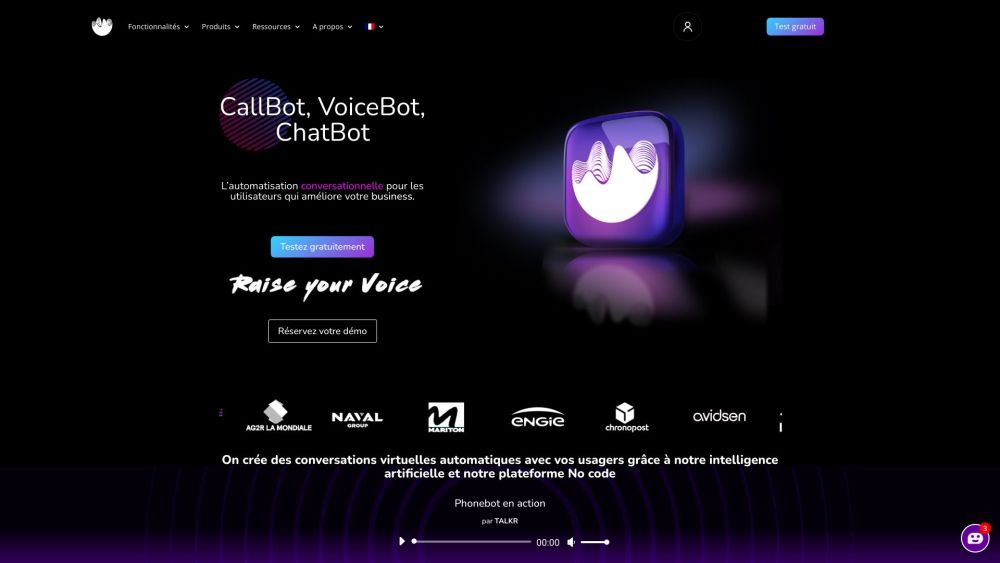
TALKR website preview

TALKR Website screenshot

Introducing TALKR: A No-Code Platform for Virtual Assistant Automation

TALKR is an innovative no-code solution designed to empower businesses in creating omnichannel virtual assistants. Whether you're looking to develop chatbots, callbots, or voicebots, TALKR provides the tools needed to deliver seamless and intelligent customer interactions through AI-powered automation.

Getting Started with TALKR

To begin using TALKR, sign up for a free trial and access the platform. The user-friendly interface and pre-configured templates make it simple to design and deploy your virtual assistants. Customize conversation flows, integrate with existing systems, and launch across multiple channels, including websites, social platforms, phone systems, and voice-enabled devices like Alexa and Google Home.

Key Features of TALKR

No-Code Development

Advanced AI and NLP/NLU (IVY)

Omnichannel Capabilities

ERP and CRM Integration

Customizable Workflows

Real-Time Conversation Analytics

Modular or Complete Automation

Multilingual Support

Voice Biometrics Security

Secure IT and API Integrations

Practical Applications of TALKR

Customer Support Automation

Sales and Lead Qualification

Scheduling and Appointment Management

FAQ and Self-Service Solutions

Order Status and Tracking

Feedback and Survey Collection

Interactive Voice Response Systems

Product source: TALKR official website. Check the provider for current plans, limits and availability.

FAQ

TALKR questions and answers

Product context and practical checks for evaluating TALKR.

What is TALKR used for?

TALKR: The no-code platform to create AI virtual assistants & automate conversations effortlessly. Boost productivity with automation today!

How do I get started with TALKR?

To begin using TALKR, sign up for a free trial and access the platform. The user-friendly interface and pre-configured templates make it simple to design and deploy your virtual assistants. Customize conversation flows, integrate with existing systems, and launch across multiple channels, including websites, social platforms, phone systems, and voice-enabled devices like Alexa and Google Home.

Which capabilities are described for TALKR?

No-Code DevelopmentAdvanced AI and NLP/NLU (IVY)Omnichannel CapabilitiesERP and CRM IntegrationCustomizable WorkflowsReal-Time Conversation AnalyticsModular or Complete AutomationMultilingual SupportVoice Biometrics SecuritySecure IT and API Integrations

What projects can I evaluate TALKR for?

Customer Support AutomationSales and Lead QualificationScheduling and Appointment ManagementFAQ and Self-Service SolutionsOrder Status and TrackingFeedback and Survey CollectionInteractive Voice Response Systems Contact TALKR Support For support, visit the Contact Us page. About TALKR Learn more about TALKR by visiting the About Us page. TALKR Login Access your account: Login here. TALKR Pricing For pricing details, visit the Pricing page. Follow TALKR on Social Media Stay connected with TALKR on social platforms: Facebook: Follow us YouTube: Subscribe LinkedIn: Connect with us Twitter: Follow us Instagram: Follow us WhatsApp: Contact us

What should I compare before choosing a TALKR plan?

For pricing details, visit the Pricing page. Confirm current prices and allowances on the provider’s website before purchasing.

What inputs should I prepare for a TALKR trial?

Compare repository access, context limits, supported languages and tool permissions. Check whether the assistant can read relevant files and run your existing checks.

How can I check the quality of a TALKR result?

Review the diff, run tests and inspect error handling and dependency changes. Generated code should meet the same review standard as a human contribution.

Which export options should I check in TALKR?

Prefer changes you can inspect and keep in version control. Check whether code, tests and configuration can be exported without depending on a hosted preview.

What is a practical way to test TALKR against alternatives?

Choose a small reproducible bug with an existing failing check. Measure whether the tool fixes the cause, preserves behavior and produces a reviewable change.

Where is the official TALKR website?

The website linked from this profile is https://www.talkr.ai. Use the provider’s own documentation, account area and support channels to confirm current product details.

Visit TALKR