AI Chatbot

nodial.io

nodial.io: AI Voicebot for effortless bookings & calls. No coding needed. Set up in seconds for appointments, customer care, rescheduling, & more, all on autopilot.

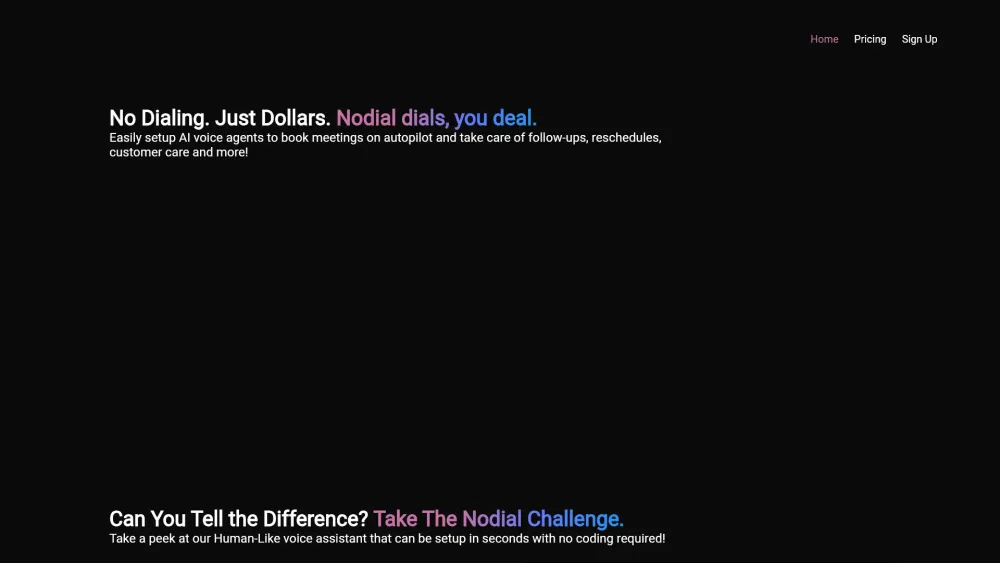
nodial.io website preview

nodial.io Website screenshot

What is nodial.io?

Nodial.io is an AI-powered voicebot designed for managing bookings and calls effortlessly. With no need for coding skills, you can deploy AI voice agents swiftly to handle various tasks such as appointment scheduling, customer support, rescheduling, and more—all fully automated.

How to use nodial.io?

Using nodial.io is simple: set up your AI voice agents without any coding. Automate processes like appointment bookings and customer service to streamline your operations.

nodial.io's Core Features

Automated calls

Appointment scheduling

Customer support

nodial.io's Use Cases

Automated appointment scheduling

Customer service management

Product source: nodial.io official website. Check the provider for current plans, limits and availability.

FAQ

nodial.io questions and answers

Product context and practical checks for evaluating nodial.io.

What is nodial.io used for?

nodial.io: AI Voicebot for effortless bookings & calls. No coding needed. Set up in seconds for appointments, customer care, rescheduling, & more, all on autopilot.

How do I get started with nodial.io?

Using nodial.io is simple: set up your AI voice agents without any coding. Automate processes like appointment bookings and customer service to streamline your operations.

Which capabilities are described for nodial.io?

Automated callsAppointment schedulingCustomer support

What projects can I evaluate nodial.io for?

Automated appointment schedulingCustomer service management

What should I compare before choosing a nodial.io plan?

Check nodial.io’s current pricing page for included usage, renewal terms and any credit charges. Compare the cost of a usable result, including retries, rather than assuming that account registration includes free usage.

What inputs should I prepare for a nodial.io trial?

Compare recording length, file types, language support and speaker handling. For voice generation, check pronunciation controls and permission to use any reference voice.

How can I check the quality of a nodial.io result?

Listen for mispronounced names, unnatural pauses, clipped words and noise. For transcripts, compare the text with the recording and correct speaker labels.

Which export options should I check in nodial.io?

Check audio format, sample rate, separate tracks, captions and timestamp exports. Confirm that the result works in your editing or accessibility workflow.

What is a practical way to test nodial.io against alternatives?

Use a short recording with names, numbers and more than one speaker, or a script with difficult pronunciation. Review the exported audio or transcript in full.

Where is the official nodial.io website?

The website linked from this profile is https://www.promptdodo.com. Use the provider’s own documentation, account area and support channels to confirm current product details.

Visit nodial.io